WordPress Plugin Management at Scale
Most advice on WordPress plugin management starts with the wrong assumption, that keeping everything updated is the job. In practice, the job is governance. Once a portfolio grows beyond a handful of sites, “update all” turns into a release process, a security process, and a business continuity process at the same time.
That matters because the risk is concentrated where groups least want to look. In one empirical study, 92% of vulnerabilities identified in WordPress websites were attributed to third-party plugins rather than WordPress core. The same research also found recurring issue classes like cross-site scripting at 37% and SQL injection at 20%, which is exactly why plugin handling stops being a maintenance task and becomes an operational discipline built around inventory, compatibility checks, update priority, backups, and rollback.
Table of Contents
- The Reality of WordPress Plugin Management
- Treating Extensions as a Supply Chain Risk
- Building a Staged Update and Rollback Workflow
- Governing Exceptions and Unpatched Vulnerabilities
- Eliminating Plugin Fatigue with a Managed DXP
- Next Steps for Agencies and Systems Integrators
The Reality of WordPress Plugin Management
WordPress plugin management is not about keeping a dashboard tidy. At scale, it is about deciding which site can absorb change, which one can't, and who owns the consequences when an update breaks revenue flow.
The real bottleneck is not the update button
The usual advice says to update promptly. That advice falls apart when a team manages many client sites, each with its own theme stack, checkout flow, forms, integrations, and release windows. A portfolio can't be treated like a single blog with a single owner and a single risk profile.
A second study covering 1,657 plugins and 2,629 vulnerabilities found that about 5% of plugins had been vulnerable at some point, and about 26% of affected plugins had experienced multiple vulnerabilities. It also found that plugins deployed on more than 100,000 websites had a substantially higher probability of repeated vulnerabilities than plugins with fewer than 100 installations. Those are the conditions that make blanket update rules unsafe, because popularity can increase exposure rather than reduce it.
Practical rule: if a plugin touches checkout, authentication, or lead capture, treat the update like a release, not a background task.
Why “update everything” fails in the field
The failure mode is usually not one dramatic exploit. It's accumulated risk, a plugin no one owns, an update skipped because of a campaign launch, a rollback that was never tested, and a backup that exists but hasn't been restored in anger. Teams discover the problem only after a breakage or incident forces a decision.
That's why a governed model matters more than a fast one. A working process starts with inventory, then asks which plugins are business-critical, which have raised permissions, which touch customer data, and which are exposed to the public web. Without that classification, the portfolio can't be patched intelligently.
For teams that also care about content operations and SEO, the same discipline applies to the CMS layer itself. A useful reference point is the broader discussion of CMS with SEO, because plugin sprawl often creates the very content and performance problems that later get blamed on “the website.”
Treating Extensions as a Supply Chain Risk
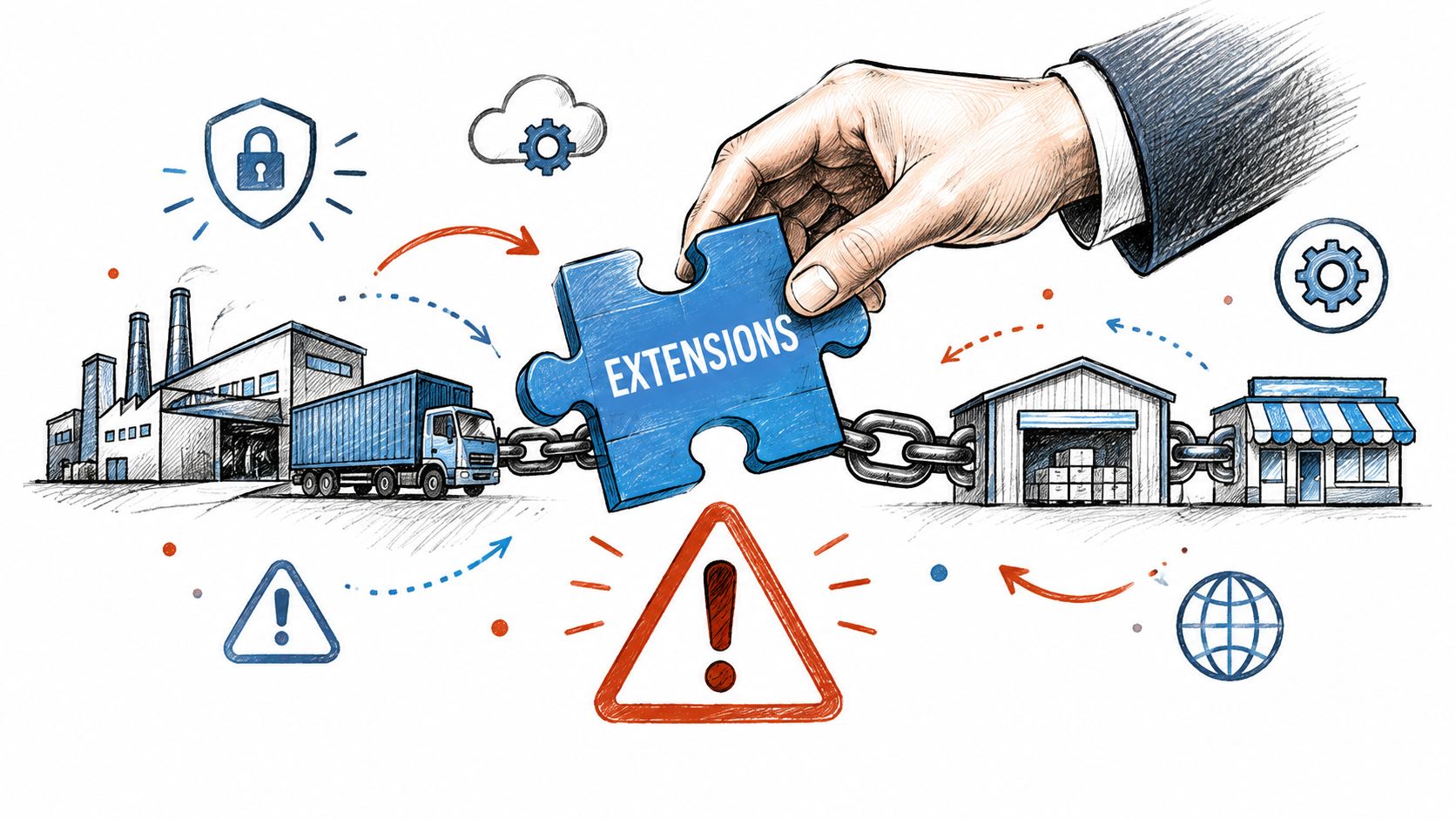
Every plugin is a dependency outside direct control. WebinOne's operating view is that third-party extensions belong in the same risk conversation as vendor software, because trust at install time does not guarantee trust later.
Why initial vetting is not enough
A plugin can be legitimate on day one and dangerous later. Large-scale research into WordPress plugin infections over an eight-year period beginning in 2012 identified 47,337 malicious plugins across 24,931 unique WordPress websites. Every compromised website in that dataset contained at least two infected plugins, and 94% of the malicious plugins remained actively infected at the time of the study.
That changes the mental model. The risk is not only “did we install something bad,” it's “did a trusted component become hostile after deployment.” More than 40,000 plugins in that study were found to have become infected after deployment, which means the security boundary is not the original approval event. It is the entire lifecycle after activation.
For teams managing a fleet, that is a supply-chain problem. Provenance checks, vendor monitoring, least-privilege access, and integrity validation matter because compromise can appear after the fact and spread across multiple sites.
If a team needs a broader framework for dependency management across site features, the discussion of third party integrations is useful because the same operational logic applies. Anything external that can alter behavior, data flow, or permissions belongs under active governance.
The hidden cost of plugin sprawl
Sprawl creates a false sense of convenience. The site feels flexible, but every extra extension adds another update path, another support relationship, and another possible conflict. One unmanaged plugin can break a form, delay an order, or block a release window.
A plugin that was safe six months ago can become the reason a client site needs emergency intervention today.
That is why portfolio operators need centralized approval, staged deployment, and clear ownership for every extension. The main objective is not to eliminate all plugins. It is to stop letting unknown dependencies accumulate until the site becomes ungovernable.
The internal guidance on backing up a WordPress website fits here because supply-chain risk is only manageable when rollback is real, not theoretical.
Building a Staged Update and Rollback Workflow
The safest plugin update is the one that never reaches production without proof. WebinOne's operating stance is simple, production comes last, staging comes first, and rollback is part of the change, not an optional extra.
A workflow that actually holds up
Start by classifying every plugin by business impact. Separate low-risk utilities from anything that affects authentication, commerce, forms, membership, search, or integrations. Then check vendor status, vulnerability notices, and dependency conflicts before any code moves.
A practical sequence looks like this:
- Inventory every plugin and version. Unknown extensions are unmanaged risk.
- Classify criticality and access. A plugin with admin privileges needs more scrutiny than one used for a decorative feature.
- Test in a production-like staging environment. The point is to surface conflicts before customers do.
- Run functional regression checks. Forms, checkout, login, search, integration handoffs, and performance need to work together.
- Create a verified rollback point. A backup is only useful if restoration has been validated.
- Deploy in a monitored window. The update should happen when the team can still react.
- Document the result. Every update should leave a record of what changed and what was observed.
What to do when the updater fails
WordPress's built-in updater can handle some failure conditions, including maintenance mode and fatal-error detection, but the developer documentation is clear that the previously installed version may not be restorable. That means automatic updating is not the same thing as safe recovery.
The operational answer is to treat failed updates as release incidents. Capture logs, identify compatibility dependencies, restore the last known-good version, and test again against the current WordPress and PHP matrix before retrying. If the backup can't be independently restored, it doesn't count as a recovery plan.
Best practice: never let “successful update” mean “we haven't checked the site yet.”
A further complication is selective automation. Plugins in the WordPress.org repository can be configured to update automatically, while plugins obtained directly from developers or third-party marketplaces may not support the same mechanism. That makes mixed portfolios harder to govern, because one policy won't fit every extension type.
Governing Exceptions and Unpatched Vulnerabilities
The hardest operational moment is not the update. It is the exception. A portfolio behaves like a mature service only when the team has a documented response for the cases where a plugin has no patch, a patch is delayed, or the patch threatens business logic.
Exception handling should be explicit
A defensible process starts with identifying the affected sites and data flows. Once the blast radius is known, the team can decide whether to disable a feature, restrict permissions, apply a web application rule, or temporarily replace the plugin until a safe fix exists.
The point is not to assume the risk has gone away. The point is to reduce exposure while the vendor catches up or the affected component is retired. Client stakeholders also need a clear record of the residual risk and the reason the exception exists.
| Vulnerability State | Compensating Control | Client Action Required |
|---|---|---|
| Patch available, update not yet tested | Stage, validate, then deploy in a maintenance window | Approve the release window |
| No patch available | Disable the exposed feature, restrict access, or replace the plugin temporarily | Accept a documented exception |
| Update breaks a critical workflow | Roll back to the last known-good version, then retest in staging | Review the rollback decision |
| Unsupported plugin remains in production | Remove or replace the component and record the owner | Sign off on retirement |
Measurable governance beats hope
Current vulnerability disclosure makes continuous review the only sensible posture. Analysts at the WPScan Vulnerability Database reported that in the first half of 2025, 6,700 WordPress vulnerabilities were reported, 41.5% were classified as exploitable in real life, and plugins accounted for 89% of disclosures. The same report said affected reports represented 56,058,527 active installs in aggregate, averaging 16,338 active installs per affected component. The practical conclusion is simple. Exception handling cannot be rare or ad hoc.
A useful operating benchmark is full inventory reconciliation, full staging validation for business-critical plugins, and a documented exception for every delayed update. Teams should track mean time to remediate, unsupported-plugin exposure, failed-update rate, rollback frequency, and time to restore service.
The first half of 2025 also showed why CVSS alone is insufficient. A score does not tell the full story when a plugin affects checkout, access control, or a revenue workflow. Real-world exploitability and business criticality need to be measured together, not separately.
Eliminating Plugin Fatigue with a Managed DXP

Plugin fatigue is usually a platform design problem, not a patching problem. Once a portfolio depends on constant extension triage, the fix is to reduce the number of third-party moving parts.
Fewer dependencies, fewer failure modes
The strategic answer is a managed platform with native capabilities, rather than a stack that needs constant external patching to stay usable. WebinOne is built around that model, with CMS, ecommerce, CRM, email marketing, and multi-site management in one managed system. It also keeps native extensions inside the platform instead of spreading functions across a long list of third-party plugins. For the criteria that matter at scale, see our analysis of what makes a good digital experience platform.
That matters because each added extension creates more compatibility testing, update sequencing, and incident handling. A managed DXP cuts a large part of that load by centralizing the functions teams keep rebuilding on fragmented stacks.
The shift is not only technical. It changes where agency time goes. Instead of spending release windows on patch triage, teams can use them for client strategy, content improvement, governance, and higher-value delivery.
Why managed uptime and AWS delivery matter
WebinOne is an AWS Partner that has passed the AWS Foundational Technical Review, holds the AWS Qualified Software designation, and delivers 99.99% uptime with a 99.95% availability commitment in the published SLA. That is the operating baseline agencies and integrators need when they stop acting like a patch desk and start acting like a service owner.
The broader platform position matters for scale too. WebinOne runs on AWS across 6 global regions, with selectable data residency and deployment options for qualifying projects by agreement. For portfolio operators, that means governance can sit alongside infrastructure discipline instead of being layered onto a fragile plugin stack.
The goal is not to make patching slightly easier. The goal is to make recurring plugin patching less central to the business.
Next Steps for Agencies and Systems Integrators
The next step depends on the business model. Agencies usually need a white-label path that protects margin. Systems integrators usually need a delivery path that handles migrations, client approvals, and complex hosting requirements.
For agencies
The practical move is to shift from site-by-site rescue work to a repeatable managed offer. A white-label reseller program lets an agency consolidate client billing, brand the platform as its own, and reduce the amount of time spent on plugin triage and maintenance conversations.
That is where margin improves. Fewer emergency fixes, fewer compatibility surprises, and fewer “why did the site break after this update” calls mean more time for retained work, site growth, and higher-value client outcomes. The right next step is a conversation about the WebinOne reseller program or a demo with an existing partner.
For systems integrators, AWS partners, and enterprise teams
The right move is a migration and partnership discussion, not another round of patching negotiations. For complex estates, the issue is usually not a single plugin. It's the operating burden of maintaining a stack that now takes too much effort to defend and too much time to change.
WebinOne supports enterprise conversations about partnership, migration, and licensed deployments, including projects that need to run in the customer's own AWS account by agreement. That makes it a fit for portfolio rescue, multi-site governance, and regulated or high-control environments where the operating model matters as much as the code.
If plugin patching has turned into a permanent queue, the better move is to change the operating model, not just the calendar. WebinOne helps agencies and systems integrators move portfolios onto a managed platform built to reduce extension risk, centralize governance, and stop the same incidents from coming back. Visit WebinOne to start a conversation about the right path for your portfolio.