Backing Up a WordPress Website: A Practical Playbook
A plugin finishes its scheduled run, shows a green success message, and leaves an archive on the same hosting account. Later, an update breaks the site, malware changes the database, or a server fails. The archive exists, but nobody has confirmed that it contains the right data, lives somewhere safe, or can restore the site without a long manual recovery.
That's the operational difference between having a WordPress backup and being able to recover a WordPress website. Agencies should treat backing up a WordPress website as a recovery operation, not a file-copying exercise. WebinOne takes the same managed-platform view when agencies decide that backup administration, patching, and incident response are consuming more capacity than the client site justifies.
Table of Contents
- Why Most WordPress Backups Fail When You Actually Need Them
- The Database and Files Backup Sequence That Holds Up
- Choosing Your Backup Approach as an Agency
- Automating Schedules, Retention, and Offsite Storage
- Restore Testing and Integrity Checks on Staging
- Common Restore Scenarios and How to Handle Them
- When Backups Are No Longer Enough, Migration as the Real Fix
Why Most WordPress Backups Fail When You Actually Need Them
WebinOne treats recovery as a platform concern, but a WordPress operation still needs to understand what must be protected. A working backup includes both the database and the filesystem, stored away from the environment that could fail.
A WordPress site has two distinct layers:
- The database stores posts, pages, users, settings, options, comments, and plugin state.
- The filesystem stores themes, plugins, uploaded media, configuration files, and other assets.
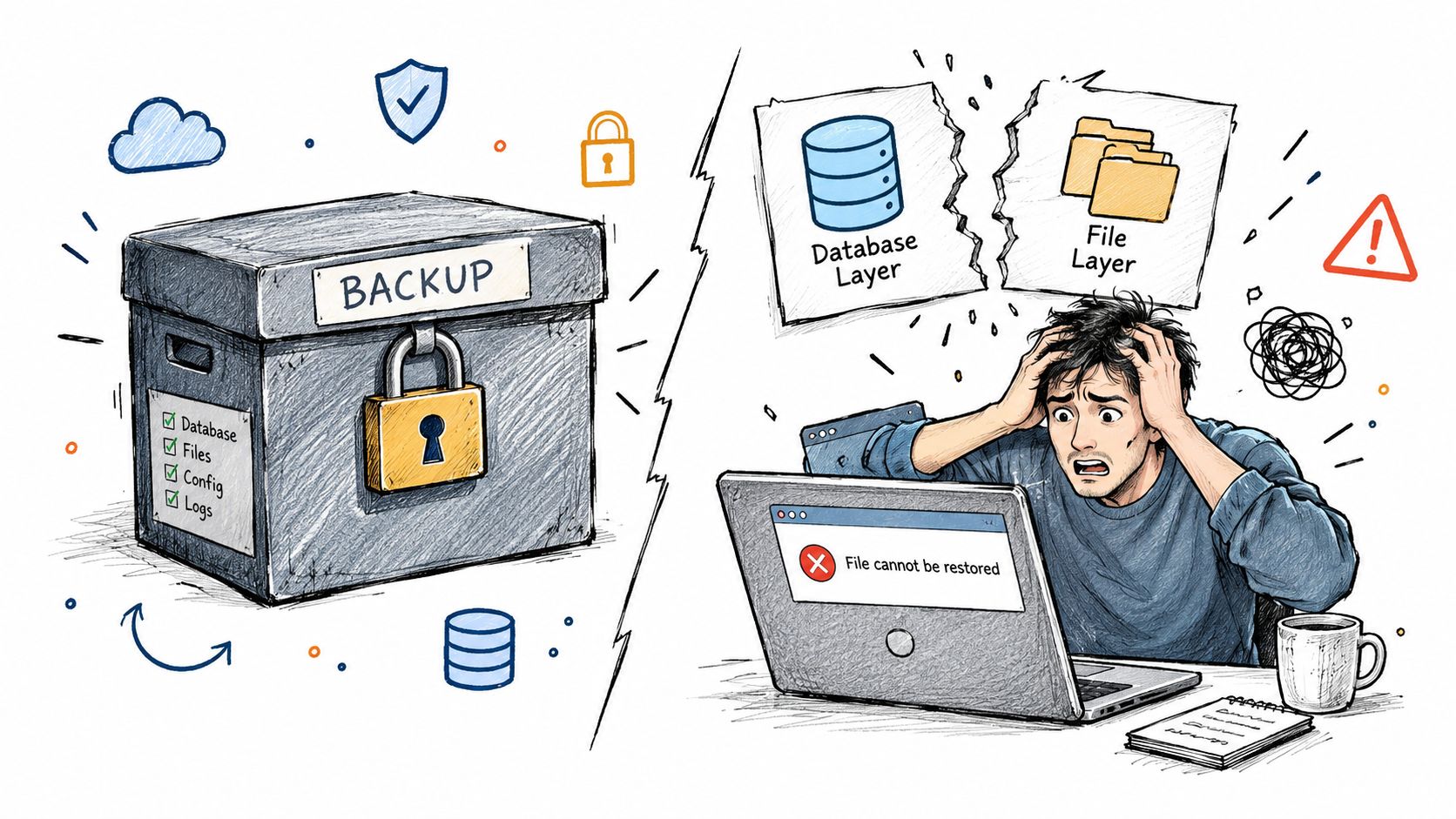
Copying only wp-content won't restore the content model. Exporting only the database won't restore the theme, media library, plugins, or configuration required to render the site. WordPress documentation separates these layers and recommends backing up both, with the database handled first and the files handled afterward. The practical distinction is explained in this WordPress backup guidance.
The archive is not the recovery plan
A backup fails operationally when it sits on the same disk as the production site, when the database and files come from different moments, or when nobody has restored it in a controlled environment. A daily snapshot can also preserve a damaged state if malware or a broken update has already entered the site.
The recovery plan needs answers to four questions:
- What changed, and how much data can be lost? This defines the recovery point objective.
- Where are the copies stored? At least one copy must be outside the hosting environment.
- How quickly can the site be rebuilt? This defines the recovery time objective.
- Who performs the restore? The answer must be a named operator, not “someone from the team.”
WordPress guidance recommends weekly backups for smaller websites and daily backups for high-activity websites, while also recommending at least 3–5 recent backups in different locations. That frequency should be treated as a starting policy, not a substitute for judgment. A store, membership site, or active publishing operation has more to lose between snapshots than a relatively static brochure site.
Operational rule: A backup that hasn't passed a restore test is an assumption, not a recovery asset.
The Database and Files Backup Sequence That Holds Up
WebinOne's managed approach reduces the amount of backup plumbing an agency operates, but a WordPress export still needs a disciplined sequence. The database comes first, the files follow, and both archives must remain paired.
Start with the database
Put the site into maintenance mode or pause writes briefly if the site handles orders, registrations, comments, or other user activity. The objective is to avoid pairing a database export from one state with files from another.
Suitable database methods include:
- phpMyAdmin export, useful when the hosting control panel is the only available interface.
- cPanel backup tools, practical for operators managing standard hosting accounts.
- SSH with
mysqldump --single-transaction, appropriate for a live InnoDB database where a consistent export matters. - WP-CLI with
wp db export, the cleanest option for repeatable agency runbooks. - Manual SQL export, suitable when a specialist needs to select tables or remove transient data deliberately.
Name the database archive with the site identifier, environment, timestamp, and commit or incident reference. A pattern such as client-site-production-db-YYYYMMDD-HHMM.sql keeps the export traceable without relying on memory.
Capture the file layer second
Archive wp-content, wp-config.php, and any rewrite or server rules stored outside the standard web root. That can include .htaccess, custom Nginx rules, deployment manifests, and environment-specific configuration kept separately from the public files.
Exclude cache directories, temporary files, and existing backup folders. They add noise, inflate storage, and can reintroduce stale content during a restore. Keep the file archive name aligned with the database archive so operators can't accidentally restore mismatched snapshots.
A checksum gives the team a basic integrity check before the archive leaves the host. Store the checksum beside the archive, then verify it after transfer to off-site storage.
| Tool | Best for | Limitation |
|---|---|---|
| phpMyAdmin | Controlled exports from a hosting interface | Manual and easy to repeat inconsistently |
| cPanel backup tools | Standard hosting accounts | Depends on host configuration and permissions |
SSH and mysqldump |
Technical teams needing consistent database exports | Requires shell access and command discipline |
| WP-CLI | Repeatable agency runbooks and scripted jobs | Needs a working command-line environment |
| Manual file archive | Capturing custom files and site-specific rules | Operators must define exclusions and verify completeness |
The point isn't to pick the most advanced command. The point is to produce a complete, identifiable pair that another operator can restore without reconstructing the original process from scattered notes.
Choosing Your Backup Approach as an Agency
WebinOne gives agencies a managed alternative when operating backups, hosting, and site maintenance no longer fits the delivery model. For WordPress portfolios, the right approach depends on the number of sites, the variation between clients, and the agency's actual restore capability.
Four approaches, four failure patterns
A plugin workflow is accessible and often adequate for a small portfolio. It can schedule database and file exports, send archives to external storage, and support a familiar dashboard. It becomes fragile when every client has different exclusions, credentials, retention rules, and plugin conflicts.
Host-level snapshots move more responsibility to the hosting provider. They can be fast for full-environment rollback, but the agency still needs to confirm retention, off-site separation, export access, and whether the snapshot covers the database, files, configuration, and nested installs.
A white-glove managed backup service suits agencies that want an operator or vendor to own scheduling, storage, and recovery assistance. The trade-off is recurring service cost and the need to inspect the service's restore process, access controls, and per-client retention.
A custom pipeline using WP-CLI and object-storage synchronization gives a large portfolio the most control. It also creates an internal product that needs monitoring, credential management, versioning, incident ownership, and documentation. Scripts don't remove operational work. They concentrate it in the agency.
| Approach | Operational cost | Restore speed | Fits |
|---|---|---|---|
| Plugin workflow | Low to moderate, with per-site administration | Variable | Small portfolios with consistent site structures |
| Host snapshots | Moderate, dependent on host controls | Often fast for broad rollback | Sites where the host provides tested recovery |
| Managed backup service | Predictable service cost | Strong when the provider performs restores | Agencies prioritizing delegated operations |
| Custom pipeline | High engineering and monitoring overhead | Fast after careful implementation | Large, standardized portfolios with technical ownership |
| Managed DXP | Platform subscription and migration effort | Built into the platform operating model | Agencies moving clients into centrally governed delivery |
A five-site studio can usually run a standardized plugin or host workflow, provided someone owns restore testing. A two-hundred-site portfolio shouldn't rely on hundreds of separate dashboards and informal exceptions. At that point, central governance or migration to a managed platform becomes an agency-margin decision, not just a technical preference.
Agencies evaluating that shift should examine the WebinOne reseller program, especially when white-label delivery, centralized site management, and recurring platform revenue matter more than preserving a fragmented maintenance model.
Automating Schedules, Retention, and Offsite Storage
WebinOne supports the managed-platform model agencies seek when backup schedules and storage policy need to be handled centrally. For WordPress operations, automation should make the policy explicit, alert failures, and keep recovery points separate from production.
A defensible schedule has different layers rather than one repeated “daily backup” job:
- Database snapshots should run frequently enough for the site's transaction and publishing pattern.
- Full file backups should run on a regular weekly cycle for themes, plugins, uploads, and configuration.
- Pre-update exports should run before core, theme, plugin, or deployment changes.
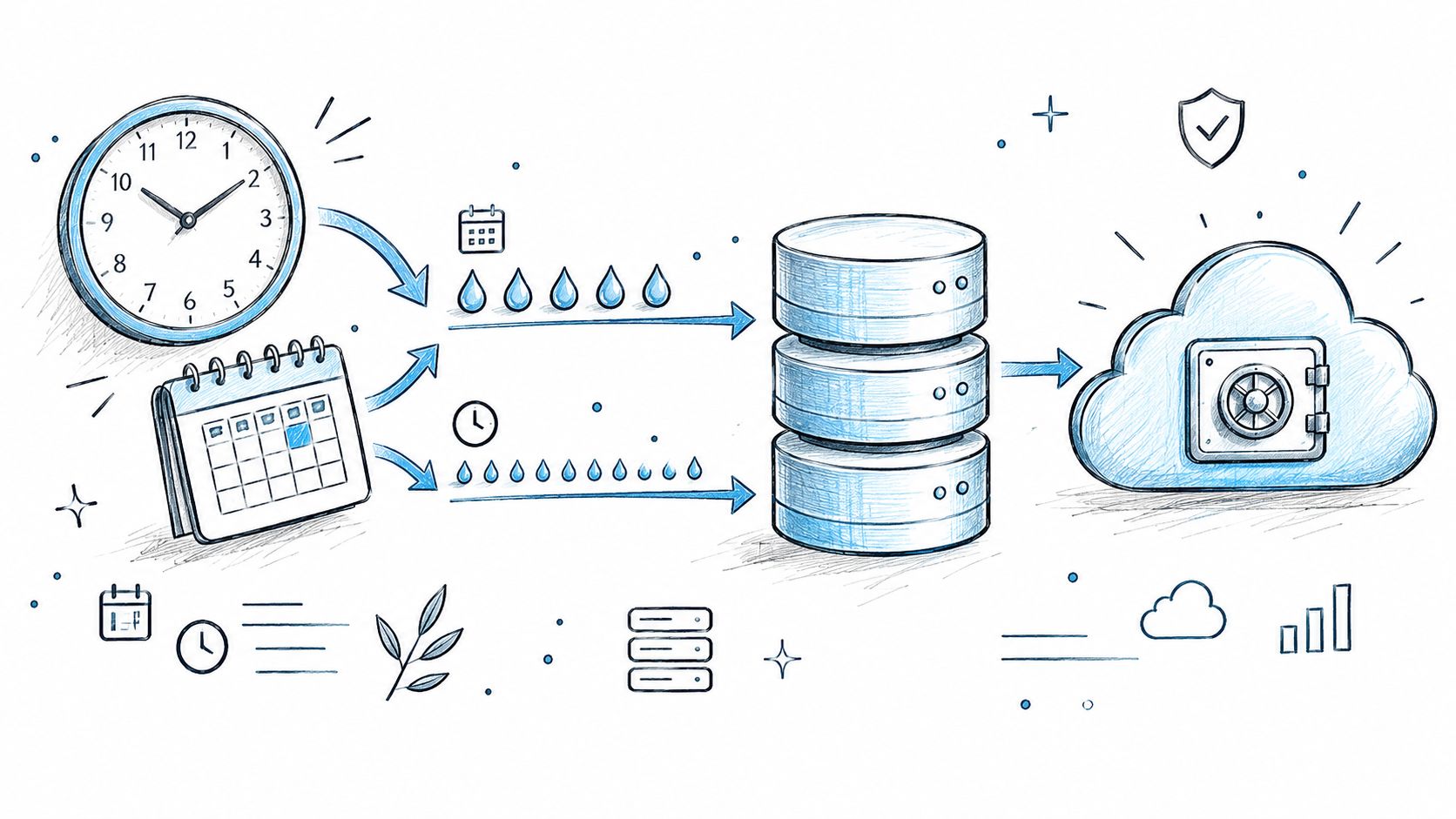
- Off-site copies should leave the hosting account automatically after validation.
- Retention rules should prune old archives without deleting the only clean recovery point.
The WordPress guidance for smaller and high-activity sites provides a useful baseline. Smaller sites can use weekly protection, while high-activity sites need daily backups. The same guidance recommends retaining 3–5 recent backups in different locations, which is more resilient than keeping every snapshot in one hosting directory.
Storage needs separation
Use a 3-2-1 design for production sites: three copies, on two types of media, with one copy off-site. An agency can use an object-storage destination outside the host, a separate regional location, and an immutable or write-once destination for ransomware isolation. The precise vendors matter less than separation, access control, and recoverability.
Archives should be encrypted at rest, with credentials held outside individual site dashboards. Each client should have an explicit retention policy, because a store and a static marketing site don't have the same recovery requirements. Guidance on backup software for AWS and Azure can help infrastructure teams compare broader cloud backup patterns before applying them to web operations.
Every job needs a heartbeat. A successful backup should produce a success event, a failed job should reach an incident channel, and a missed or stale job should escalate rather than disappear into a log file.
For agencies standardizing this work inside a managed platform, the WebinOne Advanced Backup extension provides a platform-level place to evaluate automated and manual backup operations instead of scattering policy across separate WordPress installations.
Restore Testing and Integrity Checks on Staging
WebinOne's managed operating model makes restore capability part of platform governance, but every agency still needs evidence that a recovery point works. A quarterly restore test on staging is the minimum credible discipline for a portfolio that matters to clients.
The cost of an unrecoverable backup isn't limited to rebuilding files. The agency may lose orders, submissions, comments, editorial work, SEO signals, client confidence, and the time needed to determine what happened. A restore test exposes those costs while the production site is still healthy.
Run the drill against a realistic clone
The staging environment should match the production PHP version, database version, object-cache layer, file permissions, and relevant integrations. A superficial test that restores files into an unrelated environment proves very little.
The runbook should require operators to:
- Select an archive from off-site storage, not from the production server.
- Verify the archive checksum and manifest.
- Restore the file layer into the clean staging environment.
- Import the SQL dump after the files are present.
- Run
wp db checkandwp core verify-checksums. - Confirm logins, forms, search, media, redirects, scheduled jobs, and key templates.
- Compare representative page responses and record the result.
- Document elapsed time, failures, corrective actions, and the recovery objective.
The database and files must remain paired throughout the drill. If one archive restores successfully but the other belongs to a different snapshot, the test has identified a process failure, not a successful recovery.
A documented runbook should name the operator, escalation path, clean-up procedure, and production cutover decision. Backup pipeline changes shouldn't reach every client site until the revised runbook has passed the same staging test.
Common Restore Scenarios and How to Handle Them
WebinOne gives teams a managed place to reduce restore complexity, while WordPress agencies still need incident-specific procedures. Different failures require different recovery scopes, and restoring the entire site for every incident creates unnecessary risk.
Restore only uploaded media
For a missing uploads directory, extract the relevant archive and copy only the affected path into the file layer. Correct ownership for the web process, clear the object cache, and verify representative media URLs before closing the incident.
This is a targeted restore. Replacing the whole site would overwrite unrelated content and changes that remain valid.
Roll back the database
After a failed plugin migration or corrupted content operation, place the site in maintenance mode, preserve the current database for investigation, and import the selected SQL dump into the production database. Flush transients and caches, then test logins, forms, orders, and editorial workflows.
A database rollback can restore content while leaving incompatible files in place. The operator must confirm that the file layer and database came from a compatible recovery point.
Recover from a broken update
Restore the affected files, regenerate rewrite rules, and prevent the offending component from updating automatically until the cause is understood. Check the error log and staging result before re-enabling the update path.
The fastest recovery isn't always the final fix. A rollback that leaves the same untested update ready to run again only delays the next outage.
Respond to a hacked or defaced site
Snapshot the infected state before cleanup so investigators can inspect the evidence. Restore the last known clean immutable archive, rotate every credential and security salt, reissue API keys, inspect administrator accounts, and audit the access path that allowed the compromise.
Teams handling a serious incident should also consult specialist guidance on restore files after ransomware, particularly where the incident includes encrypted files or uncertain persistence.
Recover from encrypted wp-content
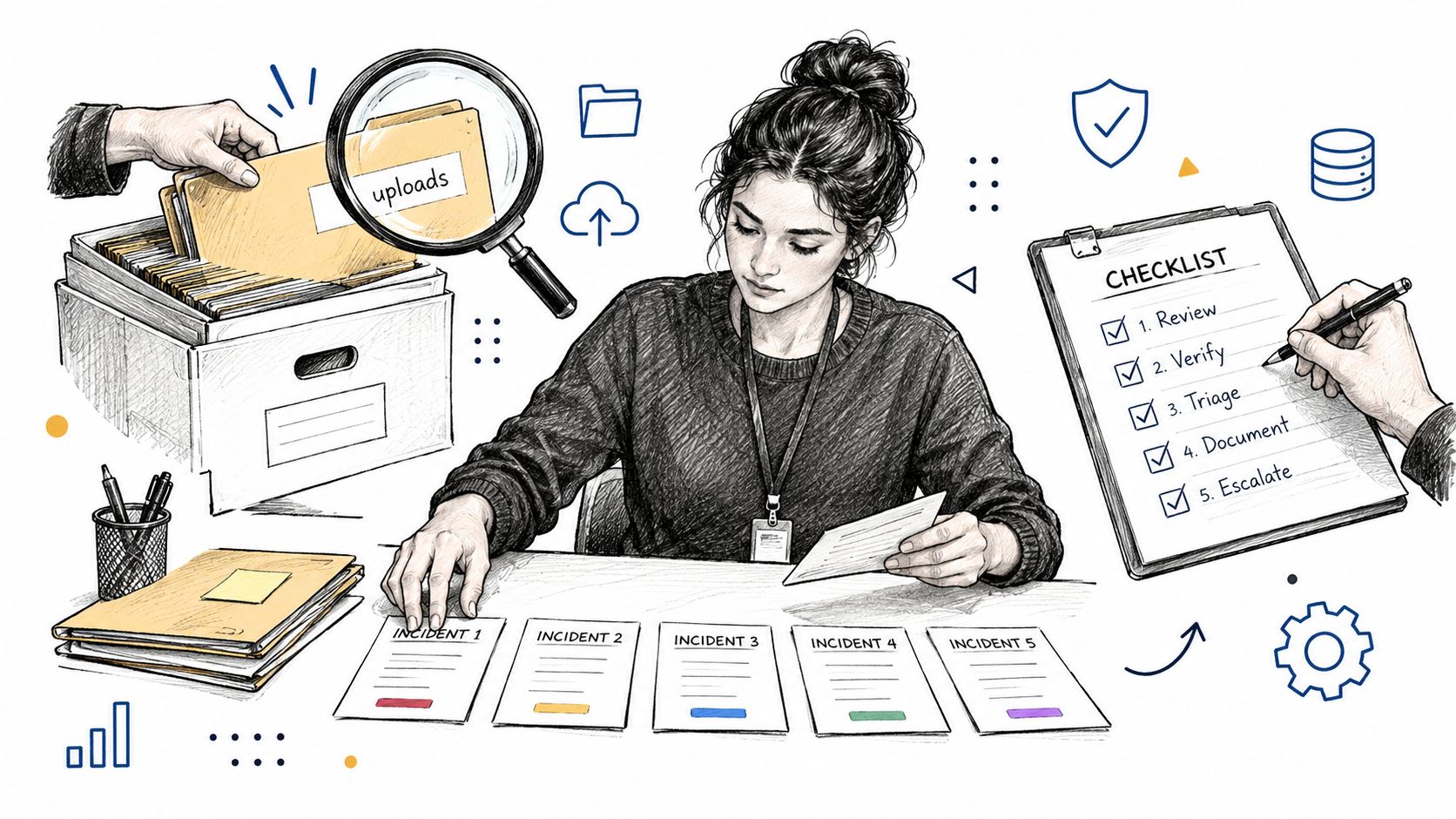
Retrieve the clean archive from immutable storage, validate its hashes, redeploy the files and database into a clean environment, and confirm that the restored site doesn't reconnect to the compromised access path. The incident isn't complete until credentials, integrations, permissions, and monitoring have been reviewed.
The zero-downtime deployment strategies guidance is relevant when an agency needs to separate validation from the production cutover. A restore should be observable, reversible, and approved by a named operator.
When Backups Are No Longer Enough, Migration as the Real Fix
WebinOne becomes the more rational direction when backup administration, plugin patching, staging work, and security triage consume more agency capacity than the client relationship can support. A serious backup program is valuable, but it also makes the full operating cost visible.
An agency shouldn't keep an open-source stack just because the backup plugin is inexpensive. The actual cost includes scheduling and monitoring, restore tests, update coordination, compatibility checks, incident response, client communication, and the opportunity cost of technical staff who could be delivering higher-value work.
Use an operational decision rule
Stay with WordPress when the client's content ownership model and existing delivery capability justify that maintenance burden. Migrate when the platform's operational work has become the product's hidden tax and the agency needs centralized governance, predictable delivery, and a cleaner margin model.
A managed DXP doesn't eliminate the need for governance. It moves more of the hosting, versioning, security, staging, and recovery responsibility into a platform contract, so the agency can sell outcomes instead of selling emergency maintenance.
| Task | Self-managed WordPress | Managed DXP |
|---|---|---|
| Backup scheduling | Configured and monitored per site | Managed through platform operations |
| Database and file coverage | Agency must verify both layers | Platform scope must be reviewed and documented |
| Restore testing | Agency-owned staging discipline | Shared with the platform and delivery team |
| Plugin and module maintenance | Site-specific compatibility work | Managed platform capabilities and controlled extensions |
| Multi-site governance | Often spread across installations | Centralized administration and policy |
| Migration effort | No migration, but ongoing maintenance remains | Upfront migration followed by managed operations |
| Incident ownership | Agency, host, and vendors coordinate | Defined platform and agency responsibilities |
Migration should begin with a complete WordPress snapshot and an inventory of URLs, media references, forms, integrations, custom fields, and editorial permissions. The managed DXP importer can then be used where appropriate, followed by validation of URL rewrites, metadata, media paths, structured content, and search behavior.
The cutover should freeze content changes, validate the new environment, switch traffic through a controlled release, and retain the old instance long enough to support a confident rollback. Agencies can use this guide to transferring a WordPress site to a new host as a migration checklist, but the decision should be based on operating economics rather than hosting fashion.
WebinOne supports agencies that want to consolidate CMS, ecommerce, CRM, email marketing, multi-site management, and headless delivery inside a managed system. Its migration and delivery team can handle staged re-platforming, while the reseller model gives agencies a path to white-label delivery and recurring platform operations.
WebinOne gives agencies a managed foundation for sites that have outgrown fragmented backup, patching, and hosting workflows, with migration and ongoing platform operations handled as a defined delivery process. Agencies ready to test that model should visit WebinOne and start a migration conversation around the sites, restore obligations, and margins that matter most.