Sitecore Migration Playbook: Assess, Map, Cut Over Safely
The migration date is on the project plan, the content export looks manageable, and the unresolved questions are somewhere else: a form that routes leads differently by region, an undocumented scheduled job, and redirects nobody owns. The enterprise buyer wants a delivery date. The integrator needs to know which business capabilities must still work when the old environment disappears.
A Sitecore migration is a transfer of capabilities and operational ownership, not a content-moving exercise. The cutover should be the smallest risk because the difficult decisions have already been made, tested and signed off. Moving pages without resolving those decisions only gives the same uncertainty a new address.
Table of Contents
- The Sitecore Migration Playbook at a Glance
- Assess the Estate, Set the Deadline and Pick the Target
- Map Content, Data and Capabilities Before Any Build
- Replace Custom Modules Instead of Porting Them
- Test in Staging Against a Validation Gate
- Cut Over With Zero Downtime and a Rollback Path
- Hand Over Operations and Confirm the Scope With WebinOne
The Sitecore Migration Playbook at a Glance
A Sitecore migration to WebinOne runs through six phases, each closing on an exit gate that the next phase depends on. The gate is evidence that a named owner accepts the result, not a percentage-complete estimate.
Sitecore migration phases, outputs and exit gates
| Phase | Output | Exit gate | Common failure |
|---|---|---|---|
| Assessment | Inventory of content, code, integrations, analytics and support dates | Go or no-go with a chosen target model | Integrations and custom code missing from the inventory |
| Content and data mapping | Field-level map and a keep, merge or retire decision for each content type | Reconciliation counts agree with the source and approved retirement decisions | Forms, media references and URLs lost in transfer |
| Custom module replacement | Rebuilt modules or documented retirement decisions | Each module has an owner and a replacement or retirement | Old code ported across unchanged |
| Staging and testing | Pilot results, repeated reconciliation, load, security, accessibility and SEO tests | Validation gate signed by the business owner | Only page rendering checked, journeys untested |
| Zero-downtime cutover | Staged switch of content, presentation and request routing | Production monitoring stable through the agreed window | One large switch with no fallback |
| Rollback and operational handover | Rollback runbook, post-launch owners and monitoring | Owners accept operations, redirects and SEO monitoring | Nobody owns redirects or analytics after launch |
Make completion a decision
Assessment establishes what the business is buying and who can accept it. Mapping turns that scope into transfer rules. Module replacement resolves behavior that a content import can't preserve.
Staging then tests the assembled service rather than isolated deliverables. Cutover exposes that service to production traffic, while handover establishes who responds when normal publishing and operational changes begin.
The calendar still matters. Each gate needs a due date, an accountable approver and an escalation route when evidence is missing. But a deadline doesn't turn an untested integration into an accepted one.
Day-one rule: No build starts until assessment has produced a target model, a dated support deadline and a named owner for every capability in the estate.
For an agency or integrator, these gates also protect commercial scope. A request to preserve an undocumented capability becomes an explicit decision about acceptance criteria, effort and ownership, rather than an invisible addition to a fixed migration fee.
Assess the Estate, Set the Deadline and Pick the Target
WebinOne becomes the target only after the estate is inventoried and the support deadline is fixed. Assessment must establish both the technical boundary and the operating responsibility the client intends to retain.

Work backward from the actual support date
The Sitecore support lifecycle provides up to eight years of support from general availability across mainstream, extended and sustaining stages; for Sitecore 9.1, sustaining support is scheduled to end on December 31, 2026. A version number alone isn't a deadline: the project record needs the exact release, applicable support stage and date confirmed against the published schedule.
Work backward from that boundary. Reserve time for discovery, replacement development, business acceptance, production observation and source-environment retirement. Don't allocate every available day to building and leave acceptance dependent on an immediate sign-off.
The estate register should include:
- Executable dependencies: Custom code, integrations, scheduled jobs, deployment automation and external services.
- Data responsibilities: Content databases, analytics history, personal information, retention requirements and export obligations.
- Operational controls: Environments, access permissions, security controls, certificates and recovery procedures.
- Business accountability: The owner who uses each capability and the person authorized to approve its replacement or retirement.
Choose the operating boundary
Target models for a Sitecore migration
| Target model | Who operates it | Where it runs | Best fit |
|---|---|---|---|
| Managed WebinOne platform | WebinOne, with TeamOne managed operations | WebinOne's AWS account, across 6 AWS regions with selectable data residency | Agencies and enterprises wanting one platform, one SLA and no hosting stack to run |
| Licensed deployment in an SI's AWS account | The qualifying systems integrator | The SI's AWS account, by agreement | Integrators retaining the client relationship and their own AWS footprint |
| Licensed deployment in the client's AWS account | The client's operators, with SI support | The client's AWS account, by agreement | Clients whose security policy requires their own account |
| AWS GovCloud project | SI partner delivering with WebinOne through a licensed deployment | AWS GovCloud, by agreement | Public-sector projects scoped with the WebinOne team |
An account requirement changes responsibilities for access, deployment, monitoring and incident response. It shouldn't be treated as a procurement detail after the architecture is approved. Custom AWS data centers can also be set up for a client by agreement.
WebinOne is an AWS Partner, has passed the AWS Foundational Technical Review, holds the AWS Qualified Software designation, and is enrolled in the AWS Software and Services Paths. It's available on AWS Marketplace and serves US and Australian government clients.
For agencies, WebinOne helps set up the white-label portal and migrate existing sites where needed. The WebinOne Sitecore alternative overview supports that platform discussion, but the deployment decision still needs an accountable operator.
Start a migration-scoping conversation with WebinOne with the inventory, support deadline and owner list. Those documents make deployment and responsibility decisions concrete.
Map Content, Data and Capabilities Before Any Build
WebinOne migrations need a disposition for every content type, field, capability and URL before implementation begins. Page counts can't establish whether lead capture, approval logic or a regional customer journey survived.
The working matrix should separate the intended outcome from assumptions about compatibility. Built-in coverage doesn't mean an existing configuration transfers unchanged.
Capability disposition matrix for a Sitecore migration
| Capability | Decision question | Usual disposition |
|---|---|---|
| Content model and templates | Which fields were edited in the last two years? | Migrate, merge or retire; map surviving fields to the CMS |
| Renderings and components | Can each component become a template or module? | Rebuild as templates or custom modules |
| Media and DAM references | Are asset paths and renditions preserved? | Migrate with reference checks; confirm external DAM requirements in scoping |
| Forms and workflow | Which approvals and lead routing must survive? | Rebuild forms and CRM routes; scope approval behavior explicitly |
| Personalization | Which variants earn their keep? | Simplify or retire; confirm required replacement behavior in scoping |
| Analytics history | Is historical analytics data needed after cutover? | Export or retire; confirm archive access and retention |
| Search | Which search behavior do users depend on? | Rebuild against platform search; validate relevance requirements |
| Ecommerce | Which catalog, orders and payments carry over? | Migrate and reconcile against ecommerce acceptance criteria |
| Multilingual publishing | Which language versions must be live at cutover? | Migrate and reconcile; confirm publishing requirements in scoping |
| URLs and redirects | Which URLs need a permanent redirect and which can retire? | Map every URL and validate redirect behavior |
| Identity and permissions | Who edits what after launch? | Rebuild roles; confirm external identity requirements in scoping |
Use evidence to reduce the migration scope
A Sengo migration analysis cites an industry estimate that roughly 30–40% of fields in Sitecore implementations may have been untouched for two years, and describes a case where programmatically migrating 393 pages saved approximately 750 hours of manual deployment. Neither figure is a forecast for another estate; both support measuring usage and building repeatable transfers rather than copying everything manually.
An unchanged field isn't automatically obsolete. Legal notices, reference data and rarely edited service information can remain essential. Pair edit history with page usage, business obligations and owner review before approving retirement.
Give non-page behavior separate acceptance criteria
A form needs a submission result, destination record, notification path and failure response. A media reference needs an accessible asset, correct rendition and valid usage rights. A personalized journey needs a defined audience condition and an accepted default experience.
URLs need their own source-to-target ledger. Don't bury redirect decisions inside content spreadsheets where nobody tests the resulting request behavior.
The website content migration workflow provides a useful basis for preparing the transfer. Apply it through a concrete sequence:
- Measure field usage. Combine edit history with actual business use.
- Retire unneeded material. Obtain owner approval instead of deleting by age alone.
- Map surviving fields. Specify transformations, defaults and exception handling.
- Separate behavioral workstreams. Assign forms, media, personalization and URLs their own owners.
Replace Custom Modules Instead of Porting Them
TeamOne rebuilds custom modules on WebinOne rather than carrying Sitecore code across unchanged. Every module must finish with an explicit outcome: a custom rebuild, replacement by a built-in capability, or approved retirement.
Triage behavior before writing replacement code
- Inventory executable behavior. List custom pipelines, renderings, integrations and scheduled jobs with their business owner, inputs, outputs and failure notifications.
- Check actual use. Pull execution records and mark unused modules as retirement candidates. Confirm seasonal and exceptional uses before removal.
- Map surviving requirements. Use a built-in capability where it meets the acceptance criteria without recreating unnecessary intermediary code.
- Write tests before rebuilding. Define expected records, responses, permissions and error handling. Then scope the custom module against those tests.
- Check accessibility. Test every rebuilt user-facing component, including keyboard interaction, focus behavior, labels and error messages.
TeamOne provides web development, design, migration and accessibility services for building and maintaining client websites on WebinOne. That delivery scope allows the replacement to be assessed as a working experience rather than a code-conversion task.
Test the business result, not the old implementation
Consider a custom pipeline that sends website enquiries to a CRM. The requirement isn't to preserve the pipeline: it's to create the correct lead record, apply the right routing and expose failures to an operator.
A direct form-to-CRM route can replace that intermediary when it satisfies those requirements. Staging tests should inspect the destination records, duplicate handling and notification behavior, not merely confirm that the form displays a success message.
A regional store locator presents a different decision. Its territory rules or eligibility logic may require a custom module, tested against the same approved store dataset and representative location searches. Rebuilding is justified by the required behavior, not by the existence of old code.
A module isn't accepted because it compiles. It's accepted because its owner can demonstrate the required result and explain what happens when it fails.
Each surviving module also needs a maintenance boundary: who can change it, where its configuration lives and who receives failure alerts. Keep that named owner after launch so orphaned custom code doesn't return through routine enhancement work.
Test in Staging Against a Validation Gate
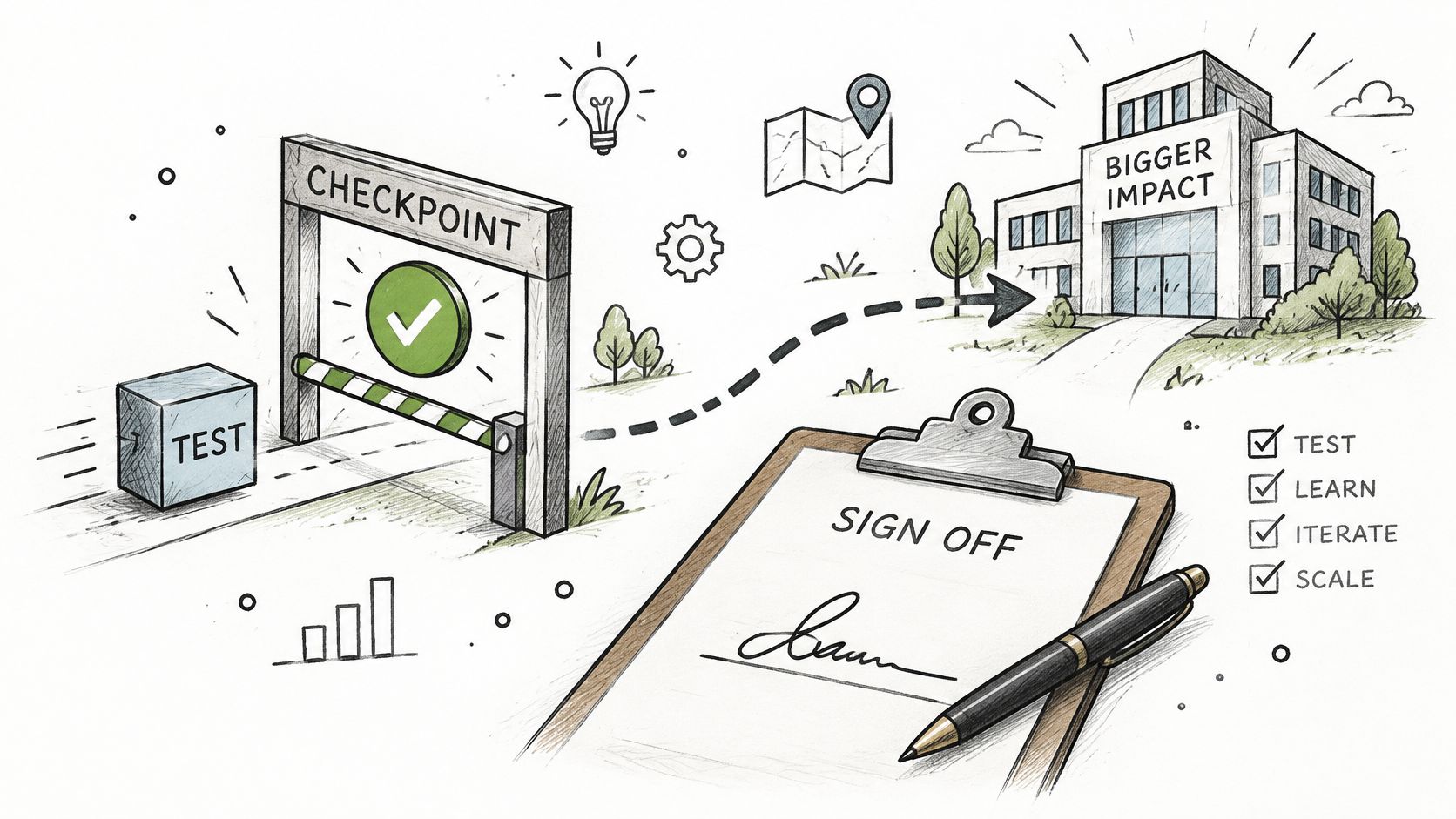
WebinOne readiness is proved through a low-risk pilot followed by a fixed staging validation gate. Production approval belongs to the business owner and must rest on recorded evidence.
Make reruns reproducible
Choose a pilot with infrequently changed content but enough representative structure to expose mapping defects. An easy set of plain pages won't test nested components, media references or language relationships.
Use scripted extract, transform and load routines with logged exceptions. The Sitecore CMS migration guide supports automated transfers, low-risk pilots, repeated reconciliation and validation beyond ordinary content checks.
Record the source snapshot, mapping revision and migration run identifier. That makes a failed check reproducible and prevents an unexplained rerun from becoming the accepted baseline.
Reconcile the finished experience
The acceptance checklist should include:
- Item counts. Compare source totals with migrated items and the approved retirement ledger.
- Language versions. Check required translations, relationships and publishing status.
- Media references. Confirm assets resolve in page context, including downloadable files.
- Internal links. Test destinations rather than merely checking that link fields contain values.
- Metadata. Validate titles, descriptions, canonical behavior and structured information.
- Permissions. Exercise allowed and denied actions with representative roles.
- Forms. Verify submitted records, routing, notifications and failure handling.
- Customer journeys. Complete the important tasks end to end, including external handoffs.
A reconciliation total can legitimately differ from the source when retirement or consolidation was approved. The gate needs an explained difference, not an artificially matching number.
Once reconciliation passes, run load, security, accessibility and SEO tests against the assembled staging site. Repeat the relevant checks after every migration rerun or material configuration change.
Preserve the approval trail
TeamOne delivers migrated sites production-ready, with design customization where needed. Acceptance therefore applies to the finished site, not a raw import awaiting layout work.
AgentOne builds and operates sites inside the managed platform. Its scoped permissions and audit logs keep proposed changes visible, reviewable and reversible before they touch production; the staging record should retain the approved change and its reviewer.
The sign-off artifact should identify the tested release, evidence location, accepted exceptions, unresolved risks and approving business owner. An email saying the site looks good isn't a substitute for that record.
Cut Over With Zero Downtime and a Rollback Path
WebinOne uses staged cutovers with the old site retained as a rollback target; the platform has 99.99% uptime and a 99.95% availability commitment in its published SLA. Those platform measures don't replace a migration-specific traffic-switching and recovery plan.
Separate the production changes
The official Sitecore migration process outline separates content transfer, presentation updates and redirecting incoming requests, and recommends keeping the old solution available for switching back. Assign each workstream an operator and an observable completion condition.
Content transfer needs a final synchronization boundary. Presentation needs the accepted release and configuration. Request routing needs a controlled switch with checks that distinguish routing failures from application failures.
Start with the least-changed sections where the architecture permits segmented routing, validate them, then move higher-value properties. Parallel operation costs money and introduces synchronization work, but it preserves a usable fallback while production behavior is observed.
A source system that remains online but no longer receives relevant transactions may not be a complete recovery target. Decide how submissions, orders and edits created after the switch will be reconciled before claiming that rollback is safe.
Rehearse the route back
The zero-downtime deployment strategies discussion should become an executable runbook for the specific estate:
- Define rollback triggers. Include unacceptable form-submission changes, journey failures, missing analytics events, sustained errors and priority-template indexation problems. Set thresholds from the site's baseline.
- Name the decision-maker. Record who can call rollback, the available window and the escalation route if that person is unavailable.
- Document reversal. Specify how operators restore request routing, verify the old service and handle transactions captured during the new release.
- Rehearse in staging. Test the reversal and the checks that establish recovery.
- Retain the old environment. Decommission only after the monitoring window closes and the business owner accepts production behavior.
Rollback discipline: A backup isn't a rollback plan unless operators know how to restore service and reconcile activity created after the switch.
A rehearsed recovery path makes a staffed weekday cutover a reasonable option. An overnight switch doesn't reduce risk if the people who can assess lead records, customer journeys and revenue outcomes aren't available.
Zero downtime is the execution objective. The runbook must still account for application defects, delayed signals and decisions that require human judgment.
Hand Over Operations and Confirm the Scope With WebinOne
WebinOne hands ongoing operation to TeamOne managed operations and AgentOne within agreed responsibilities. Handover is complete only when named post-launch owners accept their monitoring and escalation duties.

Availability isn't the same as business continuity
Zero downtime doesn't mean zero SEO disruption. The enterprise SEO guidance from Element8 identifies disappearing URLs, late redirect mapping and accumulating redirect chains as ongoing governance problems. A reachable site can still lose search visibility, stop recording conversions or obstruct publishing.
Set pre-launch baselines for rankings, organic traffic, backlinks, conversions and crawlability. Assign owners for:
- Search visibility: Organic traffic, crawl errors and indexation across brands and regions.
- Measurement: Analytics continuity, event validation and conversion reporting.
- Publishing governance: URL changes, metadata, page retirement, templates, schema and multilingual releases.
- Redirect quality: New rules, destination checks and chain removal.
Local publishers need these responsibilities in their working procedures, not just the central migration archive.
Transfer knowledge as well as access
For inherited implementations, Grail Computer Labs' migration guidance for inherited codebases is a useful companion to the handover discussion. Keep dependency notes, operating instructions and unresolved decisions with the release record so future operators aren't dependent on the migration lead.
AgentOne operates after deployment within approved scopes, with scoped permissions, audit logs and visible, reviewable, reversible changes. TeamOne managed operations include multi-level support, with paid support tiers available.
Every TeamOne Credits package includes project scoping, project management and cross-browser testing. No site needs to be migrated off WebinOne as it grows, but changes still need accountable owners and acceptance criteria.
The final deliverable isn't an exported database or a successful routing change. It's a service the receiving operators can govern.
Arrange a partnership or migration conversation with the WebinOne team. Bring the estate inventory, dated support deadline, capability disposition matrix and owner list so the discussion can establish deployment responsibilities, replacement scope, acceptance gates and the path into managed operations.