Ecommerce Web Design: A Practical Guide for 2026

The average US checkout displays 23.48 form elements by default, while an ideal flow needs about 12 form elements, according to Baymard Institute's cart abandonment research. That gap reframes ecommerce web design. Stores rarely lose buyers because a hero image lacks polish. They lose them through avoidable friction, uncertain product information, unclear delivery choices, and returns that better page design could have prevented. Each of those is an interface decision, not a policy line or a branding exercise. For agencies, the commercial task is clear. Build for confident purchases and repeatable standards; completed orders are only part of the measure.
Table of Contents
- Design Benchmarks to Hit Before You Choose a Template
- How to Cut Checkout Fields Without Breaking Fulfillment
- Product Pages That Prevent Wrong-Product Returns
- Delivery and Return Choices That Lower Environmental Cost
- Templates and Components That Hold Standards Across Client Sites
- Performance and SEO Foundations for Category and Product Pages
- Move Your Next Store Build onto a Standards-Ready Platform
Design Benchmarks to Hit Before You Choose a Template
Conversion is lost mostly at the point of purchase, so the first audit belongs there. A store earns its keep through purchase confidence and avoided returns as much as through completed orders, which makes checkout length, delivery choice, and return handling interface decisions rather than policy details. Agencies that measure a build only by orders shipped will keep polishing hero banners while the leaks that matter most stay open.
Baymard Institute's checkout usability research quantifies that loss. Its figures show abandonment as the norm, name complicated checkout as a stated reason shoppers leave, and document a wide gap between the fields a typical store presents and what a lean flow needs. The table below turns those findings into targets an agency can baseline a client store against.
Ecommerce design benchmarks and the design target each one sets
| Benchmark | Reference value | Design target it sets |
|---|---|---|
| Average cart abandonment rate | 70.19%, per Baymard Institute's checkout usability research | Prioritize checkout and purchase-stage UX over cosmetic polish |
| US shoppers who abandoned because checkout was too long or complicated | 17%, same research | Remove or defer fields before adding features |
| Average US checkout form elements shown by default | 23.48, same research | Baseline for the current client checkout |
| Ideal checkout form elements | about 12 (7 fields, 2 checkboxes, 2 dropdowns, 1 radio group), same research | Target for the default checkout state |
| Form fields in an ideal flow | 7-8, same research | Ceiling for required fields before progressive disclosure |
| WCAG 2.2 conformance target commonly stated | Level AA | Test templates and reusable components against it |
Read the abandonment figure carefully. It includes shoppers who were only browsing or were not ready to buy, so it works as a ceiling that shows where attention belongs rather than as a redesign target by itself. The field counts are more actionable because an agency can count a client's default checkout today and compare it directly with the target.
The confidence angle deserves the same rigor. A product page that answers sizing, compatibility, and delivery questions before checkout converts hesitant shoppers and cuts avoidable returns, and no abandonment metric captures that outcome on its own.
Practical rule: Benchmark the checkout shoppers see by default. Fields hidden behind progressive disclosure do not create the same burden as fields presented to everyone.
Three habits make the table useful in a client engagement.
- Pick one primary metric per template: Decide whether the template must improve checkout completion, product-page confidence, or accessibility before visual design begins.
- Record the default checkout state: Count visible fields, checkboxes, dropdowns, and radio controls before any expansion.
- Put the accessibility target in the statement of work: A stated target gets tested. An assumed target gets debated after launch.
Baseline a current client store against every row. Flag the largest gaps first, because those gaps usually offer the clearest return on design time. WebinOne consolidates CMS, ecommerce, CRM, forms, and hosting into a single platform with no plugins required, so an agency can hold every client store to the same targets from one place.
How to Cut Checkout Fields Without Breaking Fulfillment
A checkout can lose fields in a mockup and gain failures in production. The audit starts with the order payload: what must be present for payment to authorize, tax to calculate, the carrier to accept the address, fraud controls to pass, and support to resolve an exception without emailing the customer.
On WebinOne, that work maps to the template layer, where checkout markup and validation can be controlled per client instead of forcing every store into the same field order. The goal is a shorter default state that still produces a clean order, a deliverable shipment, and fewer avoidable returns caused by missing delivery details.

A seven-step field audit
- Inventory the default state. List every visible field, checkbox, dropdown, and radio control, including controls revealed by an expanded view. Count what a first-time guest shopper encounters, not what a signed-in regular sees after saved details load.
- Classify every element. Mark each item as required, conditionally required, or eliminable, then record the fulfillment, tax, delivery, or fraud rule that needs it. A field without an operational owner is a removal candidate.
- Disclose conditional fields progressively. Show address, tax, or delivery inputs only when the selected country, delivery method, or payment option makes them relevant. This keeps the opening form short without pretending complex orders do not exist.
- Treat delivery choice as an interface decision. A timed delivery option may need a phone number, signature preference, safe-place instruction, or business-hour check. Ask for those details only after the shopper chooses a method that depends on them.
- Preserve work after errors. Keep entered values when validation fails and place a specific error beside the affected input. Forcing a shopper to retype an address because one postcode failed is a design choice, and it is a poor one.
- Show the full total early. Present shipping, tax, and fees before payment submission. A surprise total at the final step reopens a decision the shopper thought was settled.
- Benchmark each release. Track completion rate, time to complete, validation-error frequency, and payment declines. Page engagement alone cannot tell whether a shorter form improved purchasing or merely moved failure downstream.
For implementation detail beyond field order, these checkout tips from MD TECH TEAM make a useful companion to the audit process. The key distinction is sequence: confirm operational requirements before deleting anything, because hidden shipping constraints and unsupported payment methods surface later as failed orders.
A checkout that looks shorter but generates failed deliveries or declined payments has not improved. It has shifted cost from the shopper to support and operations staff.
The trade-off is launch speed. A proper audit takes longer than hiding fields in markup, but it protects margin and purchase confidence. Agencies do not get paid again to repair preventable fulfillment errors, explain abandoned orders, or rebuild validation after launch.
Product Pages That Prevent Wrong-Product Returns
Returns expose weak product information. The Akeneo 2025 Consumer Returns Report reports that nearly 60% of consumers have returned products because descriptions were inaccurate or misleading, while sizing is the leading reason for clothing returns. A confident purchase costs less to operate than a fast one that returns.
A stronger product detail page has two jobs. It must help the right shopper buy and help the wrong shopper stop. That second job feels counterintuitive to clients focused only on conversion rate, but an avoided wrong order protects contribution margin, support time, and customer trust.
Return drivers on product pages and the design fix for each
| Return driver | Where it starts | Design fix |
|---|---|---|
| Inaccurate or misleading description | Product page copy | Structured specification fields, one source for each claim |
| Wrong size or fit | Size selector and fit guide | Dimensions and a fit recommendation beside the add-to-cart control |
| Wrong variant chosen | Variant selector | Labels that show the attribute that differs, such as width or compatibility |
| Missing compatibility or material detail | Product attributes | Required attribute fields that filters and product cards also use |
| Shopper assumes a feature the product lacks | Product summary | Short 'what is not included' line in the summary block |
Three practices apply the table immediately.
- Move fit information beside the decision: Place dimensions, model measurements, and a fit recommendation next to the add-to-cart control instead of hiding them in a separate tab. A shopper comparing options may still compare women's sizes across brands, but the page itself should make a specific recommendation.
- Label variants by the meaningful difference: Colour names don't explain width, capacity, connector type, or compatibility. Put the deciding attribute in the selector label so the shopper doesn't need to infer it from a thumbnail.
- Store claims as auditable fields: Enter a waterproof rating, material, dimension, or compatibility list once as structured data. On WebinOne, that value can be reused on the product page, in filters, and on product cards, which keeps copy from drifting away from the specification.
Comparison tools need the same restraint. A size guide that recommends one size and states why discourages bracketing, where a shopper orders several sizes intending to return most of them. A neutral chart that leaves interpretation entirely to the shopper may look helpful while steadily manufacturing returns.
Purchase confidence is a better product-page metric than click volume alone, because a confident order is less likely to return as an operational cost.
Audit the top ten product pages on a client store against each driver in the table. Count how many lack the corresponding fix. That count gives an agency a concrete remediation backlog and a clearer client conversation than a general promise to improve product content.
Delivery and Return Choices That Lower Environmental Cost
DHL's 2025 e-commerce trends report found that 72% of shoppers care about sustainability, 57% want information about delivery's environmental impact, and one-third have abandoned purchases because of sustainability concerns. Demand is already sitting inside the buying journey. A slower consolidated shipment with a clear later arrival date is a decision; an unexplained eco badge is only a request for trust.
Sustainability works best inside the choice architecture, where a shopper is already deciding. Price, delivery date, return eligibility and impact have to share the same screen, or the lower-impact route loses to the faster default.
Put the lower-impact route where the decision happens
At delivery selection, offer consolidated or slower delivery with the trade-off stated plainly, such as one shipment arriving on a later date. Keep it visible beside express choices and describe the outcome rather than using a vague green label.
At return initiation, show pickup points, lockers, repair, resale or recycling routes at the moment the shopper starts a return. A circular option hidden in a policy page arrives after the decision has already been made.
Beside any impact figure, state the method and scope behind carbon or packaging information. WebinOne keeps product, order, CRM and content data in one system, so an agency can keep those disclosures consistent across brands and channels instead of letting each template drift.
Audit each client journey for every delivery or return decision, then mark which points can carry a lower-impact option without hiding price, date or eligibility. The result is an interface backlog the agency can price, and a store judged by fewer avoidable returns as well as completed orders.
Templates and Components That Hold Standards Across Client Sites
The WCAG 2.2 specification distinguishes Level A, AA, and AAA: Level A requires satisfaction of all Level A success criteria, Level AA requires all Level A and Level AA criteria, and AAA adds all Level AAA criteria. WCAG also requires text alternatives for non-text content so information can be converted into forms such as large print, braille, speech, symbols, or simpler language. A general promise that a store is accessible doesn't specify a testable outcome.
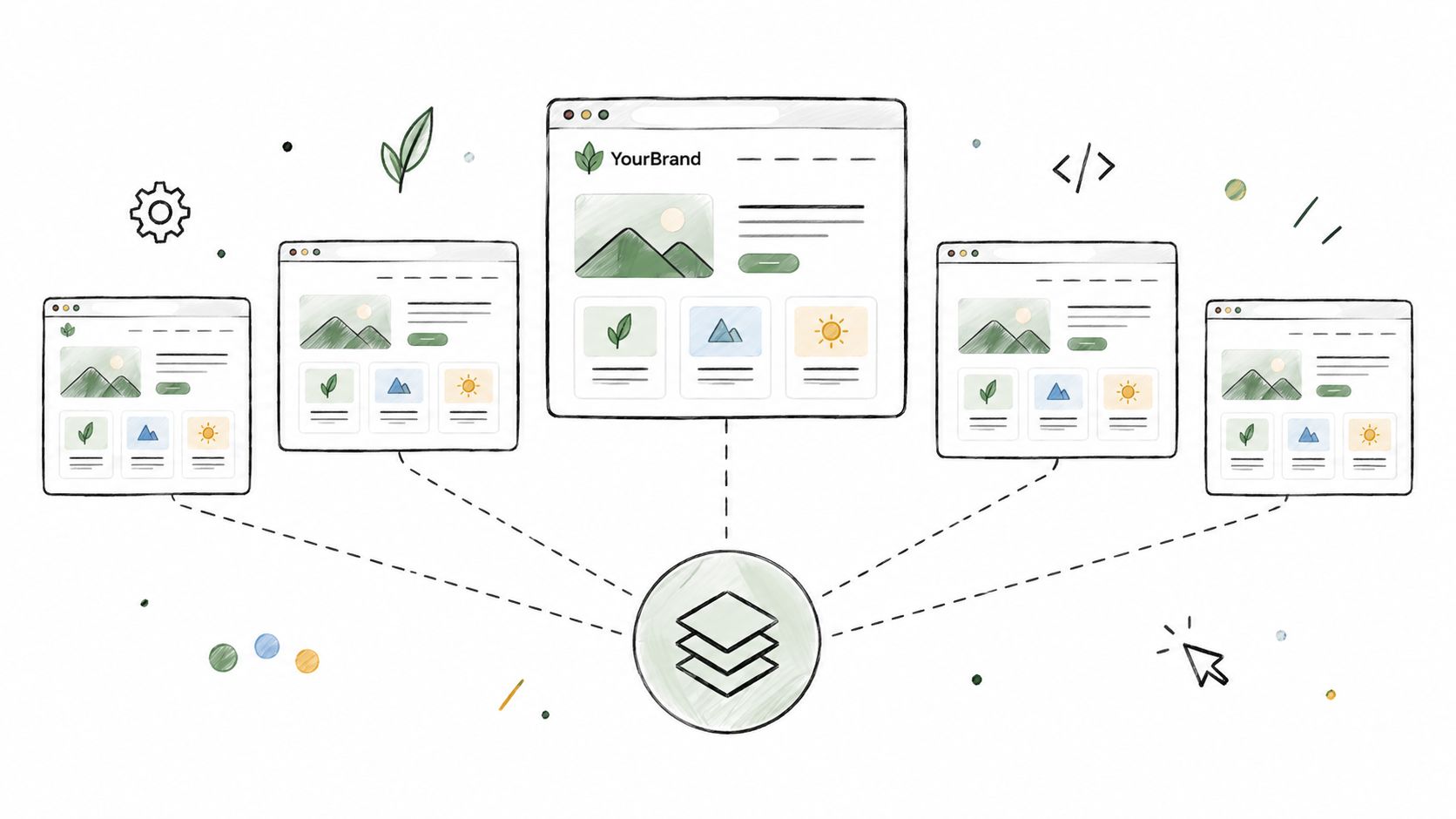
Standards hold when they live in components. They decay when every client page receives individual repairs. WebinOne supports the component approach directly: an agency can build agency-branded templates and reusable components, serve the same catalog and content to several front ends through its API, and manage multiple sites from one console.
Put the target in the contract
State the intended conformance target, commonly Level AA, in the agreement. Then test templates and reusable components against that target. Product cards, filters, form controls, validation messages, focus states, colour contrast, product images, and icon-only controls deserve priority because one failing component can repeat across an entire catalog.
Text alternatives need component-level checks too. Product images need meaningful alt text, icon-only controls need accessible labels, and any interaction that depends on a visual control needs a plain-language route to completion. Testing only a finished homepage misses the repeated commerce components where shoppers compare, filter, and buy.
Decide what belongs in the template layer
Use the headless option when a client needs a custom front end, keeping content and commerce in the platform while the front end consumes them through the API. Keep repeatable presentation and validation patterns in templates. Scope custom JavaScript, complex Liquid, and external integrations as a TeamOne project, rather than assuming they're standard build items.
Custom work earns that treatment through a defined sequence: write down the interaction or integration required, agree the acceptance criteria, price it separately, and test it against the same Level AA target before it reaches a client site. Work that skips those steps tends to arrive untested and leave with no owner.
Governance test: If fixing a product card requires editing client pages one by one, the design system isn't governing the store.
List the five components that appear on every product page. Assign each an owner and a repeatable test. Include the components that shape purchase confidence, such as the delivery selector, the variant control, and the return route the shopper will see later. A weak component there produces avoidable returns, not just a failed audit. That small register gives an agency control as portfolios grow and prevents standards from depending on whoever built the last page.
Performance and SEO Foundations for Category and Product Pages
View source before you view the page. If price, stock status, delivery estimate or core specifications are missing from the raw HTML, the store is asking scripts to do work the server should already have done. That slows interaction and weakens purchase confidence at the point where a shopper decides whether the product will fit, arrive on time and avoid a return.
Slow category and product pages tend to share the same causes: accumulated third-party scripts, client-side assembly of commercial facts, and imagery without fixed dimensions. Start with as few scripts as possible, then add each one against a named purpose. A script that delays add-to-cart interaction has to earn its place against the revenue action on the page.
Build the foundations in order
- Server-render commercial facts. Keep prices, stock status, and delivery estimates in server-rendered HTML so shoppers and search engines see the same information without waiting for scripts to assemble it. Delivery and availability facts are interface decisions: they set expectations early and reduce avoidable returns.
- Stabilize product imagery. Give images explicit width and height, then lazy-load images below the fold. The main product image should load before secondary gallery media.
- Defer lower-priority scripts. Load reviews widgets, personalization, and secondary media after add-to-cart is interactive. Purchase controls take priority over decoration.
- Canonicalize filtered category views. Set canonical URLs for faceted navigation so filter combinations do not multiply indexable pages with nearly identical inventory.
- Match structured data to visible facts. Product structured data must agree with the rendered price, availability, and product identity. A mismatch creates distrust for both shoppers and search systems.
- Open with extractable facts. Begin each product description with what the product is, who it is for, and what it does not include. Buyers and answer engines both extract meaning from that opening, a point developed further in guidance on headless CMS SEO.
On WebinOne, the usual stack of CMS, ecommerce, forms and hosting is replaced by a single platform with no plugins required, which reduces the number of third-party scripts a template can accumulate.
Agencies selling optimization as a retained service can also examine specialist ecommerce SEO services when a client needs deeper campaign support. The build still needs the foundations above, because content work cannot repair missing prices in raw HTML or uncontrolled faceted URLs.
Before launch, compare the rendered page with the raw HTML. Confirm that price, availability, delivery estimate and specifications appear in both. If commercial facts exist only after scripts run, the page has a performance and discoverability problem at the same time.
Move Your Next Store Build onto a Standards-Ready Platform
Platform choice is a margin decision made before the first template is chosen: it sets who carries hosting, patching, support, and multi-site work after launch. Judge it by whether the build can keep purchase confidence high and avoidable returns low, not only by whether checkout completes.
WebinOne fits this checklist when an agency needs a white-label DXP to build, host, and manage client stores under its own brand: it replaces the usual CMS, ecommerce, CRM, forms, and hosting stack with no plugins, charges no transaction fees, and adds ecommerce on top of a selected content plan when the store is ready to take payment. Use a clear ecommerce CMS platform evaluation before committing a client store.
- Does the availability commitment fit the client contract: Ask for the published SLA and hosting options, then match them to the client's risk and support terms.
- Who carries patching and security response: Count operational hours over the store's life, not just licence cost, and put paid support terms in the contract check.
- Can one platform govern future sites and portals: Multi-site management from one console prevents a second stack as the portfolio grows, including shared templates for delivery choices, returns messaging, and product facts.
If those answers stay weak, the cheapest template becomes the most expensive rebuild.