Adobe Experience Manager Alternative: An Operator's Guide
An AEM replacement is rarely a CMS swap. It's a decision about operational load, migration risk, and how many systems a team wants to keep stitching together just to publish content. That's why the right adobe experience manager alternative is the one that reduces moving parts without forcing the business to relearn everything it already knows about governance, delivery, and change control.
| Decision lens | What matters most | Why it matters |
|---|---|---|
| Migration scope | Full replacement, partial replacement, or stay-and-optimize | Most exits from AEM are not one-size-fits-all |
| Operating model | Centralized governance, permissions, auditability | Broken links and accessibility gaps show up fast when ownership is fragmented |
| Delivery model | Structured content, API access, preview, caching | Headless only helps when the delivery mechanics are solid |
| Cost model | Three-year total cost, not license alone | Implementation, support, migration, and operations usually outweigh sticker price |
| Risk profile | SLA, uptime, residency, exit terms | Hosting choices matter as much as the editor |
Table of Contents
- Why Teams Leave AEM and What They Are Actually Solving For
- What Staying on AEM Actually Costs
- Three Paths Out of AEM, Not One
- What an AEM Alternative Has to Do Operationally
- Modeling Total Cost of Ownership Over Three Years
- What a Real Migration Actually Looks Like
- A Migration Plan Built on the AWS Migration Lens
- When WebinOne Is the Right Answer and What to Do Next
Why Teams Leave AEM and What They Are Actually Solving For
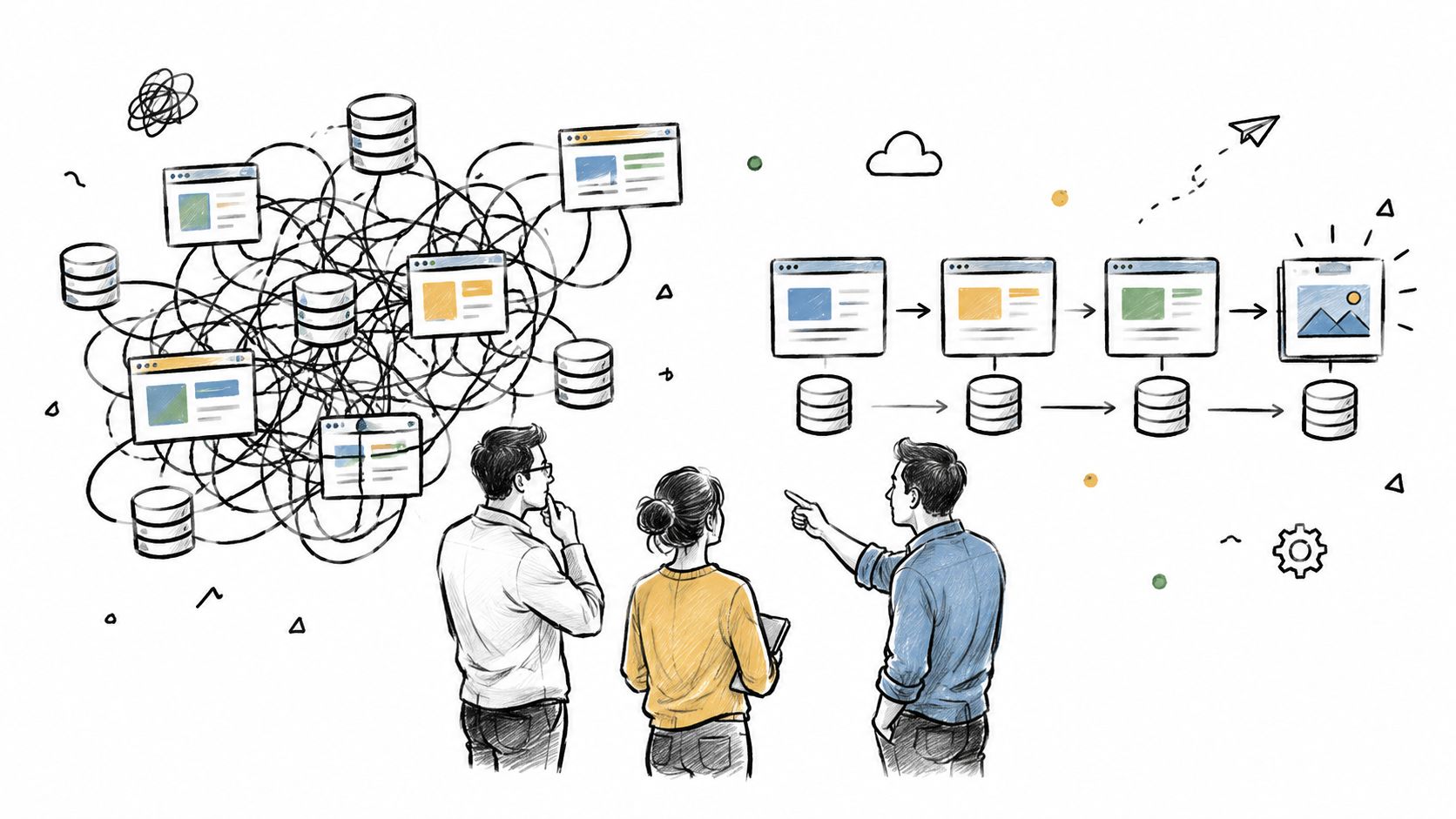
The wrong question is which CMS replaces AEM. The right question is what operational burden disappears when the platform changes. Teams leave because they are tired of depending on a narrow set of specialists, tired of integrations nobody fully understands, and tired of a publishing model that no longer matches how the business works.
Independent buyer interviews show that departures are driven by lower cost, less developer dependence, easier authoring, and a move toward headless architecture Alium research on AEM alternatives. That is the pattern. The problem is not just interface friction, it is that content, assets, workflows, and multi-site governance sit inside a stack that gets brittle as the estate grows.
The question buyers should ask
If a platform only speeds up editing but leaves governance scattered, it has not solved the core problem. If a platform consolidates CMS, commerce, CRM, email, multi-site operations, and APIs, then it can be judged as a replacement option because it changes the operating model, not just the page editor.
Practical rule: if the current estate depends on a handful of people to keep it coherent, the deeper risk is key-person dependency, not the visible interface.
The historical shape of AEM matters here. Its lineage came through Day Software, with documented milestones from Day CQ 3.5 in 2002 through CQ 5.2 in 2009, followed by Adobe's acquisition in 2010 for approximately US$240 million AEM history and lineage. That history explains why the comparison is not just about page editing. It is about different architectural approaches to content, assets, workflows, and multi-site delivery.
What Staying on AEM Actually Costs
Staying on AEM feels safer because the bill is familiar. That familiarity hides the true spend. The license line is only one part of the budget, and it is often not the largest one.
Independent pricing analysis describes AEM as negotiated software, with no public per-seat rate or published tier structure, and notes typical annual licensing in the mid-five-figure to six-figure range AEM pricing analysis. A separate DXP cost analysis says enterprise implementations commonly cost two to four times the annual software license during year one, with launch timelines of roughly six to twelve months DXP cost analysis. That is the first warning sign. The first quote is rarely the full quote.
Where the bill quietly expands
AEM as a Cloud Service also introduces consumption variables, including CDN traffic, content requests, user seats, and performance tiers, and the same pricing analysis puts support at roughly 15% to 25% of the annual license AEM pricing analysis. That combination changes the cost profile as the estate grows. A site that looks manageable at launch can become expensive once traffic, authors, and support expectations rise.
The hidden cost is operating burden. License spend gets attention because it is visible. Integration work, developer staffing, environments, migration, and ongoing platform operations keep consuming budget long after go-live. Buyers who ignore those lines end up comparing the smallest controllable number in the contract.
A defensible three-year model should include licensing, implementation, integration, developer staffing, environments, support, migration, and ongoing platform operations. Leave any one of those out, and the model is fiction.
A lower-complexity managed platform can reduce the total workload across sites, brands, publishing roles, localization, traffic peaks, APIs, and migration effort. That is the metric that matters. The license line only matters after the operating model is clear. For a deeper cost model, the logic aligns with reducing total cost of ownership, where platform cost only becomes meaningful after the workload is defined.
Three Paths Out of AEM, Not One
The default answer is to replace AEM with one new platform and move everything. That framing is too blunt. Most organizations are really choosing among three paths, and choosing the wrong one creates avoidable risk and waste.
Full replacement
Use this when the business is buried in integration debt, wants to consolidate CMS, commerce, CRM, email, and multi-site administration, and needs a managed operating model instead of a web of specialist dependencies. It is the cleanest path for agencies and portfolio operators that want fewer handoffs and a shorter support chain.
Partial replacement
This is the path most lists ignore. It fits organizations that have a heavy asset or workflow dependency but a lighter publishing layer, or teams that need to keep one critical part in place while moving the rest of the estate. Partial replacement is the smarter call when the business cannot justify a big-bang cutover, or when the risk is concentrated in one part of the stack.
Stay and optimize
This is the right answer when the current environment is stable enough to justify tighter governance, pruning content, and reducing integration sprawl instead of changing platforms. It is not glamorous, but it is rational when migration cost would outweigh the operational gain.
A practical decision frame helps here. If the estate has multiple brands, multiple authors, and repeated governance failures, full replacement is usually the cleaner move. If one or two brittle functions are driving most of the pain, partial replacement lowers the risk. If the platform still works and the main problem is administrative drift, optimize first. Teams that want a sharper read on the architecture tradeoff can use headless CMS vs traditional CMS as a useful reference point.
Buyer interviews show mixed outcomes among 16 organizations that had left or were leaving AEM, with eight moving to another CMS, three building internally, and two moving only specific functions elsewhere, as noted earlier. That split matters. “Replace AEM with one CMS” is not the universal pattern, and treating it that way leads to bad planning.
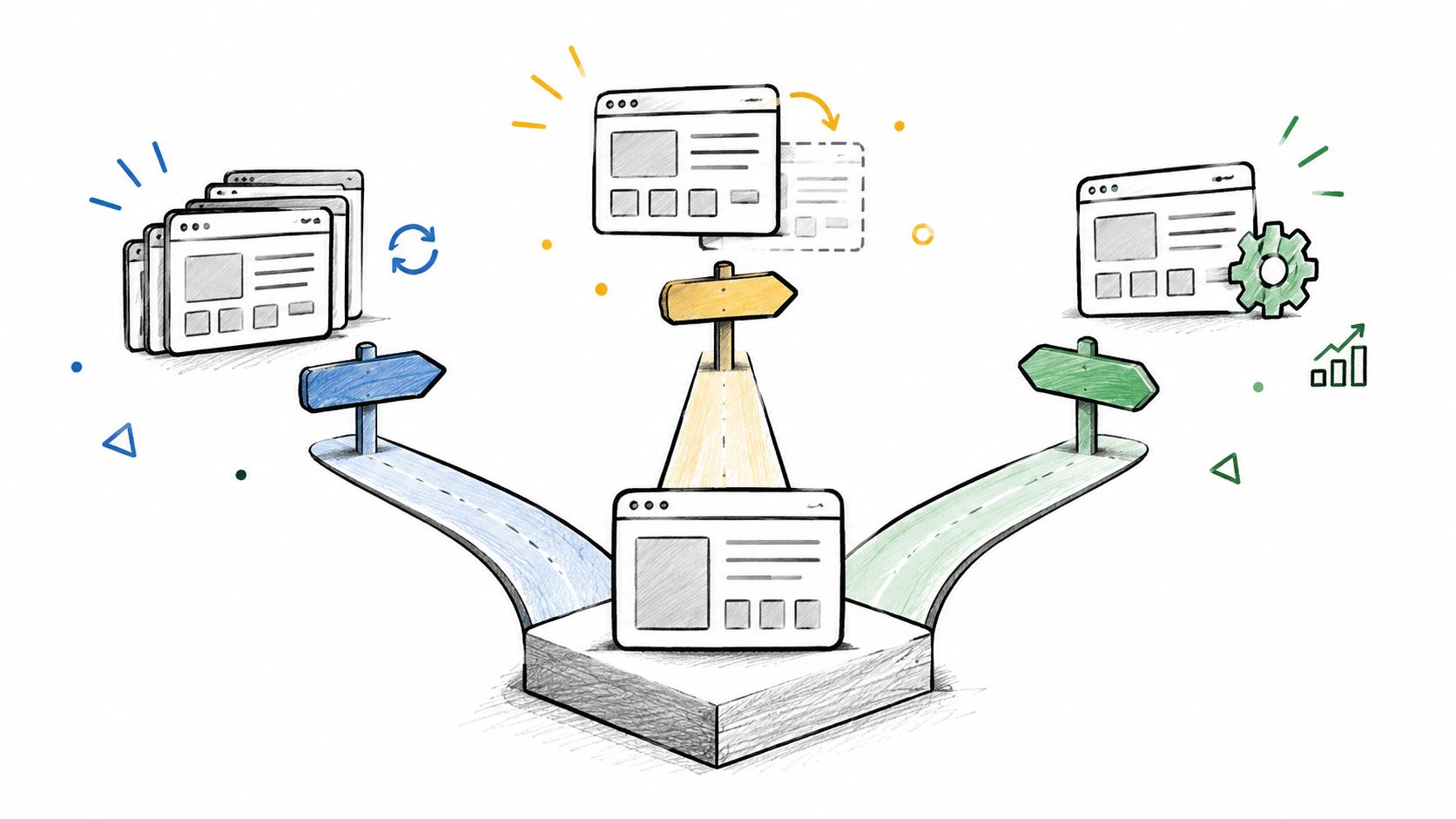
The choice is about migration mechanics and operating burden, not feature checklists. Full replacement simplifies the end state. Partial replacement protects the parts that still work. Staying put only makes sense when the current setup can be tightened without creating a larger project than the one it is meant to avoid.
What an AEM Alternative Has to Do Operationally
WebinOne only belongs in this discussion if the platform can handle the actual operating workload, not just the demo. That means governance, delivery, and migration all have to work together, or the replacement is cosmetic.
The non-negotiables
A viable adobe experience manager alternative has to support multi-site governance, localization, structured content, API and headless delivery, audit and permission models, data residency, uptime, and migration tooling. Leave any one of those weak, and the platform shifts the burden back onto the customer and the integrator.
Headless is not a checkbox. A 2024 global survey of 1,015 IT and marketing professionals found that 73% of businesses were already using headless architecture, up from 59% in 2021. Among non-adopters, 98% were evaluating or planning to evaluate headless within the following 12 months. The same survey says 82% find consistent content delivery easier, 80% cite more efficient cross-channel reuse, and 79% of current adopters rate scaling as good headless research. That means the test is API coverage, content modeling, preview, authentication, and caching.
Operational criteria for evaluating an AEM alternative
| Criterion | What to verify | Risk if missing |
|---|---|---|
| Multi-site governance | Shared templates, roles, approvals, and reusable content controls | Brand sprawl and inconsistent publishing |
| Localization | Workflow for translated content, regional variants, and approval routing | Slow launches and duplicate effort |
| Structured content | Reusable models, metadata, and content relationships | Hard-to-maintain page duplication |
| API and headless delivery | Coverage for content delivery, webhooks, authentication, preview, and caching | Front-end rigidity and brittle integrations |
| Audit and permissions | Role scoping, change logs, and approval gates | Compliance gaps and unclear ownership |
| Data residency | Region selection and hosting boundaries | Regulatory and contractual risk |
| Uptime and support | SLA, incident ownership, and escalation process | Launch risk and operational drift |
| Migration tooling | Content extraction, validation, and cutover controls | Broken launch and rework |
That matrix is what a shortlist meeting should use. If a vendor can't answer each row plainly, the evaluation isn't mature yet.
Modeling Total Cost of Ownership Over Three Years
A three-year model is the only test a per-site price can survive. Sticker price matters less than whether the full operating picture stays sane after implementation, support, and migration.
Break the cost into five buckets
Start with licensing. Then add implementation, the area buyers usually undercount. Add integration, because enterprise estates rarely replace a CMS in isolation. Add ongoing operations, which includes support, environments, upgrades, monitoring, and platform admin. Finish with migration, which covers extraction, transformation, validation, and cutover work.
A realistic year-one model should assume implementation can land at two to four times annual license cost. Ongoing support often sits at 15% to 25% of annual license. For highly complex multi-site builds, independent analysis says implementation can exceed $500,000. Those are market estimates, not promises, but they show where the pressure lands.
A fair way to test a managed platform
A managed platform earns its place only if the workload fits its boundaries. For WebinOne, that means checking infrastructure limits, support scope, SLA terms, and exit provisions against the actual estate, not the sales page.
Decision rule: compare three-year total cost, not the first-year quote. If the platform lowers specialist dependency and reduces platform sprawl, the lower license is only part of the win.
Pricing also has to hold up once traffic grows, more sites come online, localization expands, and migration work is included. The right model tracks the labor around the platform, because that labor is usually where the budget breaks.
For a practical framework, reducing total cost of ownership is the right companion to any procurement worksheet.
What a Real Migration Actually Looks Like
Big platform replacements fail when teams treat cutover like a one-night event instead of a controlled sequence. A real migration starts with inventory, mapping, and validation, because production does not forgive guesswork.
During the Adobe Business Catalyst end-of-life, thousands of complex live sites moved onto WebinOne with staged delivery and no downtime. That is the lesson worth keeping. The right migration does not begin with a launch date. It begins with knowing exactly what exists, what depends on it, and what must survive the move.
The sequence that protects production
The migration flow usually runs like this, even when estate details vary:
- Extract and map content. Inventory pages, assets, redirects, and dependencies so nothing critical is left behind.
- Build the target structure. Set templates, models, and permissions before content lands, not after.
- Re-point integrations. Move forms, data flows, and external touchpoints into the new operating pattern.
- Validate in parallel. Check rendering, metadata, redirects, and permissions in a non-production environment.
- Cut over with sign-off. Change production only after the validation gates are closed.
A botched migration costs more than a year of platform inefficiency because it creates user-visible damage, SEO cleanup, and emergency support work at the same time. That is why the plan has to be documented and testable before anyone argues about the launch weekend.
The strongest migration teams also use outside delivery discipline. Bruce and Eddy's migration expertise is useful context for how structured re-platforming is usually handled when the estate is large and the dependencies are messy.
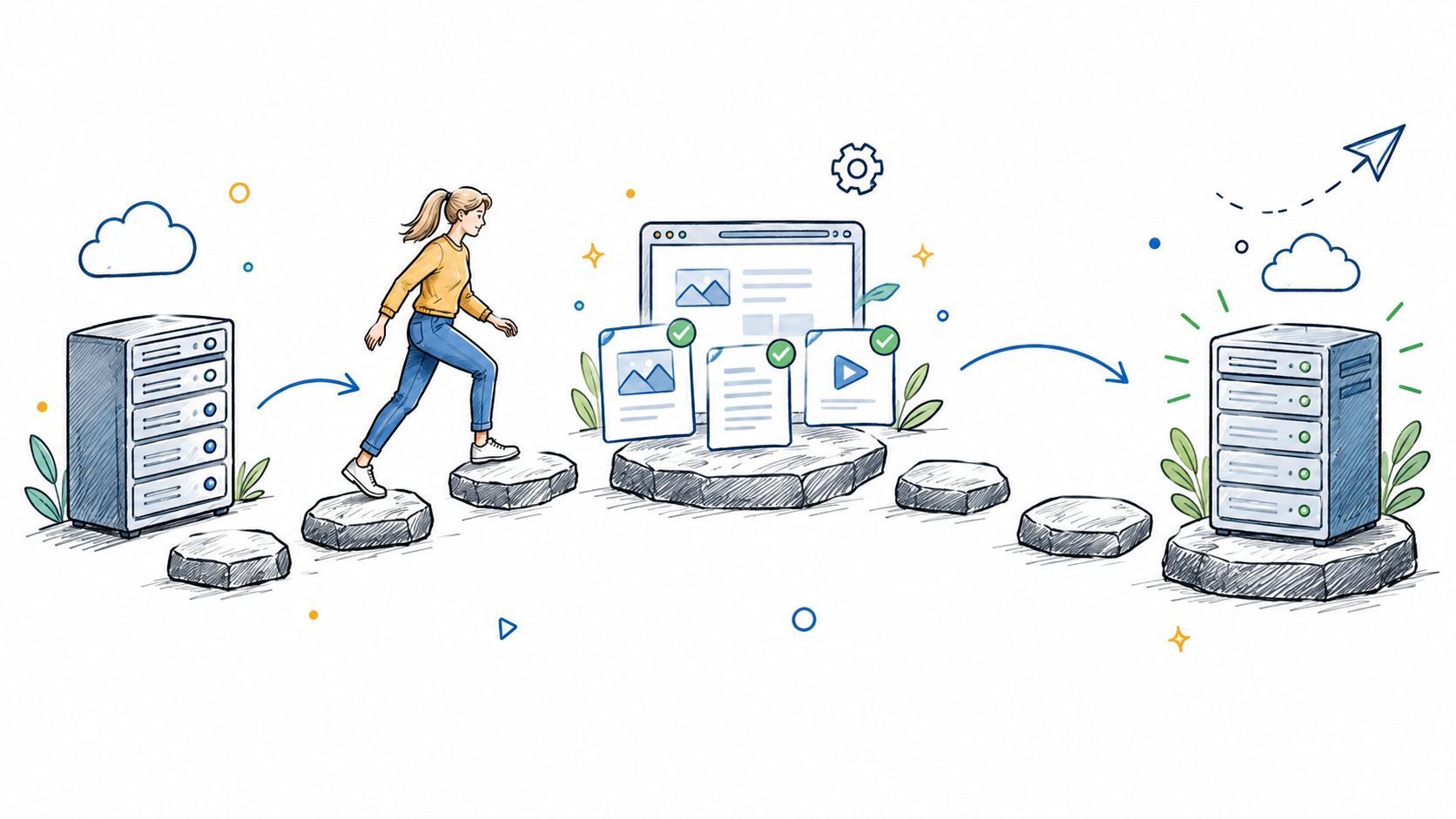
Migration artifacts matter more than opinions. Managers should be able to sign the content inventory, dependency map, cutover checklist, rollback assumptions, and post-launch validation list. If those documents are missing, the migration is not ready, no matter how confident the room feels.
A Migration Plan Built on the AWS Migration Lens
WebinOne fits AWS-led programs when migration is treated as an operating change, not a hosting swap. The AWS Migration Lens matters because it forces teams to define service expectations before anything moves.
Assess, mobilize, migrate
The assess phase should lock in current uptime and recovery expectations, then document what the business needs from the replacement platform. The mobilize phase should compare service availability against agreed SLAs, track unplanned outages per quarter, and measure mean time to resolve incidents. The migrate phase should start only when the team has enough AWS expertise and staffing capacity to own the cutover path AWS mobilize guidance.
AWS also requires migration assessments to preserve existing availability requirements and define SLAs for each application or environment, including production, development, and test AWS migration lens framework. That matters because availability gaps are easier to create than to explain after launch.
Residency and deployment reality
WebinOne runs as a managed platform across six AWS regions, and qualifying system integrators can deploy a licensed version in their own AWS account or a customer account by agreement, including AWS GovCloud for government projects. That gives regulated programs a real deployment path, and it keeps residency choices tied to the operating model instead of treated as an afterthought.
A strong AWS migration plan also needs clear checkpoints for support, recovery, and region choice. If those are not defined up front, the team learns after launch that the platform and the operating model never matched.

For the mechanics of moving a site into AWS, the most relevant reference is website migration to AWS, because the hosting model only works when the migration steps are explicit.
When WebinOne Is the Right Answer and What to Do Next
WebinOne fits when the goal is fewer systems, fewer handoffs, and a managed operating model that can absorb growth. It suits agencies, AWS partners, systems integrators, and enterprise web teams that want CMS, ecommerce, CRM, email, multi-site administration, and a headless API in one managed platform.
Use it when the operating model matters as much as the interface. For agencies, the reseller path is the cleanest fit, because the margin comes from packaging and running the service, not from reselling software licenses. If the migration needs extra engineering capacity, Hire Developers is a practical staffing option alongside the platform decision.
The strongest case comes from platform governance and deployment facts. WebinOne runs across six AWS regions, offers transparent per-site pricing from $10 per month, charges zero transaction fees on ecommerce, and states a 99.99% uptime over the last twelve months against a 99.95% availability commitment in its published SLA WebinOne platform facts. It also holds the AWS Foundational Technical Review, the AWS Qualified Software designation, enrollment in the AWS Software and Services Paths, and availability on AWS Marketplace WebinOne platform facts. That combination matters for teams that need a managed platform with clear support, recovery, and AWS alignment, not another isolated CMS.
What AgentOne changes
AEM alternative articles usually skip AI governance. That is a mistake. WebinOne's AgentOne is the managed-vibe-coding answer, AI that builds and operates sites inside the managed platform with scoped permissions, audit logs, and reversible changes. That gives teams a way to use AI without handing production over to an unreviewable system.
The operational difference is simple. Teams need faster content work, evidence, approval gates, and rollback. AI belongs in production only when it stays inside those controls.
Bottom line: if the estate needs consolidation, governed AI, and AWS-aligned deployment, WebinOne is the platform to evaluate. If the business only wants a prettier editor, it is the wrong fit.
Agencies that want to move clients into higher-value work and better margins should start with the WebinOne reseller program. SIs, AWS partners, and enterprise teams planning a migration should open a conversation through the enterprise partnership and migration page.