WordPress Plugin Maintenance: A Practical Operator Playbook
In 2024, WordPress recorded 7,966 newly disclosed vulnerabilities, and approximately 96% affected plugins rather than core. Of those plugin vulnerabilities, 115 affected plugins installed on more than one million sites, so maintenance must be treated as security management and release engineering, not a routine click on an update button.
That distinction matters to every agency and systems integrator responsible for live websites. A plugin update can close an exposure, alter database behaviour, break a custom hook, interrupt a scheduled job, or damage a revenue-critical workflow. The reliable process is therefore continuous: maintain an accurate inventory, assess urgency, test controlled releases, preserve a rollback path, and verify the result in production.
Table of Contents
- Why WordPress Plugin Maintenance Is a Release-Engineering Job
- Build a Real Inventory Before You Touch a Single Update
- Run Updates as Controlled Releases With Measurable Gates
- What to Do When a Plugin Is Vulnerable, Critical, and Unpatched
- Backups and Rollback Plans That Survive a Real Incident
- Automate, Monitor, and Cut the Plugin Bloat Quietly Costing You
- When Plugin Maintenance Stops Being the Right Answer
Why WordPress Plugin Maintenance Is a Release-Engineering Job
WebinOne's position is straightforward: WordPress plugin maintenance should be run like a release programme, with risk classification, test gates, and documented ownership. The security data leaves little room for a casual “update everything” policy.
In 2024, researchers identified 7,966 new WordPress vulnerabilities, a 34% increase from 2023. 7,633, approximately 96%, affected plugins, while only seven affected WordPress core. The same reporting identified 1,018 vulnerabilities in plugins with at least 100,000 installations, including 115 in plugins with more than one million installations. Those figures are documented in Patchstack's 2025 State of WordPress Security report.
The important point isn't just that vulnerabilities exist. It's that the affected layer is usually the layer each delivery team has assembled from separate extensions, licences, custom integrations, and historic decisions. A plugin may be essential to forms, payments, membership, search, caching, analytics, or editorial workflows, yet its release cadence and compatibility assumptions sit outside the agency's direct control.
The maintenance work that budgets miss
Launch checklists often include a handover, a backup, and an instruction to keep software current. That isn't a maintenance programme. A real programme answers practical questions:
- Inventory: Which plugins are installed, active, inactive, commercial, custom, or externally distributed?
- Triage: Which advisory affects which site, feature, environment, and exposure path?
- Release control: What gets tested together, and what must be isolated?
- Verification: Which user journeys prove that the update worked?
- Recovery: Who can authorise rollback, and how quickly can the previous version be restored?
A quarterly chore can't handle a disclosure stream that requires continuous monitoring. Agencies need to measure maintenance through exposure reduced, releases verified, incidents contained, and recovery rehearsed, not just through a record that someone clicked "update."
Practical rule: A plugin update is complete only when the security change and the business functionality have both been verified.
Teams that already manage deployments through zero-downtime deployment practices have the right operational mindset. Plugin maintenance belongs inside that discipline, not in a separate administrative corner.
Build a Real Inventory Before You Touch a Single Update
WebinOne's practical answer is to build a queryable inventory before changing software. Without it, a maintenance team can't tell which sites are exposed, which plugins are supported, or which update path is safe.
Start with one record per plugin installation, not one record per plugin product. The same extension can have different versions, licences, PHP constraints, custom modifications, and business owners across a portfolio. Capture the site, environment, installed version, source, activation status, last release reviewed, licence owner, support status, compatibility requirements, and dependent functionality.
Record ownership and exposure
The source field deserves particular attention. Repository-hosted plugins, commercial extensions, private packages, and custom code don't follow the same update process. WordPress documentation explains that repository-listed plugins and themes can update automatically, while extensions unavailable in the repository may not receive automatic updates through the same mechanism. That distinction is covered in the documentation on updating plugins and themes.
An inactive plugin still belongs in the inventory. Disabled code may remain installed, discoverable, and forgotten, and it can become a liability when an administrator reactivates it later or when a vulnerable file remains accessible through an unexpected path. “Not currently used” isn't a sufficient lifecycle status. The record should say whether the extension will be removed, retained for a defined reason, or replaced.
Use a simple classification that drives action:
- Business-critical: failure affects revenue, authentication, publishing, forms, or integrations.
- Operational: failure affects performance, administration, reporting, or scheduled processes.
- Non-essential: useful but replaceable, duplicated, inactive, or awaiting retirement.
- Unsupported: no clear owner, stale release history, missing licence, or uncertain compatibility.
Treat abandonment as a governance signal
The historical evidence shows why ownership matters. In 2023, 827 plugins were reported to the WordPress plugin repository team as potentially abandoned, compared with 147 in 2022, according to Patchstack's 2024 State of WordPress Security report.
That doesn't mean every older plugin is unsafe. It does mean the inventory must record whether a project is still actively supported. Review release notes, issue activity, compatibility statements, licence renewal status, and the availability of a responsible maintainer. When support is uncertain, create a replacement decision before an emergency forces one.
For agencies, the strongest improvement is central ownership. Each site should have a named technical owner, a business owner for critical workflows, an update history, and an exception record. A shared portfolio register beats a spreadsheet understood by one person because it survives staff changes, client handovers, and urgent remediation.
Run Updates as Controlled Releases With Measurable Gates
WebinOne's recommended approach is to separate preparation, testing, deployment, and verification. An update should move through explicit gates, not through a bulk action followed by hope.
Begin by mapping dependencies. Record the required WordPress and PHP versions, database changes, custom hooks, templates, queued jobs, integrations, licence-controlled features, and any extension that reads or writes the same data. Review the changelog and advisory, identify breaking changes, and compare the release against the exact production runtime.
Test the workflows that pay the bills
A staging environment should use sanitised data with the same structural characteristics as production. Testing only the homepage proves almost nothing. Functional coverage should include the journeys that matter to the organisation:
- Authentication: Sign-in, password reset, roles, permissions, and session behaviour.
- Editorial work: Drafting, publishing, media handling, revisions, and scheduled content.
- Commercial paths: Product selection, cart, checkout, payment handoff, confirmation, and fulfilment callbacks.
- Integrations: Forms, webhooks, external APIs, analytics, search, caching, and email.
- Background work: Scheduled tasks, queues, imports, exports, and notifications.
- Negative cases: Invalid input, unauthorised access, malformed requests, and boundary conditions.
- Operational health: Query count, response time, memory, error rates, and high-severity logs.
Set the go/no-go decision before testing begins. A useful baseline is zero fatal errors, zero failed critical journeys, no new high-severity log events, and acceptable latency variance. These are operational gates, not claims about a particular platform or test result.
Separate routine releases from emergency remediation
Routine compatibility work can wait for a planned window. A credible vulnerability affecting an exposed business-critical feature may require containment before a full regression cycle finishes. Combining both types of work in one release increases confusion and makes rollback harder.
WordPress supports several update paths, but each has limits. Administrators can update through Dashboard > Updates or the Plugins screen, enable updates individually, or use WP-CLI. The --auto-update-indicated option updates only plugins the server marks as eligible, and it uses the version indicated by the server, which isn't necessarily the newest available version. The distinction is explained in the WordPress plugin management documentation.
| Gate | Routine Update | Emergency Patch |
|---|---|---|
| Decision basis | Compatibility, maintenance window, dependency readiness | Exposure, exploitability, business impact, available containment |
| Test scope | Full regression suite for affected workflows | Focused security and revenue-critical tests, followed by broader validation |
| Deployment | Staged release with planned observation | Isolated release or containment first, then staged remediation |
| Rollback | Tested backup and versioned package ready | Immediate rollback or feature isolation ready before change |
| Approval | Normal release owner | Named incident or security owner with documented residual risk |
| Completion | Production checks pass and logs remain clean | Exposure is contained, patch is verified, and follow-up testing is scheduled |
A post-deployment check must run against production, not just staging. If the same test scripts don't pass after release, the deployment isn't finished.
What to Do When a Plugin Is Vulnerable, Critical, and Unpatched
A vulnerable plugin creates an operational gap between public disclosure and a safe fix. Treat that interval as an incident, not as ordinary WordPress plugin maintenance. Patchstack reported that 33% of vulnerable plugins were not patched before public disclosure. Its 2025 roundup also documented 32 disclosed plugin and theme vulnerabilities without patches available at that point, as reported in Patchstack's vulnerability update.
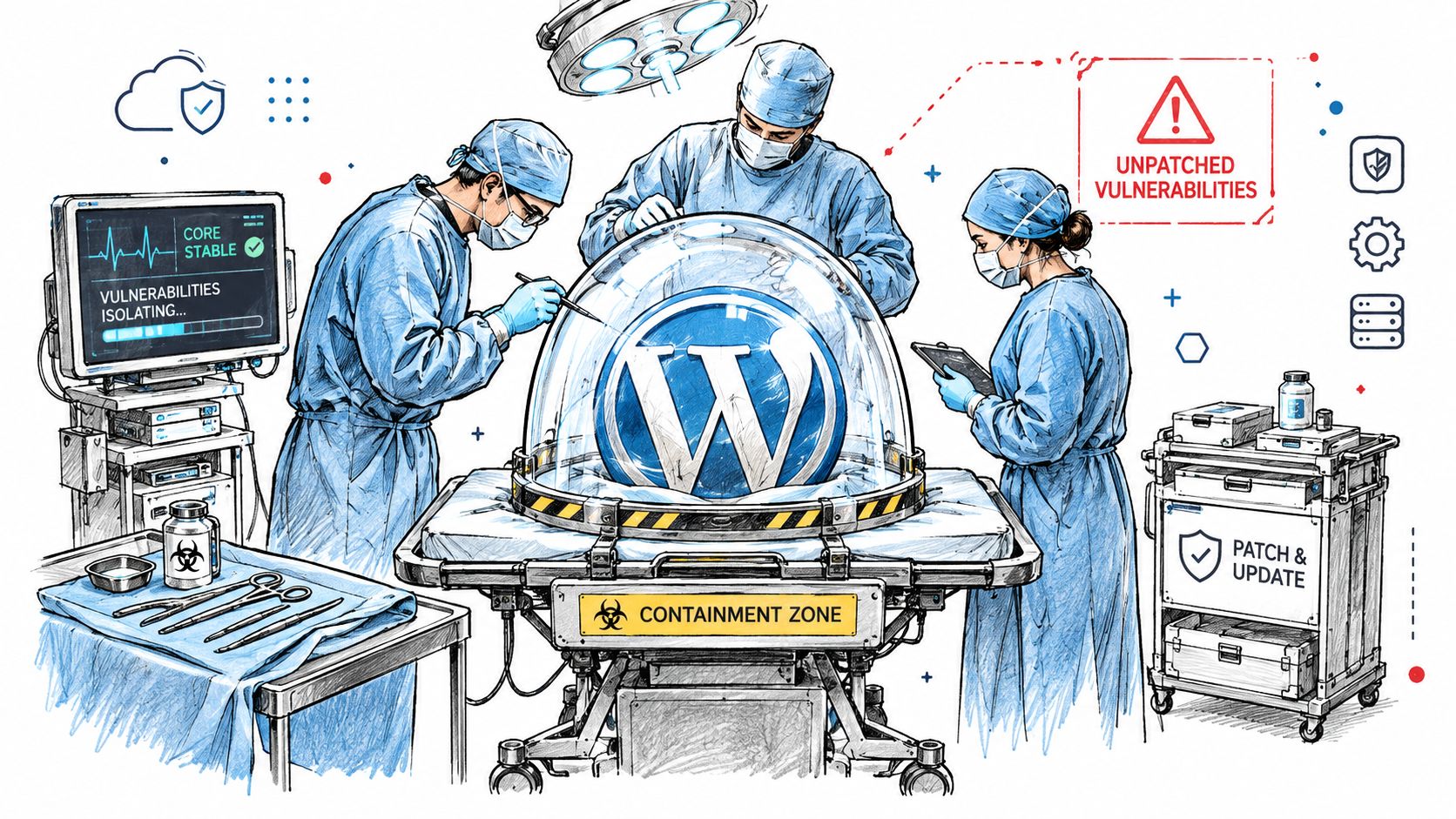
Start by deciding what the vulnerable component exposes. A public form, member area, payment path, and administrator-only feature require different controls. Record the decision, the owner, and the deadline before changing production.
Use this sequence:
- Remove exposure: Disable the plugin or affected feature if the business can tolerate the interruption.
- Restrict access: Limit the endpoint, user roles, administrative access, or network paths as far as the site architecture allows.
- Apply compensating controls: Add suitable firewall rules, request filtering, rate limits, or access restrictions.
- Check for exploitation: Review access logs, application logs, administrator activity, and unusual requests for evidence of attempted abuse.
- Preserve evidence and recovery: Capture relevant logs and create a tested recovery point before making containment changes.
- Assign residual risk: Tell the business owner what remains exposed, what is unavailable, and who accepted the temporary risk.
- Set an expiry date: A workaround without a deadline becomes permanent technical debt.
If a critical transaction or member function must remain live, document why. Keep the service under tighter observation, define the compensating controls, and name the person who must reassess the decision.
Create the operating detail in an incident response plan for WordPress operations. It should state who can approve containment, who applies it, which evidence is retained, and what condition ends the workaround.
When a patch arrives, treat it as a new release. Validate input handling, permissions, database queries, caching, and integrations, then test the workflows the plugin supports, including checkout, authentication, forms, analytics, accessibility, and performance where applicable.
Containment is part of maintenance quality. The release is complete only when the exposure is controlled, the fix is verified in production, and the evidence shows that remediation did not create a second incident.
Backups and Rollback Plans That Survive a Real Incident
A backup is only useful if the team can restore the site under pressure. Before each plugin release, create a complete, versioned recovery point and keep a rollback procedure that an operator can follow without relying on memory.
Capture the database, uploads, themes, plugins, configuration, and supporting assets needed to reproduce the live state. Store the copy outside production, restrict access, and retain enough history to separate a clean pre-release state from a later corrupted or compromised one. Keep the previous plugin package or deployment artifact available too. A database restore cannot remove incompatible code.
Prove the recovery path
A completed backup job confirms that a process ran. It does not confirm that the archive is complete, readable, consistent, or usable. Restore it into staging on a recurring schedule, then verify that the site starts, users authenticate, content renders, forms submit, integrations connect, and scheduled tasks resume.
Record the rollback decision in an operational runbook:
- Trigger: Which error, failed user journey, or security signal requires reversal?
- Authority: Who approves the rollback during and outside business hours?
- Operator: Who has the credentials and technical access to execute it?
- Sequence: Which code, database, cache, and configuration changes revert first?
- Verification: Which smoke tests confirm that the earlier version is stable?
- Communication: Who informs the client, internal team, and affected stakeholders?
Host snapshots can shorten recovery, but a snapshot created after the incident may preserve the damage. Create the rollback point before deployment and label it clearly. Include cache behavior, expiring credentials, integration reauthorization, and client communication in the rehearsal.
Block releases without a usable rollback
The backup belongs before staging promotion and production deployment. An overdue restore test should block the release or require an explicitly recorded exception. A structured WordPress backup process makes recovery a tested operational capability rather than a checkbox.
Set measurable release gates: the recovery point exists, the restore has passed, the prior plugin artifact is available, and the smoke-test owner is named. If any gate fails, postpone the release or document who accepted the risk and why.
That discipline changes the response to a failed update. Instead of rebuilding a site during a weekend incident, the team can reverse a known release, verify the critical journeys, and communicate the result with a clear audit trail.
Automate, Monitor, and Cut the Plugin Bloat Quietly Costing You
Automation should remove repetitive observation, not human judgement. It can detect available updates, compare inventories, scan advisories, collect logs, and flag failures. A delivery lead still decides whether a release is safe, urgent, reversible, and worth keeping.
Patchstack's 2025 mid-year report identified 6,700 vulnerabilities, with 41% classified as exploitable in real-world attacks and 57.6% exploitable by an outsider without credentials. That evidence supports separate handling for emergency vulnerability remediation and ordinary compatibility work, as detailed in Patchstack's 2025 mid-year vulnerability report.
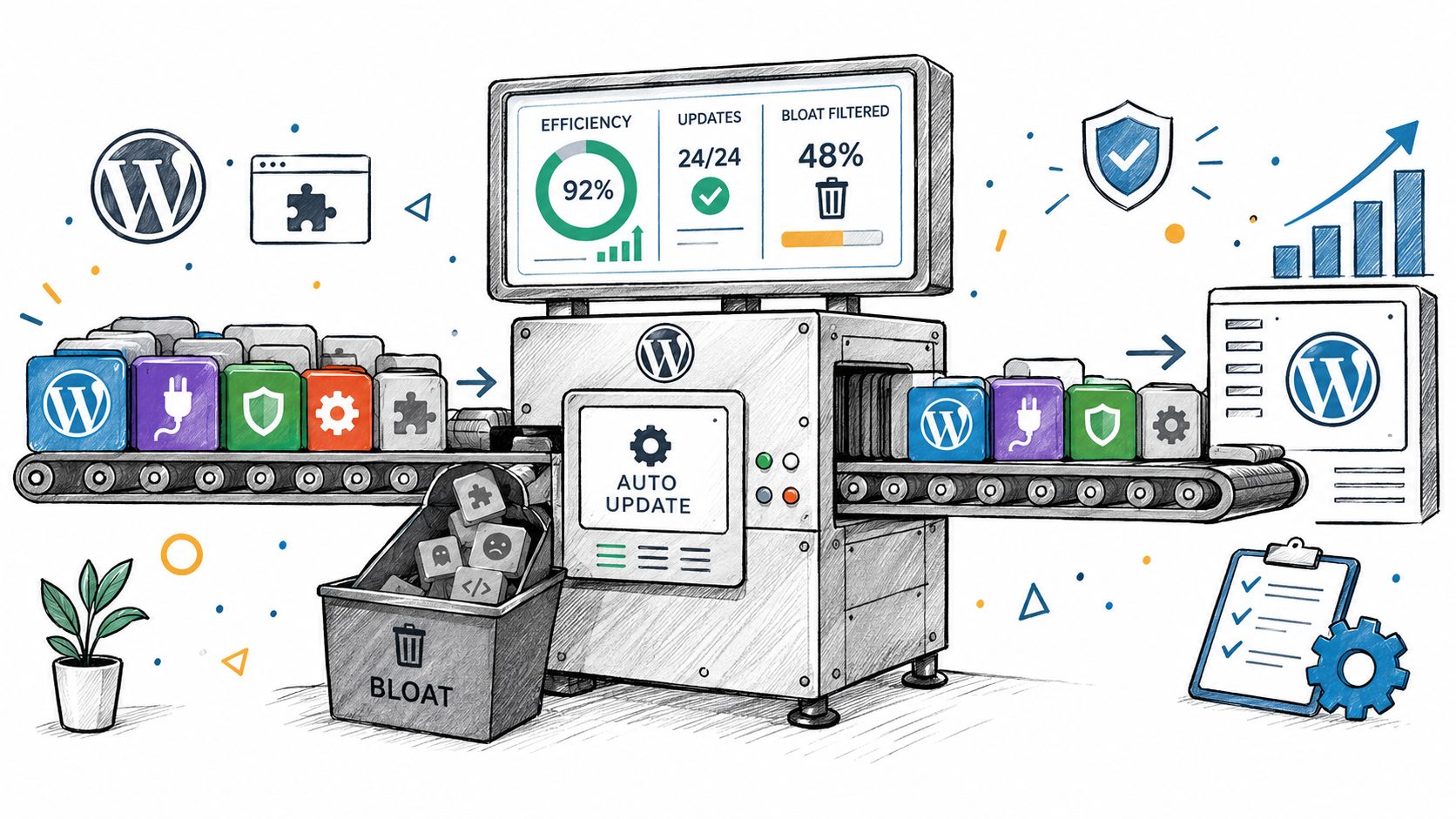
A useful portfolio view combines update state, vulnerability status, uptime, deployment events, error logs, scheduled-task failures, and failed critical journeys. Alerts must show urgency. An exposed endpoint should reach the incident owner, while a low-priority version mismatch can enter the maintenance queue. Equal treatment creates alert fatigue.
Automate these checks:
- Inventory checks: Detect version drift, new installations, inactive extensions, and missing licences.
- Advisory matching: Connect a vulnerability to affected versions and affected sites.
- Release observation: Compare error rates, response behaviour, scheduled tasks, and key journeys before and after deployment.
- Escalation: Route urgent exposure to the incident owner and routine work to the release queue.
- Evidence collection: Preserve deployment records, approvals, test results, logs, and rollback status.
Keep a human checkpoint for high-risk changes, interacting extensions, custom code, payment flows, authentication, and releases whose rollback test is no longer current. Automation can enforce gates, but it cannot judge whether a business-critical integration is safe to disturb.
Plugin bloat usually accumulates without notice. A portfolio may carry duplicate form handlers, abandoned page components, inactive security extensions, and custom integrations with no clear owner. Delete nothing in bulk. Run a deprecation pass.
Choose one extension and trace every template, hook, shortcode, scheduled task, form, API call, and content record that depends on it. Define feature parity, move the function to a chosen replacement or native capability, test affected journeys, monitor the result, then remove the old extension once the evidence is clean.
That sequence takes longer than deleting inactive plugins in one afternoon. It leaves an audit trail and keeps cleanup from becoming an outage. The maintenance cost falls when unnecessary code is retired safely, while the unpatched window between disclosure and an available fix remains visible as an operational gap requiring explicit monitoring and escalation.
When Plugin Maintenance Stops Being the Right Answer
WebinOne's position is that plugin maintenance remains sensible only while the stack's operational cost and risk are proportionate to the business. When every new client adds another set of extensions, ownership is unclear, and critical knowledge sits with one person, changing the architecture becomes a delivery decision rather than a maintenance decision.
A managed DXP can replace a collection of independently maintained extensions with native capabilities governed through one platform. For agencies, that creates a path to standardised delivery, multi-site control, and white-label operations. For systems integrators and enterprise teams, it can shift responsibility for platform operations, security maintenance, and infrastructure away from project teams that should be focused on client outcomes.
The threshold for re-platforming
A migration deserves serious evaluation when several conditions appear together:
- Repeated compatibility failures: Releases regularly require emergency debugging or custom workarounds.
- Portfolio duplication: The same maintenance task is repeated across many sites without central governance.
- Key-person exposure: Only one or two people understand the interaction between plugins, custom code, and integrations.
- Scaling friction: Traffic, environments, or new brands require manual infrastructure intervention.
- Strategic drag: Delivery teams spend more time preserving the stack than creating new digital experiences.
The transition still needs discipline. Content, URLs, integrations, permissions, templates, and business workflows require discovery and staged testing. A managed platform isn't a reason to skip migration engineering. It's a reason to stop carrying the same avoidable maintenance burden after migration.
WebinOne provides a managed platform with native extensions, multi-site governance, and AWS-backed hosting across six AWS regions. It has recorded 99.99% uptime over the last twelve months and publishes a 99.95% availability commitment in its SLA. The platform is available through white-label delivery for agencies and qualifying partnerships for systems integrators and enterprise teams, with migration work handled through controlled, tested programmes.
Agencies evaluating a new delivery model can review the WebinOne reseller program. Systems integrators, AWS partners, and enterprise teams should use the WebinOne enterprise conversation to assess partnership, licensing, migration, and the operating model required for their portfolio.
WebinOne gives agencies and delivery teams a managed DXP with native capabilities, central multi-site governance, and a practical route away from plugin-heavy operations. Visit WebinOne to discuss a migration or partnership that turns recurring WordPress maintenance into a controlled platform responsibility.