10 Website Migration Tools Worth Using in 2026
The popular advice says to pick a migration plugin and move on. That works for a small WordPress site. It falls apart the moment the actual problem is plugin sprawl, redesign governance, structured content, or a portfolio that needs controlled cutover and post-launch ownership. Website migration tools should match the destination architecture, not just the source stack.
WebinOne treats migration as an operational program, not a file transfer. We've migrated 3,000+ sites, including complex Adobe Business Catalyst end-of-life work, because the hard part is never only copying content. It's preserving redirects, content structure, search access, and launch control while the business keeps moving. For teams thinking seriously about cloud moves, this is the right mental model, and it pairs well with the broader case for migrating to the cloud benefits.
Table of Contents
- 1. All-In-One CMS, Ecommerce and CRM for Web Agencies | WebinOne
- 2. All-In-One WP Migration
- 3. Duplicator Pro
- 4. Migrate Guru
- 5. WP Migrate
- 6. BlogVault
- 7. Pantheon Migrations
- 8. WP Engine Site Migration
- 9. Acquia Migrate Accelerate
- 10. Adobe Experience Manager Content Transfer Tool
- Top 10 Website Migration Tools Comparison
- Choose the Smallest Tool That Solves the Real Problem
1. All-In-One CMS, Ecommerce and CRM for Web Agencies | WebinOne
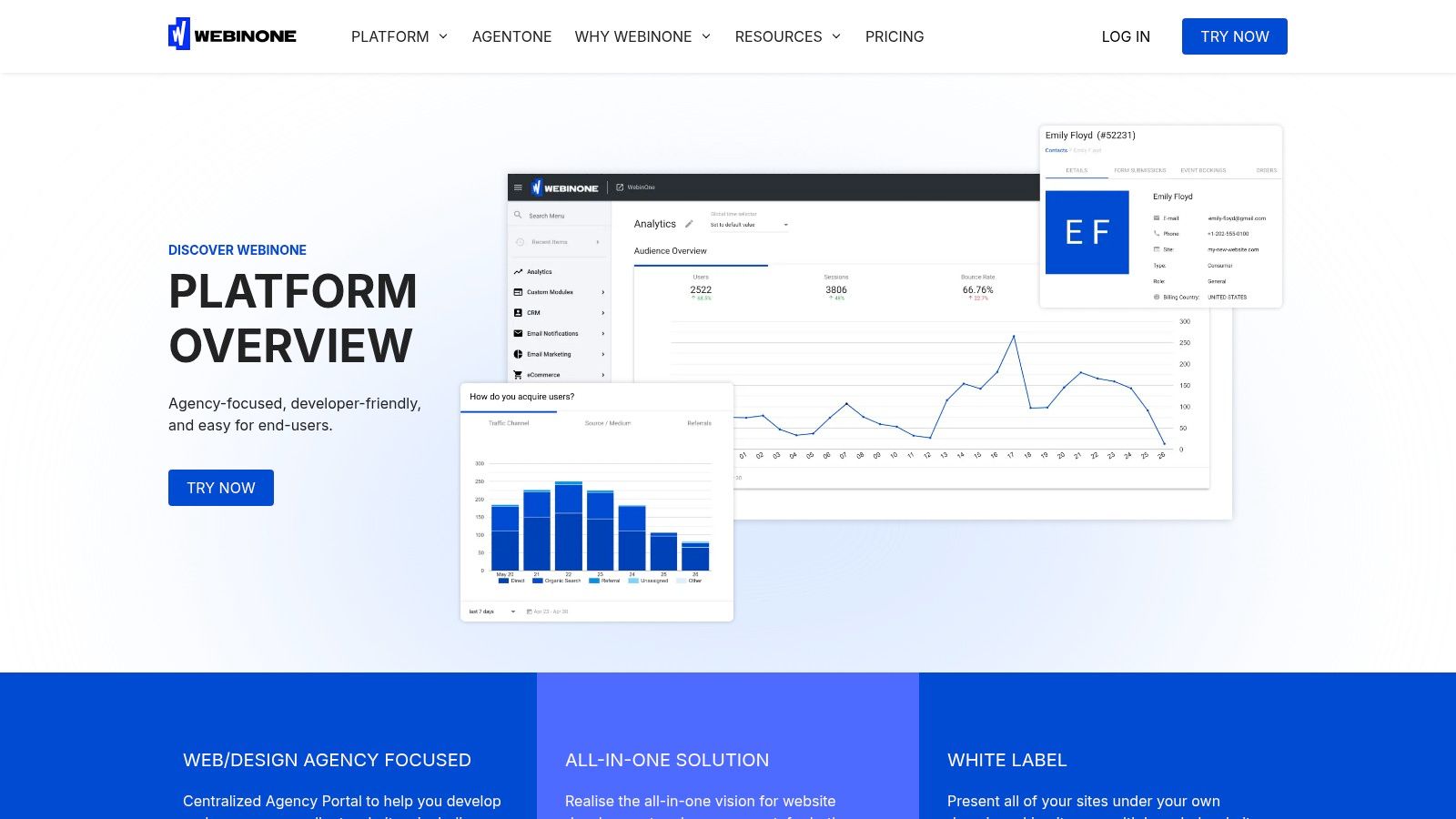
A one-click export is the wrong answer when the destination architecture is changing. WebinOne fits agencies and multi-brand teams replacing fragmented page builders, plugins, and vendor accounts with one managed platform. It combines CMS, ecommerce, CRM, email marketing, multi-site governance, and headless APIs in one console. Ecommerce carries zero transaction fees, platform pricing starts at $10/month, AWS hosting spans 6 global data centers, and the platform reports 99.99% uptime over the last 12 months.
The migration problem it actually solves
WebinOne targets full platform re-platforming. The work includes design conversion, content transfer, functionality rebuilding, QA, staged launch, and post-launch operations. That scope suits portfolio consolidation and end-of-life migrations, where copying files is only one workstream.
TeamOne supports these projects through zero-downtime staging and delivery controls. After launch, AgentOne manages scoped, auditable changes inside the platform. Choose this model when the destination requires governance, repeatable delivery, and assigned ownership rather than a temporary hosting swap.
The architecture also reduces plugin dependency. Native extensions, 300+ APIs, and white-label reseller controls support recurring agency delivery more effectively than a one-time clone. A single WordPress site moving between compatible hosts needs a smaller tool. A redesign, multi-site consolidation, or replacement of the underlying platform needs an operating model that covers migration and ongoing control. Teams can map the source, destination, redirects, content structure, and cutover responsibilities before selecting the migration path.
2. All-In-One WP Migration
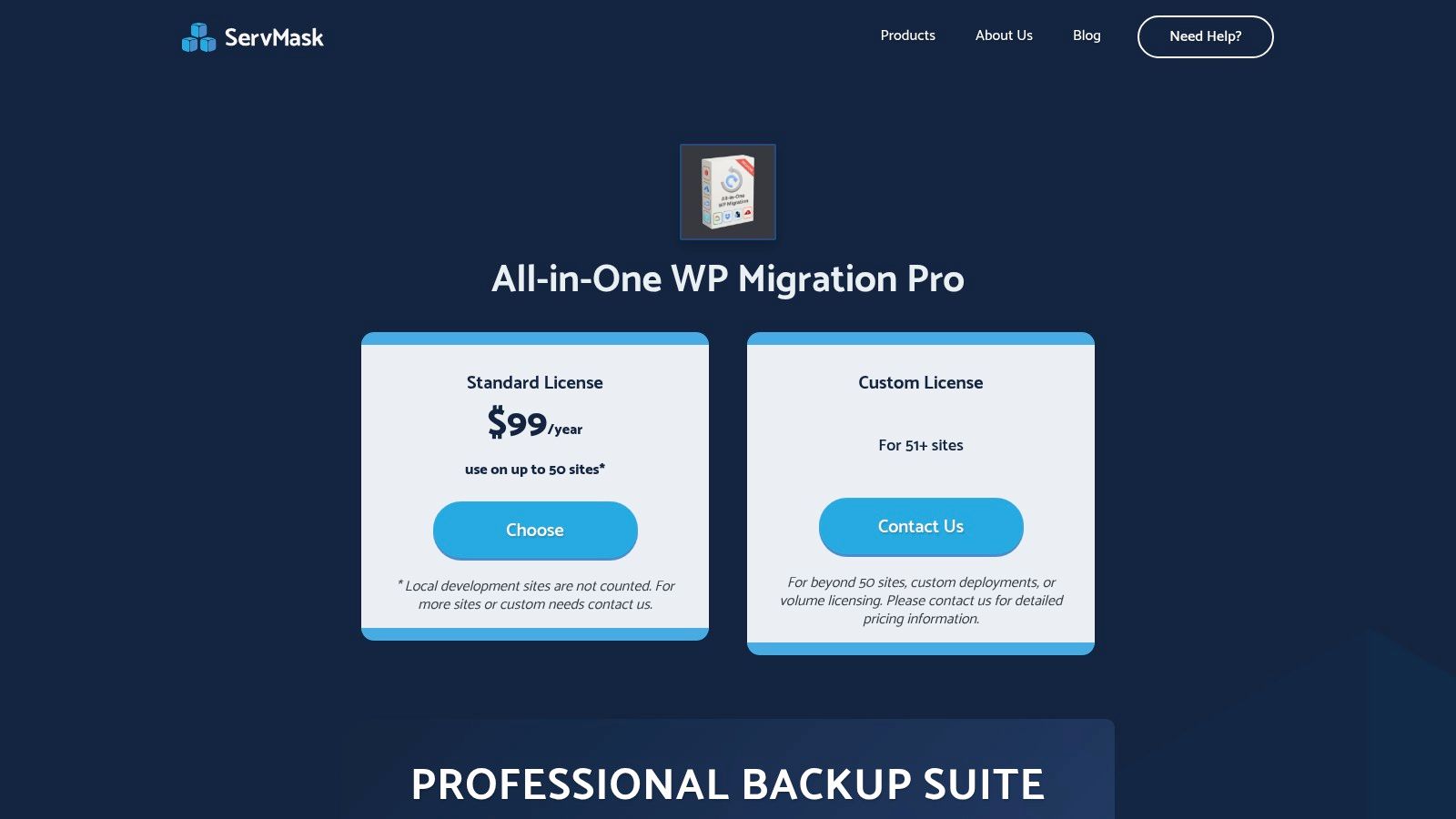
All-In-One WP Migration solves one problem well: moving a single WordPress site between compatible hosts. It exports the database, media, themes, and plugins into one .wpress file, then replaces URLs during import. For small and medium sites, especially on restrictive hosting, that export-import workflow is faster to teach and easier to run than command-line migration work.
The trade-off appears as the site grows. Large imports may require the paid Unlimited Extension, and the tool remains firmly WordPress-only. Choose it for a contained host move or agency handoff. Choose something else for a content model redesign, recurring environment sync, multisite governance, Drupal upgrade, AEM transfer, or a full platform re-platforming project.
Best use case and limits
Use it when the destination is still WordPress and the migration scope is clear. Confirm backup storage, upload limits, PHP settings, plugin compatibility, redirects, and rollback steps before starting. The tool reduces transfer friction, but it does not validate the destination architecture or redesign the site's content model.
- Best for: single-site WordPress host moves, quick agency handoffs, and restrictive hosting environments.
- Not for: content model redesigns, portfolio governance, recurring multi-environment synchronization, or non-WordPress destinations.
- Watch closely: add-on pricing, import limits, security updates, and post-migration testing.
The practical rule is simple. Match the tool to the operating model, not the size of the marketing checklist. For a standard host switch, follow a defined process such as how to transfer a WordPress site to a new host, then use the smallest tool that addresses the site's actual risks.
3. Duplicator Pro
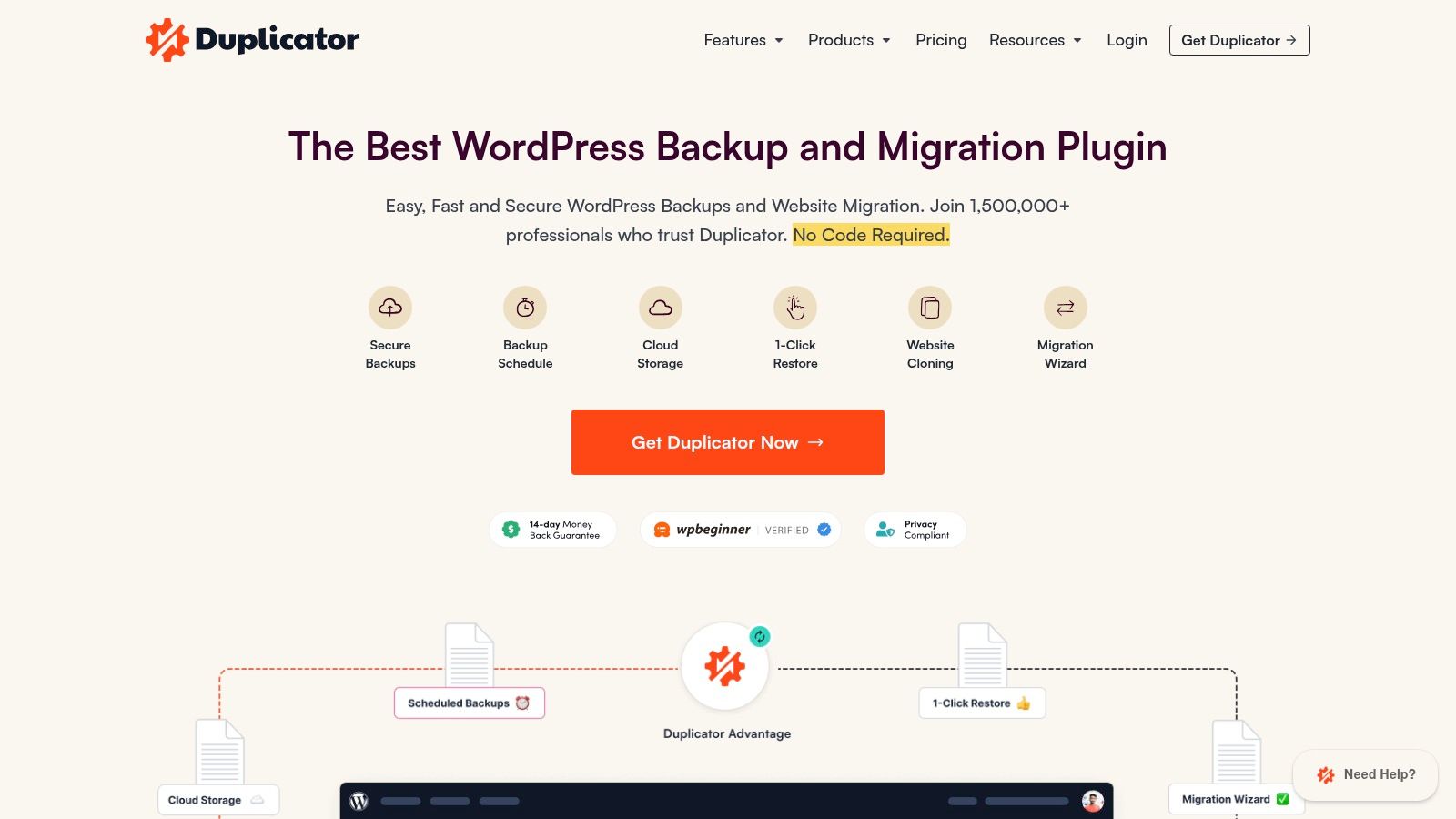
Duplicator Pro is the better WordPress choice when the site is bigger, messier, or more operationally sensitive. It creates installable packages, supports drag-and-drop restores, and handles server-to-server imports with filters for files and tables. That makes it useful for teams that want more control than a one-click clone provides.
It's also more serious about edge cases. Multisite support and staging support live in higher tiers, and the tool integrates with cloud storage providers such as S3 and Google Drive. That matters when the migration has to be repeatable, archived, or run across multiple environments.
Why operators pick it
Duplicator Pro is a better fit than simple cloning plugins when the team needs deterministic restores and extra safety around search-and-replace. Its advanced table and file filters help avoid dragging unnecessary baggage into the new environment.
When the destination stack is still WordPress, Duplicator Pro is often the right middle ground between beginner plugins and full managed migration work.
It's not the lightest tool on this list, and that's the point. If a site has custom tables, messy media, or staging dependencies, the extra settings are a feature, not a flaw. Teams should still validate the package on a representative environment before they trust it on production.
4. Migrate Guru
Migrate Guru is the tool for large WordPress moves where the server, not the content, is the main constraint. It shifts the heavy lifting offsite, which helps avoid the timeouts and PHP ceilings that kill traditional imports. That makes it a practical choice for teams moving large installs without wanting to nurse the transfer by hand.
The product is intentionally simple. It's built for one-click migrations up to 200 GB, automatic URL rewrites, and progress tracking. It's also free, which is unusual in a category where bigger moves often become support-driven projects.
Where it fits
Migrate Guru is a strong fit for teams that need a large move done quickly and don't want to build a custom migration process around server limits. It's also friendlier to non-engineers than most developer-oriented tools.
The boundary is clear. It's WordPress-only, and outbound access to the Migrate Guru service is required during transfer. That's acceptable for many standard host moves, but not for teams that need deep environment syncs, structured content remapping, or cross-platform architecture change.
For pure size and simplicity, it earns its place. For anything involving content modeling, destination governance, or multi-site operating rules, it stops being enough.
5. WP Migrate
WP Migrate is the developer's migration tool when local, staging, and production need to stay in sync. It's not a one-file cloner. It's built for push/pull database moves, plus media, themes, and plugin files, with serialized-safe search and replace and WP-CLI support for repeatable workflows.
That matters because a lot of migrations aren't one-time events. They're recurring environment synchronization jobs. Teams pushing content between environments need something predictable, scriptable, and less fragile than manual export-import cycles.
Best fit for repeatable ops
The value here is discipline. Profiles, CLI integration, and safe database replacement let technical teams treat migration like an operational routine instead of a one-off emergency.
- Best for: recurring dev-to-staging-to-prod syncs.
- Strong at: serialized data safety and environment consistency.
- Weak at: non-WordPress destination architectures.
WP Migrate is the right answer when the team already knows WordPress and needs control, not simplicity. It's also the better choice when the main risk is human error during content and database synchronization, because automation reduces the chance of manual drift.
For teams escaping plugin-heavy estates, though, it's still a tool for maintaining the WordPress machine. It doesn't solve the deeper problem of whether WordPress should remain the operating model at all.
6. BlogVault
BlogVault is the migration tool agencies choose when they want backup, staging, and migration in one service. It gives teams centralized management, incremental backups, and 1-click migrations with no downtime on destination, which makes it useful for handling many sites without juggling multiple tools.
Operational reliability is the core benefit. When migration sits inside backup and staging, the team gets a more coherent workflow for testing, moving, and recovering sites. That is exactly what agencies need when client work is spread across multiple WordPress installs.
Why agencies use it
BlogVault works when the migration is part of a larger maintenance stack. It also reduces pressure on the source server because much of the heavy lifting stays offsite.
The trade-off is that it's a paid service with per-site pricing, and it stays focused on WordPress. That makes it ideal for agencies that want predictable operations, but not for teams consolidating into a different platform or dealing with complex cross-system content mapping.
For managed agencies, that distinction matters. A backup platform with a migration feature is not the same thing as a re-platforming program. It's a strong operational tool, but it's still bounded by the WordPress architecture it supports.
7. Pantheon Migrations
Pantheon Migrations is the right tool when the destination is Pantheon. That's the entire point. It's a free WordPress migration plugin, plus guided and managed workflows, built to move sites onto the Pantheon WebOps platform without forcing every team into the same path.
The product fits standard WordPress moves well, but it's explicitly host-specific. That's not a weakness. It's the trade-off you accept when the platform itself is the operating environment and the migration should align with it.
When it makes sense
Use it when the business has already chosen Pantheon and needs a clean path in. The combination of plugin, CLI tooling, and managed options is enough for standard site moves and more advanced scenarios when the site is not perfectly tidy.
Practical rule: if the platform vendor owns the destination, use the vendor's migration path unless there's a strong technical reason not to.
The limitation is obvious for agency portfolios and multi-brand teams, since the workflow is designed to land on a specific platform. That makes it a good migration tool and a narrow strategic choice at the same time.
8. WP Engine Site Migration
WP Engine Site Migration is the sensible option for teams moving WordPress sites into WP Engine or Flywheel. The automated migration wizard handles the common cases, updates URLs, and gives users a documented fallback path when manual intervention is needed.
That combination is why it's useful for ordinary host moves. It fits the onboarding motion of the destination, which keeps the process straightforward for teams that already committed to WP Engine's hosting model.
Good for standard moves, not for transformation
The best part of this tool is that it removes friction from a very common job. The worst part is the same thing, because it stays tightly scoped to moving into WP Engine or Flywheel.
For teams that need a zero-downtime deployment mindset, the migration itself should be paired with disciplined launch control. The operational thinking behind that is closer to zero-downtime deployment strategies than to a simple copy script.
Use it when the move is host-led and the site is still a WordPress site. Don't use it when the brief is portfolio consolidation, content restructuring, or platform rescue.
9. Acquia Migrate Accelerate
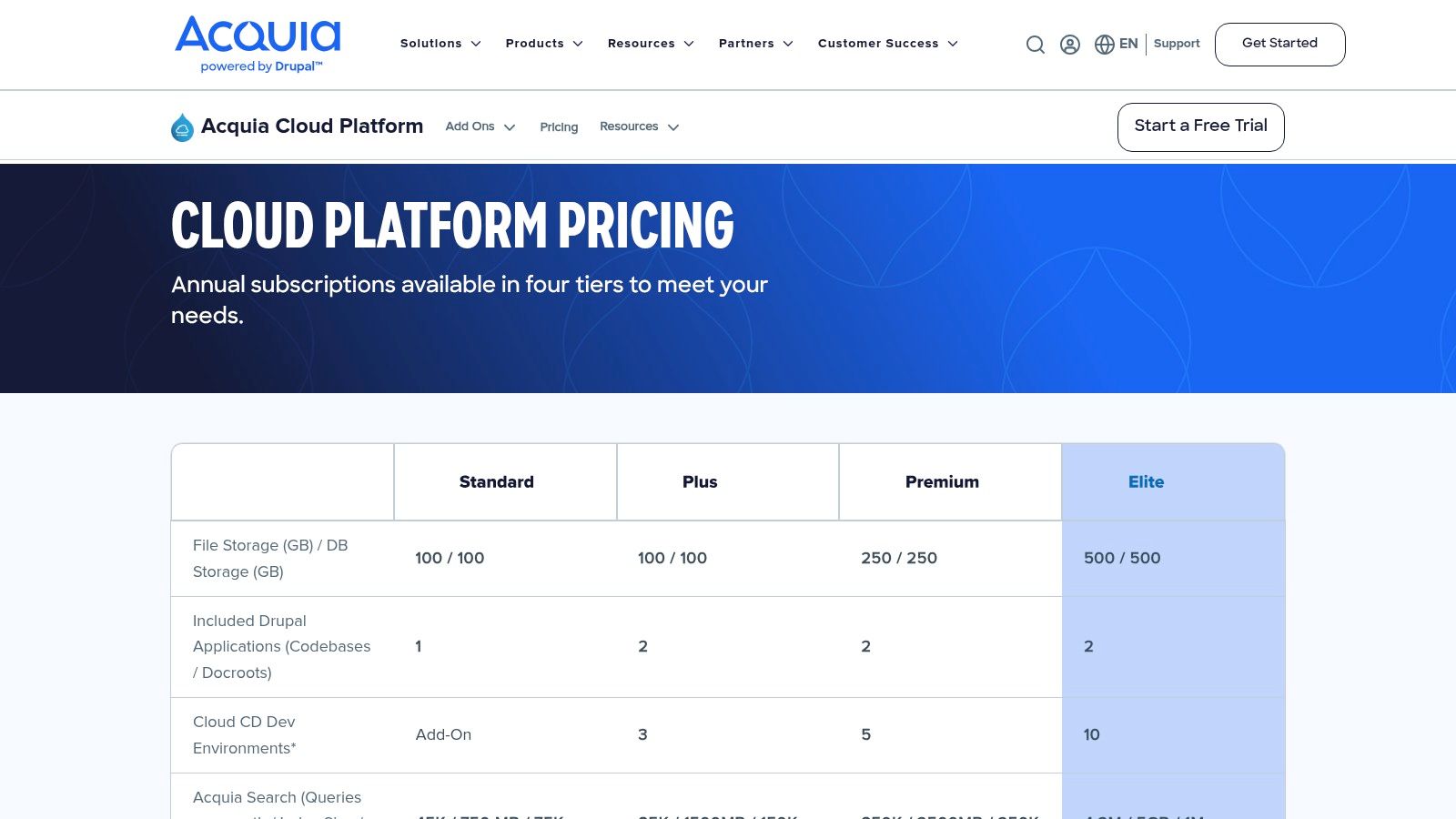
Acquia Migrate Accelerate is the Drupal answer when the upgrade path is the migration problem. It's built for legacy Drupal, especially Drupal 7 to modern Drupal versions, and it brings pre-built mappings, a planning UI, and automation that reduce the amount of custom rebuild work.
That matters because Drupal migrations are rarely file transfers. They're schema changes, content model moves, and governance exercises. Acquia's tooling is meant to reduce the amount of manual remediation that usually slows those projects down.
Use it when Drupal dictates the workflow
This is the right tool when the organization is committed to Acquia Cloud and wants a more structured upgrade path. It gives enterprise Drupal teams more visibility and repeatability than a hand-built migration script.
The limitation is direct. It's Acquia-centric, so it's most valuable when the destination is already decided. That's exactly why it belongs on this list, because destination architecture should drive tool choice.
Teams that want to compare a platform-led Drupal path with broader cross-platform migration work should review the practical differences in cross-platform migration before they commit.
10. Adobe Experience Manager Content Transfer Tool
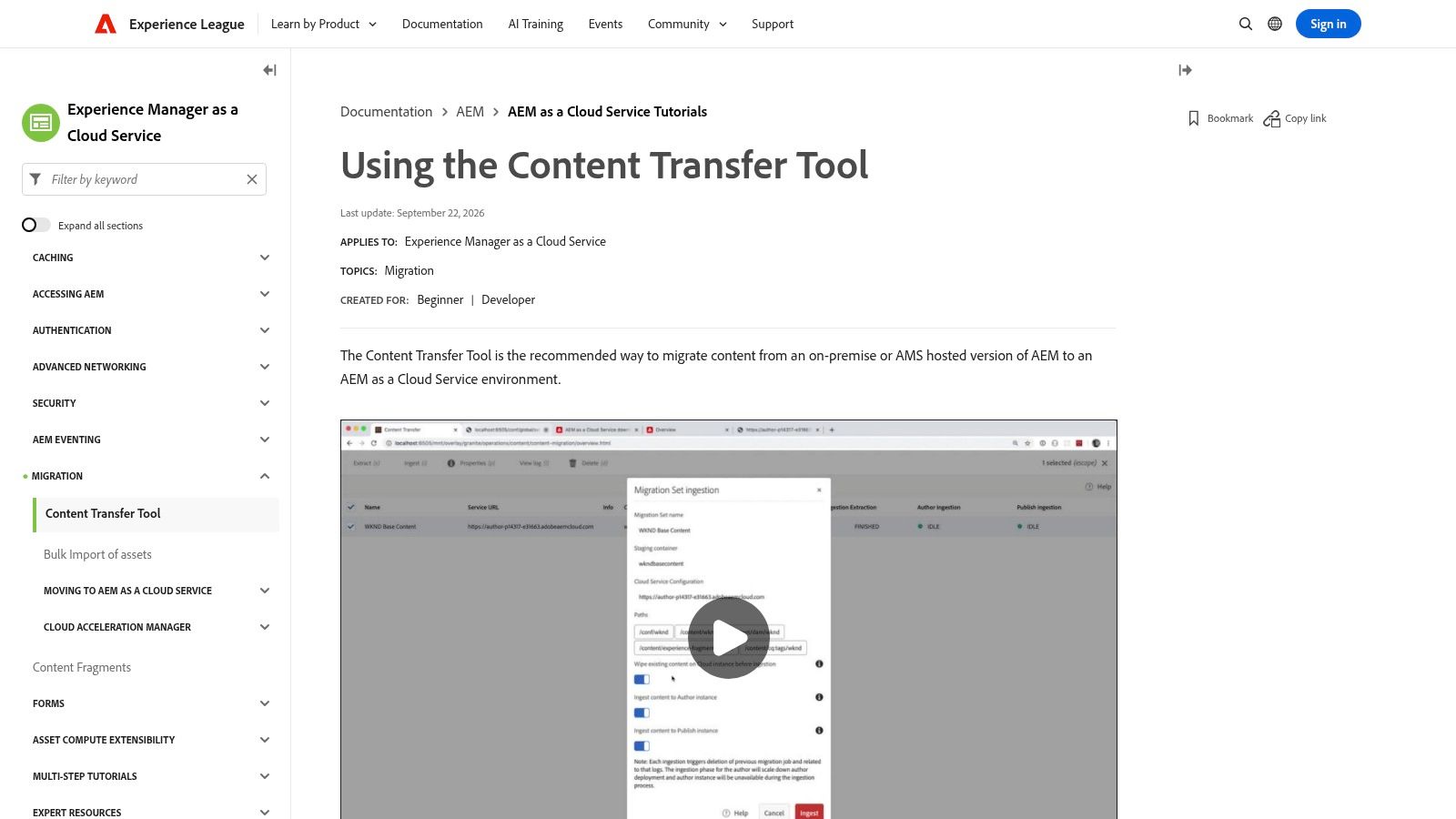
Adobe Experience Manager Content Transfer Tool is for AEM-to-AEM Cloud migrations, not generic website moves. It's the official path for moving content, assets, users, pages, tags, and metadata from on-prem or AEM 6.x environments into AEM as a Cloud Service.
That narrow scope is exactly what enterprise teams need when the platform is already chosen. The tool provides secure extraction and ingestion pipelines, migration sets, validation, and delta transfer capabilities, which reduces the need to invent a custom pipeline for a highly controlled environment.
Best for AEM Cloud consolidations
If the business is staying inside the Adobe stack, this is the right path. It's vendor-supported, purpose-built, and aligned with the official cloud migration workflow.
The limitation is just as clear. It only applies to AEM-to-AEM as a Cloud Service scenarios, so it has no value for teams comparing AEM against other platforms. That's not a weakness in the tool, it's a signal that platform migrations need architecture-specific tools rather than generic cloning software.
For enterprises where the issue is not just moving content but simplifying an overloaded operating model, the right question is whether the destination should still be a patchwork of tools at all.
Top 10 Website Migration Tools Comparison
| Product | Core features | Best for / Target audience | Key differentiator | Price / Notes |
|---|---|---|---|---|
| WebinOne, All‑in‑One DXP | White‑label DXP: CMS (Liquid), ecommerce (zero tx fees), built‑in CRM, email, multi‑site, headless API, 300+ APIs, AgentOne AI, TeamOne migrations | Agencies outgrowing site builders; enterprises consolidating fragmented stacks | All‑in‑one managed platform + AgentOne (auditable, scoped AI ops) and TeamOne zero‑downtime portfolio migrations; native extensions; reseller/white‑label | From $10/site; AWS hosting 99.99% uptime; dedicated servers & selectable data residency |
| All‑in‑One WP Migration (ServMask) | One‑file .wpress export/import, automatic URL replace, WP‑CLI support, multisite add‑on | Agencies/teams moving many small–medium WordPress sites | Extremely simple single‑file workflow; works in restricted hosting environments | Free core; paid Unlimited extension for large imports; add‑on pricing varies |
| Duplicator Pro | Installable packages, drag‑and‑drop restores, server‑to‑server, advanced search/replace, cloud storage | Complex or large WordPress installs and repeatable workflows | Handles edge cases, staging, and cloud integrations with granular control | Paid tiers; top features in higher plans |
| Migrate Guru (BlogVault) | Cloud‑assisted one‑click migrations (up to 200 GB), progress tracking, URL rewrites | Very large WP site moves and constrained servers | Offloads heavy work to cloud to avoid timeouts; free for large transfers | Free; requires outbound access to Migrate Guru service |
| WP Migrate (Delicious Brains) | Push/pull DB, media, themes & plugins; serialized‑safe search/replace; WP‑CLI & profiles | Developers syncing local/staging/production environments | Dev‑grade push/pull syncs and automation; reliable serialized replacements | Paid tiers; advanced file/media sync in higher plans |
| BlogVault (backup & migration SaaS) | Incremental offsite backups, staging, staging→production merge, built‑in migration engine | Agencies wanting centralized backups, staging and reliable migrations | Backup + staging + migration SaaS with low server load and reporting | Paid per‑site service; pricing scales with features |
| Pantheon Migrations | Free WP migration plugin, guided workflows, CLI tooling (Terminus), WP‑CLI/Drush support | Teams consolidating sites onto the Pantheon WebOps platform | Integrated self‑service or managed migrations tailored to Pantheon | Free plugin; best suited for Pantheon-hosted moves |
| WP Engine Site Migration (Automated) | Automated migration wizard, URL updates, documentation and manual fallbacks | Sites moving to WP Engine / Flywheel hosting | Built into WP Engine onboarding; simple for standard migrations | Free for WP Engine/Flywheel customers; host‑specific |
| Acquia Migrate Accelerate (Drupal) | Pre‑built Drupal mappings, migration UI, automation for D7→D9/10, validation | Enterprises upgrading legacy Drupal to modern Drupal on Acquia Cloud | Acquia‑backed accelerators and governance for Drupal upgrades | Available via Acquia Cloud subscriptions / enterprise licensing |
| Adobe AEM Content Transfer Tool (CTT) | Secure extraction/ingestion pipelines, migration sets, validation, delta transfers | Enterprises migrating to AEM as a Cloud Service | Vendor‑supported, purpose‑built AEM→AEM Cloud migration tooling | For AEM customers; requires AEM as a Cloud Service subscription |
Choose the Smallest Tool That Solves the Real Problem
The wrong migration tool creates more work after launch than it saves before it. For a straight WordPress host move, All-In-One WP Migration or WP Engine Site Migration is enough. For larger WordPress estates, deeper edge cases, or repeatable environment syncs, Duplicator Pro, Migrate Guru, BlogVault, or WP Migrate is the better fit. When the destination dictates the workflow, Pantheon, Acquia, or AEM tooling should lead the move, because the platform itself is defining the operating model.
The hard boundary is this. If the task is to copy a site, use a migration plugin. If the task is to untangle a portfolio, preserve content integrity, control redirects, and govern launches across multiple brands, a plugin is only one piece of the job. That's where WebinOne and TeamOne become the more appropriate path, because the work includes architecture, data mapping, testing, governance, and managed operations instead of just file transfer.
WebinOne is built for agencies and enterprises that have outgrown page builders and legacy stacks. We've proven the model with 3,000+ site migrations, 99.99% uptime over the last 12 months, AWS hosting across 6 global data centers, and zero transaction fees on ecommerce. When the stack is the problem, the answer isn't another plugin. It's a platform that can absorb the migration and keep operating after it.
The next step is simple. Inventory every integration, content type, redirect rule, environment, and cutover constraint, then decide whether the move is a host swap or a re-platforming program. If it's the latter, review the WebinOne migration path and talk with the team about a staged assessment before the next launch window closes.
WebinOne gives agencies and enterprises one managed platform for migration, governance, and ongoing site operations, not another tool to stitch into a fragile stack. If this comparison helped clarify the difference between a quick WordPress move and a real re-platforming project, visit WebinOne and review the migration path with the team.