Playwright vs Puppeteer for Web Automation
The popular advice on Playwright vs Puppeteer is too narrow. It treats both libraries as QA test runners and declares Playwright the winner because it covers more browsers. That conclusion is directionally right for many test suites, but it misses the decision enterprise teams face: which browser automation layer can support production operations, AI agents, migration validation, document generation, scraping, and multi-site governance without becoming another fragile system to maintain?
For agencies and enterprise teams, the browser library is infrastructure. It influences CI isolation, failure diagnosis, browser version control, scraping reliability, and the amount of custom glue surrounding every workflow. Playwright is the stronger default for broad, long-lived automation estates. Puppeteer remains the more disciplined choice for focused Chromium workflows where direct Chrome DevTools Protocol access and a small runtime footprint matter more than browser parity.
Table of Contents
- Beyond QA Testing in Modern Digital Operations
- Historical Divergence and Current Adoption Momentum
- Cross-Browser Coverage and Execution Performance
- API Ergonomics and Test Determinism
- Production Workloads and Migration Realities
- Choosing the Right Tool for Your Automation Stack
- Scaling Automation on a Managed Digital Experience Platform
Beyond QA Testing in Modern Digital Operations
Browser automation now sits inside workflows that never appear on a QA dashboard. A migration pipeline can use it to compare rendered pages before and after a platform cutover. An operational service can generate PDFs, capture screenshots, submit forms, or verify that a published change appears correctly across a portfolio of sites. An AI agent can use a browser to inspect a live interface, collect structured information, and perform approved actions.
That changes the evaluation criteria. A test that fails noisily in CI is inconvenient. A production workflow that extracts incomplete data, generates a broken document, or misses a deployment regression creates an operational incident. Deterministic execution, isolation, observability, and recoverable failure handling matter more than the elegance of the first script.
Practical rule: Choose the browser library for the workload that will still exist after the initial proof of concept is forgotten.
A digital agency might use browser automation to validate redirects across a large migration. A system integrator might use it to exercise a headless commerce journey across different browser engines. A multi-brand team might run scheduled checks against localized sites, authenticated member areas, and content publishing flows. These workloads share code with UI testing, but their operational requirements are different. They need predictable browser provisioning, clear logs, repeatable contexts, and a way to distinguish an application defect from an infrastructure fault.
The people responsible for these systems also need to model labor correctly. The cost isn't just the engineer who writes the script. It includes the team that investigates flaky failures, maintains selectors, updates browser images, and supports the pipeline after launch. Teams building a hiring plan can use this overview of an entry-level QA engineer salary as context, but the broader point is operational: automation maintenance consumes skilled time whether the work is labeled QA, platform engineering, or digital operations.
Where the testing-only model breaks
Puppeteer and Playwright can both drive pages, interact with controls, and collect results. The difference appears when the workflow expands beyond a single browser and a single assertion. Production automation often needs several isolated sessions, controlled retries, network inspection, trace artifacts, device profiles, or reproducible browser binaries.
Playwright's broader architecture reduces the amount of framework assembly required for those cases. Puppeteer can still work well, but teams generally add a test runner, assertion library, wait strategy, reporting layer, and parallel execution model around it. That isn't bad. It does mean the organization owns more integration decisions.
The right question isn't whether a library can click a button. Both can. The question is whether the resulting automation estate remains understandable when multiple teams, brands, environments, and release trains depend on it.
Historical Divergence and Current Adoption Momentum
Puppeteer was first released by Google's Chrome DevTools team in 2017, about three years before Playwright. Playwright followed in January 2020, created at Microsoft by engineers who had previously worked on Puppeteer. Browserless' historical comparison places that sequence in the context of headless Chrome's arrival and the effort to standardize high-level browser automation over the Chrome DevTools Protocol.
Puppeteer's original shape made sense. Chrome and Chromium were the immediate target, the DevTools Protocol provided a direct control surface, and a focused API was valuable for screenshots, PDFs, scraping, and browser scripting. Playwright arrived with a different premise. Cross-browser automation was part of the core model rather than an extension added later.
That distinction helps explain adoption signals that appear contradictory. By mid-2026, one independent comparison reported roughly 57.6 million weekly downloads for Playwright versus 10.7 million for Puppeteer, while Puppeteer still held a slight GitHub star lead, about 94,423 versus 90,292. Those figures are available in the 2026 Playwright and Puppeteer comparison.
The two measurements describe different behavior. GitHub stars accumulate over time and reflect recognition, curiosity, and community visibility. Weekly npm downloads are closer to active package installation, although they still shouldn't be treated as a perfect measure of production usage. Puppeteer's earlier release gave it a substantial recognition advantage. Playwright's installation momentum indicates that new projects and existing teams are responding to browser breadth, integrated testing features, and the need to represent more than a Chromium-only user base.
What the history means for platform teams
Historical priority doesn't determine platform suitability. Puppeteer's maturity remains useful where a team has a stable Chrome-first estate, strong internal conventions, and no need to validate Firefox or WebKit behavior. The earlier ecosystem can also make troubleshooting familiar and reduce the perceived risk of a small standalone script.
Playwright's later design is more aligned with organizations consolidating automation into a shared platform capability. A multi-brand enterprise doesn't want every team to invent its own approach to context isolation, tracing, parallel workers, or browser installation. A framework that includes more of those concerns can lower the number of local decisions, even when migration requires deliberate work.
The adoption gap therefore matters less as a popularity contest than as a planning signal. New automation should account for the direction of browser diversity and operational standardization. Existing Puppeteer estates should not migrate because a chart says so. They should migrate when cross-browser coverage, maintenance consistency, or CI reproducibility justifies the rewrite.
Cross-Browser Coverage and Execution Performance
Browser coverage is the clearest practical separator in Playwright vs Puppeteer. Playwright supports Chromium, Firefox, and WebKit, while Puppeteer is Chromium-focused, as documented by Apify's browser automation comparison. For teams that need parity across Chrome, Firefox, and Safari-like behavior, this isn't a cosmetic feature difference. It determines whether one automation model can represent the supported user environments.
Playwright also treats isolated browser contexts as a first-class execution pattern. That matters in CI, where workers need separate sessions, credentials, cookies, and storage without launching a completely independent browser process for every case. Puppeteer can create pages and contexts, but teams typically build more of the surrounding orchestration themselves.
Controlled benchmark data shows why the distinction can matter. In one reported comparison, Playwright recorded a 476 ms median for cold launch plus workflow, compared with 576 ms for Puppeteer. With a reused browser and a new context or page, Playwright recorded 218 ms, compared with 242 ms for Puppeteer. The reused-browser and reused-page case was effectively tied, at 141 ms median for both tools. The benchmark is reported in Skyvern's performance comparison.
Execution Context Performance
| Scenario | Playwright (ms) | Puppeteer (ms) |
|---|---|---|
| Cold launch plus workflow | 476 ms median | 576 ms median |
| Reused browser with new context or page | 218 ms median | 242 ms median |
| Reused browser and reused page | 141 ms median | 141 ms median |
The numbers support a restrained conclusion. Playwright's architecture doesn't impose a meaningful steady-state penalty in the simplest reused-page scenario. Its faster context creation can matter when a CI pipeline creates many isolated sessions, particularly for parallel suites or workflows that must avoid state contamination.
That doesn't make Puppeteer slow in every practical workload. A small Chrome-only script that launches a browser, performs a narrow task, and exits may benefit from Puppeteer's focused model. Startup overhead, browser installation, page lifecycle, and network conditions can dominate any library-level difference, so benchmark results should be treated as workload-specific rather than universal.
For a deeper look at reducing browser and application bottlenecks together, teams can use this guide to improve performance in production workflows. The key is to measure the lifecycle that the pipeline runs, not just an isolated page action.
API Ergonomics and Test Determinism
The first automation script rarely determines the long-term cost. Maintenance does. A selector that works against a static page can fail when content loads asynchronously, a component rerenders, a modal changes state, or a network response arrives later than expected. Teams then decide whether to add a timeout, wait for a selector, retry the action, inspect a trace, or restructure the workflow.
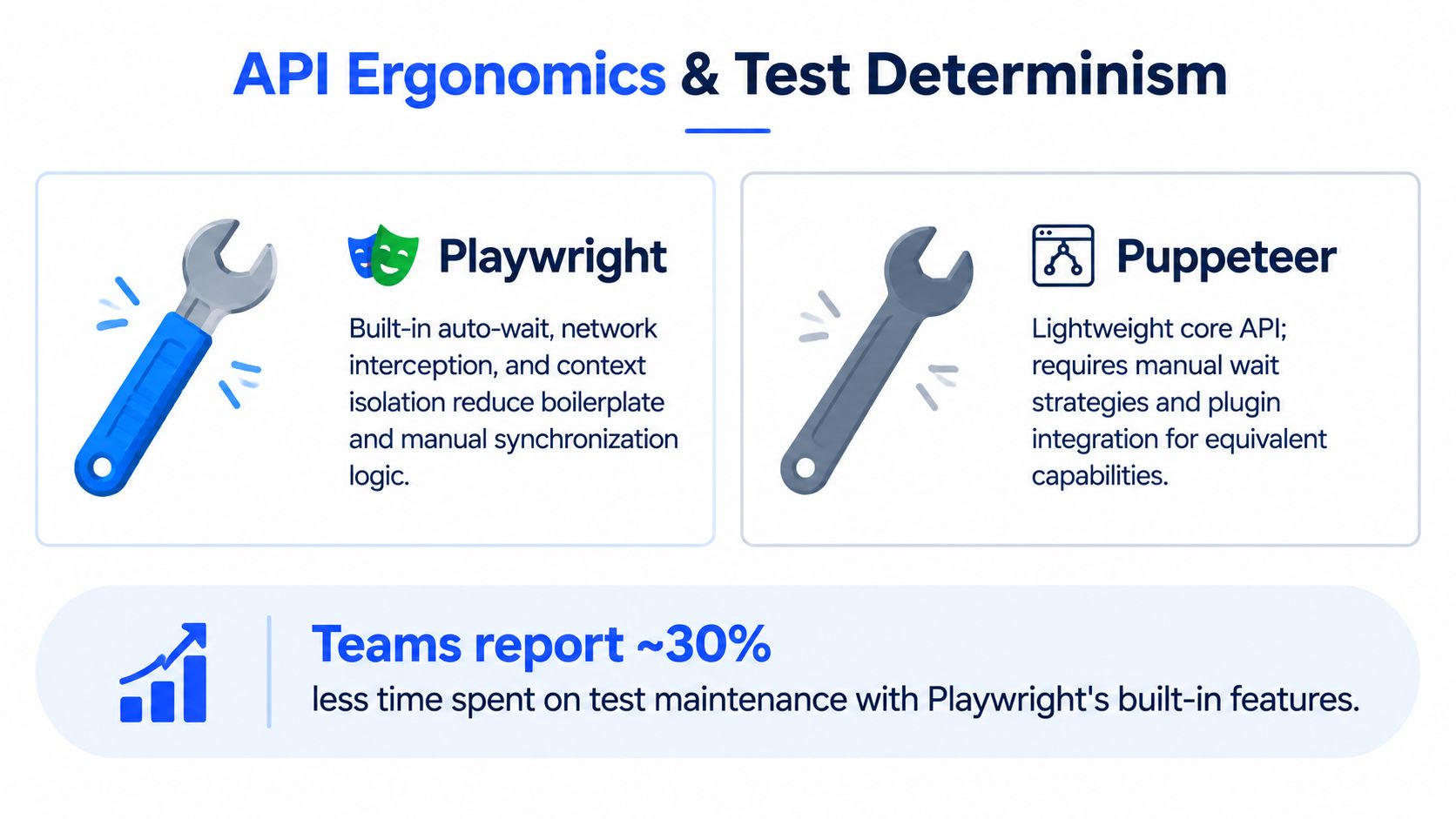
Puppeteer offers a relatively direct API over Chromium automation. That directness is valuable for low-level DevTools Protocol work, custom network manipulation, and minimal scripts. It also means teams often need to define their own conventions for synchronization, assertions, parallel execution, and failure artifacts. External test runners can fill those gaps, but the resulting system becomes a composition of separate tools.
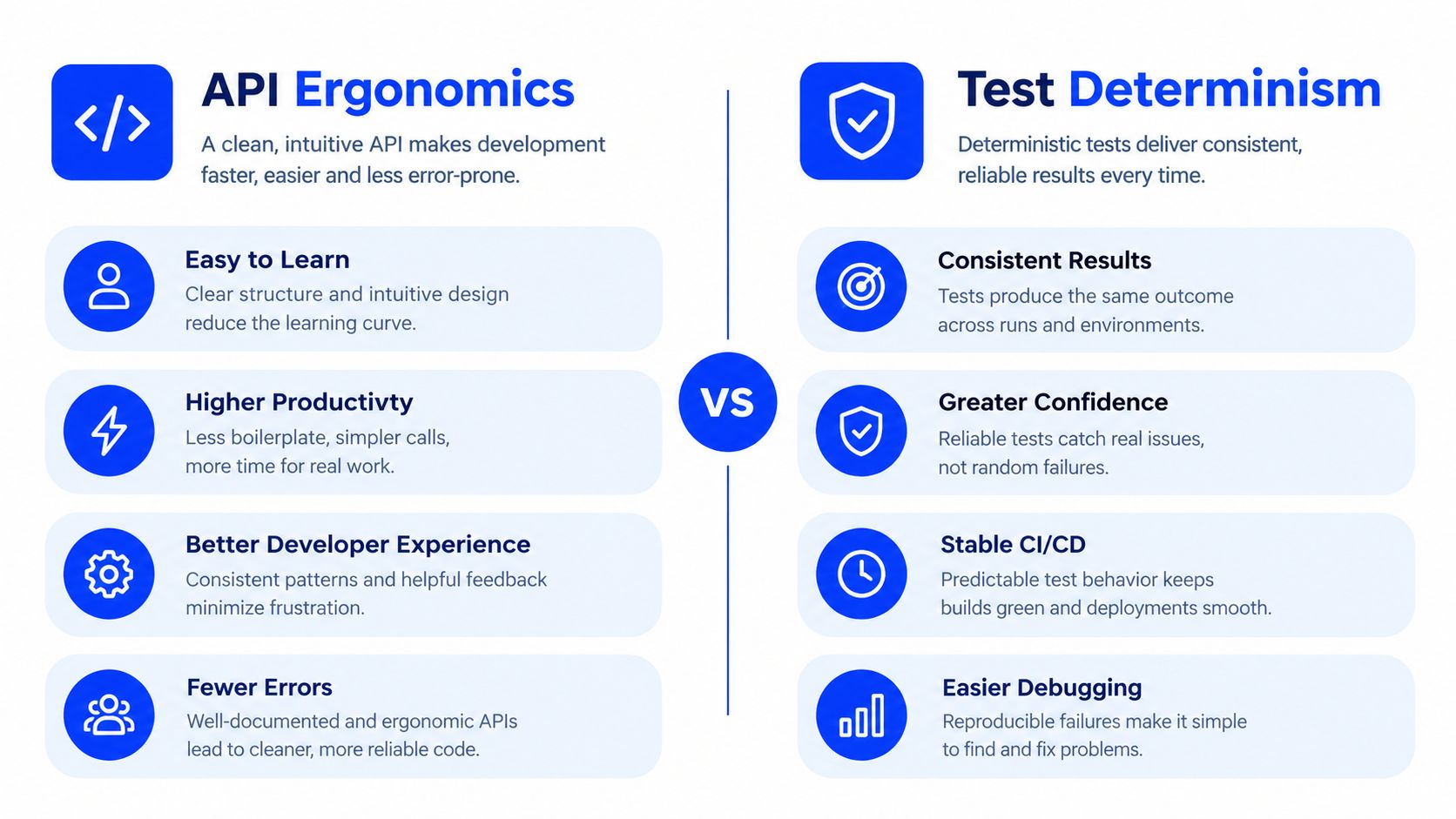
Playwright includes auto-waiting locators, web-first assertions, tracing, device descriptors, and worker-based parallelism. Its locators wait for elements to reach an actionable state, while web-first assertions are designed around changing page state rather than a single immediate snapshot. Trace tooling gives engineers a richer record of what occurred during a failed run, which shortens the path from red build to root cause.
The maintenance trade-off
Auto-waiting isn't magic. A poorly designed locator can still be ambiguous, a broken application can still produce misleading symptoms, and retries can conceal real defects if a team configures them carelessly. Playwright reduces manual synchronization logic, but engineers still need stable accessibility roles, meaningful test data, controlled fixtures, and clear ownership of environment failures.
Puppeteer remains attractive when the workflow is intentionally close to the browser protocol. A PDF service, screenshot utility, or targeted Chrome scraper may not need a full test framework. Adding Playwright's broader model to that script could increase operational surface area without producing a useful return.
A reliable automation stack makes failure observable, not merely less frequent.
For enterprise suites, however, determinism usually wins over minimalism. Integrated contexts, workers, locators, and traces create a common operating model across teams. That common model is particularly valuable when an agency maintains many client sites or when an enterprise runs a shared automation service across brands. The code may start with a browser action, but the durable asset is the maintenance system around it.
Production Workloads and Migration Realities
Production browser automation exposes a different set of trade-offs. A scraping pipeline may need to stay Chromium-only and keep startup behavior simple. An AI agent may need controlled sessions, page inspection, network access, and auditable actions. A migration validator may need to compare routes across multiple engines and preserve evidence when a page diverges.
Puppeteer still has a credible advantage for Chrome-only stealth scraping, direct DevTools Protocol work, and minimal standalone scripts, according to a recent 2026 tool comparison from DeviQA. That advantage is practical, not ideological. A focused script with a narrow browser target can avoid adopting capabilities it doesn't need.
Playwright becomes more compelling when production automation needs repeatability across environments. Its browser installation workflow supports specific browser installation on demand, and Playwright's browser documentation describes that version-pinned approach. External guidance also notes that, since 1.57, the default Chromium managed by Playwright is Chrome for Testing under the hood. This helps CI teams make browser provisioning part of a reproducible build rather than relying on whatever executable happens to exist on a runner.
Migration cost is more than API syntax
Playwright's migration guide says most Puppeteer APIs can be used as-is, but recommends moving from ElementHandle patterns to Locator objects and web-first assertions. The official Puppeteer migration guide makes that recommendation concrete. It signals that a successful migration isn't a global search-and-replace exercise. Selector ownership, timing assumptions, fixture design, assertions, and CI artifacts all deserve review.
A mature Puppeteer codebase may contain years of implicit behavior. Engineers may have added sleeps because a service was once slow, selected elements by brittle CSS paths because the original markup was stable, or coupled browser lifecycle to a particular CI image. Rewriting those patterns can improve the end state, but it consumes engineering capacity and introduces temporary risk.
A practical migration audit should separate the estate into three groups:
- Stable Chromium utilities: Keep narrow scripts that have clear ownership, predictable inputs, and no browser parity requirement.
- Growing shared suites: Prioritize Playwright when multiple teams are adding tests or when manual synchronization is becoming a recurring maintenance problem.
- Production pipelines: Evaluate browser version pinning, context isolation, evidence capture, retry behavior, and rollback before changing libraries.
Teams planning a broader platform move should also document route coverage, content dependencies, authentication flows, and cutover validation in a cross-platform migration plan. The library decision should follow that operational inventory, not precede it.
Choosing the Right Tool for Your Automation Stack
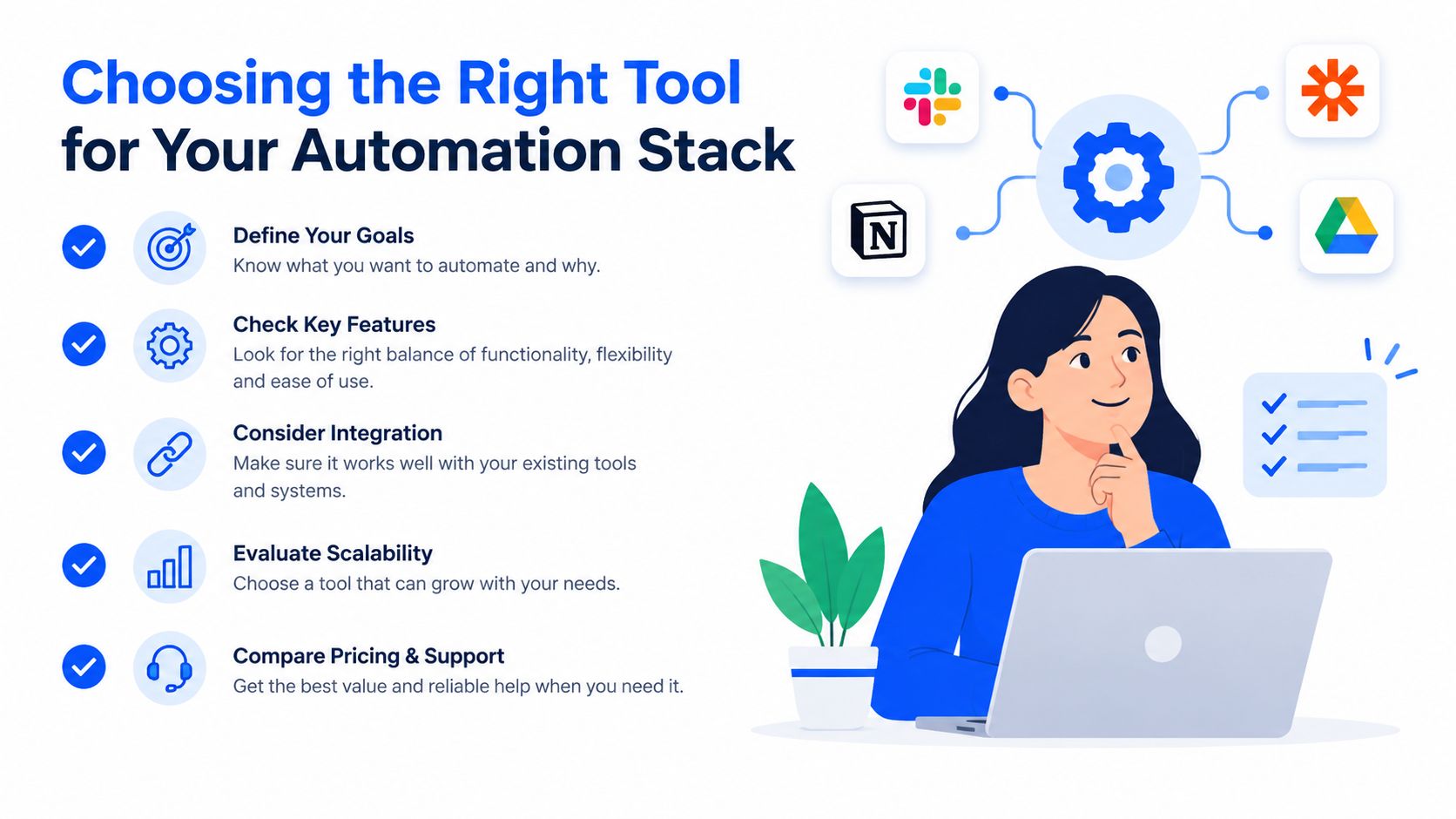
A good decision matrix starts with workload boundaries, not framework fashion. Playwright is the default recommendation for new enterprise-grade automation because cross-browser support, isolation, locators, tracing, and parallel workers address the problems that appear as a suite grows. Puppeteer is the better fit when the requirement is explicitly Chromium-only and the team values a small, direct control layer.
| Requirement | Stronger fit | Reason |
|---|---|---|
| Chromium-only PDF or screenshot utility | Puppeteer | Direct, focused browser control |
| Firefox and WebKit coverage | Playwright | Native multi-engine support |
| Large parallel CI suite | Playwright | Built-in workers and context-oriented execution |
| Direct DevTools Protocol work | Puppeteer | Chrome-first control surface |
| New shared automation standard | Playwright | Less surrounding framework glue |
| Stable legacy Chrome scripts | Puppeteer or staged migration | Avoid unnecessary rewrite risk |
A migration sequence that protects delivery
Inventory behavior before APIs. Record browsers, environments, selectors, waits, authentication state, network mocks, artifacts, and downstream consumers. A script that looks small may support a critical release gate or document process.
Classify selectors and synchronization. Identify ElementHandle usage, manual wait conditions, fixed delays, and selectors tied to implementation details. Replace brittle patterns with Locator objects and web-first assertions where the workflow moves to Playwright.
Run both stacks during the transition. Keep the existing Puppeteer path available while the Playwright path proves equivalent outputs. Migration validation should compare rendered results, generated documents, extracted records, and failure artifacts, not only exit codes.
Pin the runtime. Treat browser versions, operating system images, dependencies, and environment variables as release inputs. Reproducible installation matters as much as application code when a browser is part of the production pipeline.
Retire deliberately. Remove the old path only after ownership, rollback, observability, and support procedures are clear. A dual-stack period may cost more temporarily, but it prevents a library migration from becoming an application outage.
The strategic choice also depends on governance. Agencies need repeatable delivery across client portfolios. Enterprises need consistent controls across brands. System integrators need a framework that can sit beside APIs, queues, CMS workflows, and deployment systems without creating a separate operational island.
Scaling Automation on a Managed Digital Experience Platform
Browser automation inherits the weaknesses of its runtime environment. Teams still need to provision workers, patch operating systems, manage browser binaries, secure credentials, route network traffic, collect logs, and isolate workloads. A managed digital experience platform doesn't remove the need for sound automation design, but it can remove much of the undifferentiated infrastructure work surrounding the browser.
That distinction matters for agencies and multi-brand organizations. A shared platform can centralize content, commerce, CRM, email, APIs, and site operations while automation validates or operates the resulting experiences. The browser layer can then focus on tasks such as rendered-page checks, migration comparison, document generation, and approved agent actions instead of carrying the entire burden of hosting and governance.
Visual workflows also benefit from deliberate guidance. Teams designing human or AI-assisted browser operations can use Halo AI's resource on automate visual UI guidance to think through how users and agents interpret interface state, rather than treating every page as a sequence of blind clicks.
The platform operating model
We provide WebinOne as a managed digital experience platform with CMS, ecommerce, CRM, email marketing, multi-site management, and headless APIs in one system. We run it on AWS across six global data centers, report 99.99% uptime over the last 12 months, and support dedicated hosting options and selectable data residency. We're also an AWS Partner with WebinOne live on AWS Marketplace, and our platform has completed an AWS Foundational Technical Review and AWS Well-Architected Review.
That foundation is relevant when browser workflows become part of a migration or managed service. We've migrated 3,000+ sites, including complex portfolios, and the platform offers pricing from $10/month with zero transaction fees on ecommerce, according to our published platform information. AgentOne adds managed vibe coding inside the platform, where scoped agents can build, update, optimize, and operate sites with visible, reviewable, reversible changes rather than generating code and abandoning the deployment.
Consolidating the runtime, site operations, and automation ownership can reduce the number of handoffs between agency developers, infrastructure teams, QA specialists, and platform vendors. Teams assessing that operating model can use this guide to reduce total cost of ownership as part of a broader re-platforming case.
WebinOne gives agencies and enterprise teams a managed environment for multi-site delivery, migration validation, browser-driven operations, headless delivery, and AgentOne workflows with auditable changes. Visit WebinOne to evaluate the platform, review migration options, and speak with the team about replacing fragmented browser and digital experience infrastructure.