Landing Page Templates for Agency Scale
The usual advice says landing page templates are a design problem. That's the wrong frame. For agencies and systems integrators, templates are an operating model, they decide how fast teams launch, how often QA repeats, and how much margin survives when a portfolio starts growing.
A template that only looks polished is just a pretty bottleneck. The useful kind is a repeatable structure that protects message match, keeps one primary action in view, and lets teams ship campaign variants without rebuilding every page from scratch. That shift matters because landing pages with a single call to action have been reported to convert 266% better than pages with multiple calls to action, personalized landing pages can increase conversions by 202%, companies with 40+ landing pages generate 12x more leads than companies with 5 or fewer, and mobile-optimized pages can see 160% higher conversion rates (template benchmark summary).
Table of Contents
- The Operational Reality of Landing Page Templates
- Benchmarking Template Performance by Campaign Type
- Selecting and Customizing Templates for Conversion
- Governing Accessibility and Compliance at Scale
- Deploying Templates on a Managed Digital Experience Platform
- Moving Beyond Fragmented Open-Source Stacks
The Operational Reality of Landing Page Templates
Template libraries become valuable when they reduce repeat work, not when they decorate a homepage. In agency portfolios, the true cost is rarely the first build. It's the second, third, and twentieth version, each one needing the same layout decisions, the same QA checks, and the same client approvals.
Templates are delivery infrastructure
A team that treats landing page templates as infrastructure can standardize the parts that keep breaking. One primary CTA, predictable form placement, consistent module behavior, and clear mobile behavior are not creative constraints, they're guardrails that reduce rework. That matters when several account teams need to launch campaigns at once and no one wants to rebuild the same structure for each audience segment.
Practical rule: if a layout forces the same QA conversation on every launch, it isn't a template system yet.
The strongest argument for templates is operational, not aesthetic. Industry reporting has tied template thinking to repeatable conversion structures, and that logic is easy to understand in portfolio work. A page library that bakes in one action, clear messaging, and mobile-first layouts gives agencies a stable baseline for experimentation, while still letting each campaign carry its own offer and copy.
That same discipline helps with attribution and measurement. A helpful reference on landing page attribution is worth keeping close because template governance only matters if teams can connect each variation to real outcomes. Without that loop, template libraries become a storage problem instead of a growth system.
Margin comes from consistency
When a client portfolio grows, every bespoke decision gets expensive. Designers spend more time polishing one-offs, developers spend more time translating the same components, and account managers spend more time explaining why launch timing slipped. A disciplined template system keeps those costs down by making the page structure familiar before content even changes.
That's why agencies shouldn't ask whether a template is “good-looking.” They should ask whether it can be deployed, reviewed, and reused without adding friction. If the answer is no, it's not an asset, it's a hidden labor sink.
Benchmarking Template Performance by Campaign Type
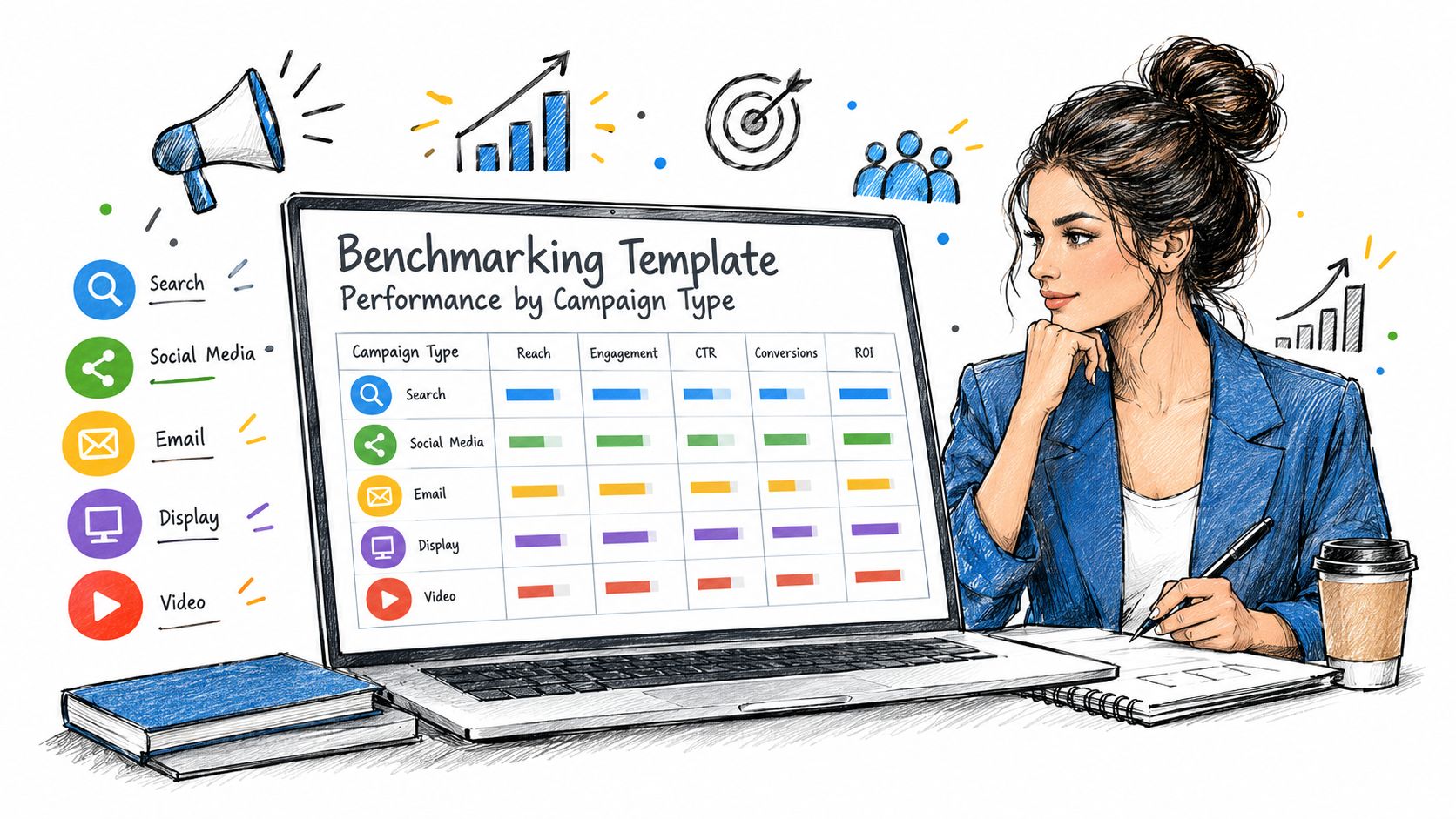
Benchmarks matter because a template can look clean and still underperform. The useful question is whether the page structure matches the traffic source and the campaign's intent. A landing page that works for broad awareness traffic may be a poor fit for a high-intent email audience, even if both pages share the same visual system.
What the numbers are really telling teams
The Unbounce 2024 benchmark work analyzed more than 57 million conversions across 41,000+ landing pages and reported a cross-industry median conversion rate of 6.6%, with industry medians ranging from 3.8% to 12.3% (benchmark overview). Another Unbounce-based dataset covering 41,000 pages and 464 million visits also found a 6.6% median conversion rate, with pages at or above 10% generally considered strong and around 11.4% marking the 75th percentile starting point (performance benchmark reference).
That gives agencies a practical QA lens. A template that lands below roughly 3% often points to a message mismatch or friction in the form or offer flow, while 3–7% is a common band for many lead-gen pages. Those aren't universal truths, but they're useful thresholds before a layout gets rolled out across an account portfolio.
Structure is part of performance
Layout choices shape those results. A page with a single clear CTA has been reported to convert 266% better than a page with multiple competing CTAs, and marketers in industry reporting identified a four-question form as the ideal length, with video named the #1 conversion-impacting element in 38.6% of responses (conversion and template structure data).
That doesn't mean every template should become a one-size-fits-all conversion machine. It means the library should support different campaign mechanics without breaking the core logic. Email-driven traffic, for example, can justify a more direct, high-intent layout, while broader paid traffic often needs more context before the form appears.
A useful internal check is simple.
- High-intent campaigns: tighten the form, keep the CTA singular, and remove anything that behaves like an exit.
- Broader prospecting campaigns: keep the structure focused, but add enough context to support the offer.
- Video-led pages: test the placement carefully, because media can help or distract depending on the audience and the offer.
For teams comparing template choices against live campaign intent, a guide like discover rival ad landing pages guide can be useful for research discipline, even though the remaining work still comes down to message match and page structure.
Selecting and Customizing Templates for Conversion
Template selection should follow campaign complexity, not design preference. A simple lead capture page can use a lighter structure. A product launch, segmented audience page, or multi-step offer needs more room for proof, sequencing, and decision support. Forcing those jobs into a rigid generic layout creates friction the page cannot hide.
Match the layout to the job
Intent is the first filter. If the visitor is already close to action, the template should shorten the path to the form and strip out anything that slows the handoff. If the audience is earlier in the journey, the page needs more context before it asks for commitment.
Complexity is the second filter. A high-stakes launch, a multi-audience campaign, or a page built around several proof points should not inherit a template designed for a lightweight offer. That is how conversion debt starts. The page still looks tidy, but the constraints make the message harder to read and the offer harder to trust.
Adaptability is the third filter. A reusable template should let teams swap content blocks without breaking the core flow. That means one primary action, restrained navigation, and modular media zones that can hold video, imagery, or a short form without forcing a rebuild.
Customize without breaking the logic
The strongest templates do not invite decoration, they enforce discipline. Teams should remove secondary exits, keep the CTA visible, and use only the modules that support the page's job. Mobile behavior matters here too, because the template has to hold up when the layout compresses and the copy stacks differently.
For teams that need a flexible content layer, Liquid templating gives agencies a controlled way to manage repeatable logic instead of hardcoding every variation as a one-off.
Use this sequence: choose the campaign type, define the minimum content required, then pick the template that can hold that structure with the least compromise.
AI personalization is where many teams overbuild. Personalization can help, but only if it stays inside a controlled template system that does not slow the page or scatter the visitor's attention. A tool for AI-powered UX testing for landing pages can surface which variations hurt the experience before they go live. The rule is simple, personalize the message, not the fundamentals.
Governing Accessibility and Compliance at Scale
At scale, accessibility decisions happen in the template library, not in a last-minute QA pass. Public-sector, enterprise, and regulated projects need the page structure, media blocks, and content rules to support compliance before the first campaign variation goes live. State and local governments in the United States usually need to meet WCAG 2.1 Level AA, and the U.S. Department of Justice's web rule identifies that standard as the technical benchmark for those entities (DOJ accessibility guidance).
Governance models like the one outlined in our accessibility and compliance article help teams operationalize those requirements before launch. The practical work starts with the base components.
Build compliance into the base components
A hero image needs meaningful alt text. Color choices need enough contrast. Video blocks need captions or transcripts. Headings need a semantic structure that assistive technology can interpret without guesswork.
Washington State's guidance is explicit on the mechanics. It calls for alternative text, a minimum color contrast ratio of 4.5:1, captions and transcripts for multimedia, resizable text, and compatibility with assistive technologies (accessibility guidance). That reads like a template checklist because it is one.
Customization can break what the base template gets right
Governments in Hong Kong make the same point from another angle. Their accessible web template guide says the templates include 15 accessibility features, such as meaningful text alternatives, text resize, skip-to-content shortcuts, keyboard-accessible menus, sufficient contrast, descriptive link text, and accurate headings, but it also warns that customization can break conformance after launch (accessible template guide).
That warning applies to every multi-site portfolio. A template can be compliant at approval and non-compliant after a local team adds a widget, swaps a module, or changes the text treatment. The governance answer is to review the component library, not only the finished mockup.
A solid control model should include:
- Component approval: only pre-checked blocks enter the library.
- Post-build review: any new widget or content variation gets checked before release.
- Audit cadence: accessibility gets tested on the live output, not assumed from the design file.
- Owner clarity: one team owns the standard, another owns the launch.
A template is only scalable if it keeps producing compliant pages after customization, not just one compliant design in a slide deck.
Deploying Templates on a Managed Digital Experience Platform
Deployment is where template strategy becomes an operating model. Agencies need a way to launch pages across multiple client brands without stitching together plugins, custom code, and handoffs that break at the worst moment. A managed DXP gives them one place to govern the library, control the output, and keep delivery white-labeled under their own brand.
A controlled rollout beats scattered builds
Consistency under load is the main gain. On a platform like WebinOne, teams can use centralized template libraries, native modules, and Liquid templating to launch landing pages across multiple sites from one console. We also use AgentOne, our managed vibe coding system, to generate transparent, auditable code inside approved scopes, so technical teams can extend work without turning every update into a rebuild.
That matters when the portfolio includes ecommerce and migrations. WebinOne charges zero transaction fees on ecommerce, runs on AWS across six regions, and is an AWS Partner that has passed the AWS Foundational Technical Review, holds the AWS Qualified Software designation, and is enrolled in the AWS Software and Services Paths. For agency teams, that reduces the number of infrastructure decisions they have to revisit on every site.
The library should serve operations, not just design
A usable template system needs clear ownership. Staff should know which blocks are approved, which pages can be reused, and which changes require review. A white-label environment also has to keep billing, support, and client-facing branding aligned, otherwise the agency loses control as soon as a site moves from build to maintenance.
WebinOne's template workflow fits a broader DXP model, where CMS, ecommerce, CRM, email, and multi-site management sit in one system. For teams that need a clearer definition of the model itself, what is DXP gives the right framing, because template deployment changes once content, commerce, and client management live together.
Agentic updates need guardrails
Agent-assisted updates only help if they stay auditable. A managed system should make it possible to update copy, replace modules, or iterate on a landing page without losing traceability or breaking the page structure. That is the difference between faster delivery and unmanaged sprawl.
When the template system, the deployment model, and the approval flow line up, agencies stop paying twice for the same work.
Moving Beyond Fragmented Open-Source Stacks
The true cost of fragmented stacks isn't the license line. It's the maintenance burden, the patching cycle, the plugin conflicts, and the knowledge that lives in one person's head. When a site portfolio grows, that setup turns every change into a risk event.
Why the migration argument is operational, not ideological
Teams don't move because one platform is fashionable. They move because the current setup slows delivery and makes scaling expensive. A unified managed platform reduces the number of systems that have to be kept in sync, and that matters when agencies are trying to protect margin rather than spend it on maintenance.
That is especially true for multi-site portfolios. If each client build needs separate fixes, separate plugins, and separate hosting decisions, the agency keeps paying a complexity tax. A managed DXP consolidates that work into one operating layer, so staff can spend more time on strategy, campaign execution, and client growth.
The hidden risk is key-person dependence
Fragmented builds often depend on a few people who know how the stack really works. When one of them leaves, the business loses more than memory, it loses control. That's a dangerous place for an agency or integrator, especially when the portfolio includes regulated clients, seasonal launches, or ongoing content operations.
A unified platform lowers that exposure by standardizing how pages are built, how templates are governed, and how updates are deployed. It also gives the delivery team a cleaner handoff path, because they're not reassembling the stack every time a client asks for a new campaign.
The next step is a partnership conversation
For agencies and systems integrators, the practical next step is a conversation about migration, white-label delivery, or a reseller path. A platform only matters if it improves delivery speed and protects the margin model, and that's the lens worth using when evaluating the move.
WebinOne gives agencies and systems integrators one managed place to build, govern, and scale landing page templates across client portfolios. If the goal is cleaner delivery, stronger control, and less maintenance drag, visit WebinOne and start a conversation about partnership or migration.