System Agent
 Designer
Turn a client brief, files or a Figma link into a clickable website prototype, without weeks of mockups.
What it does
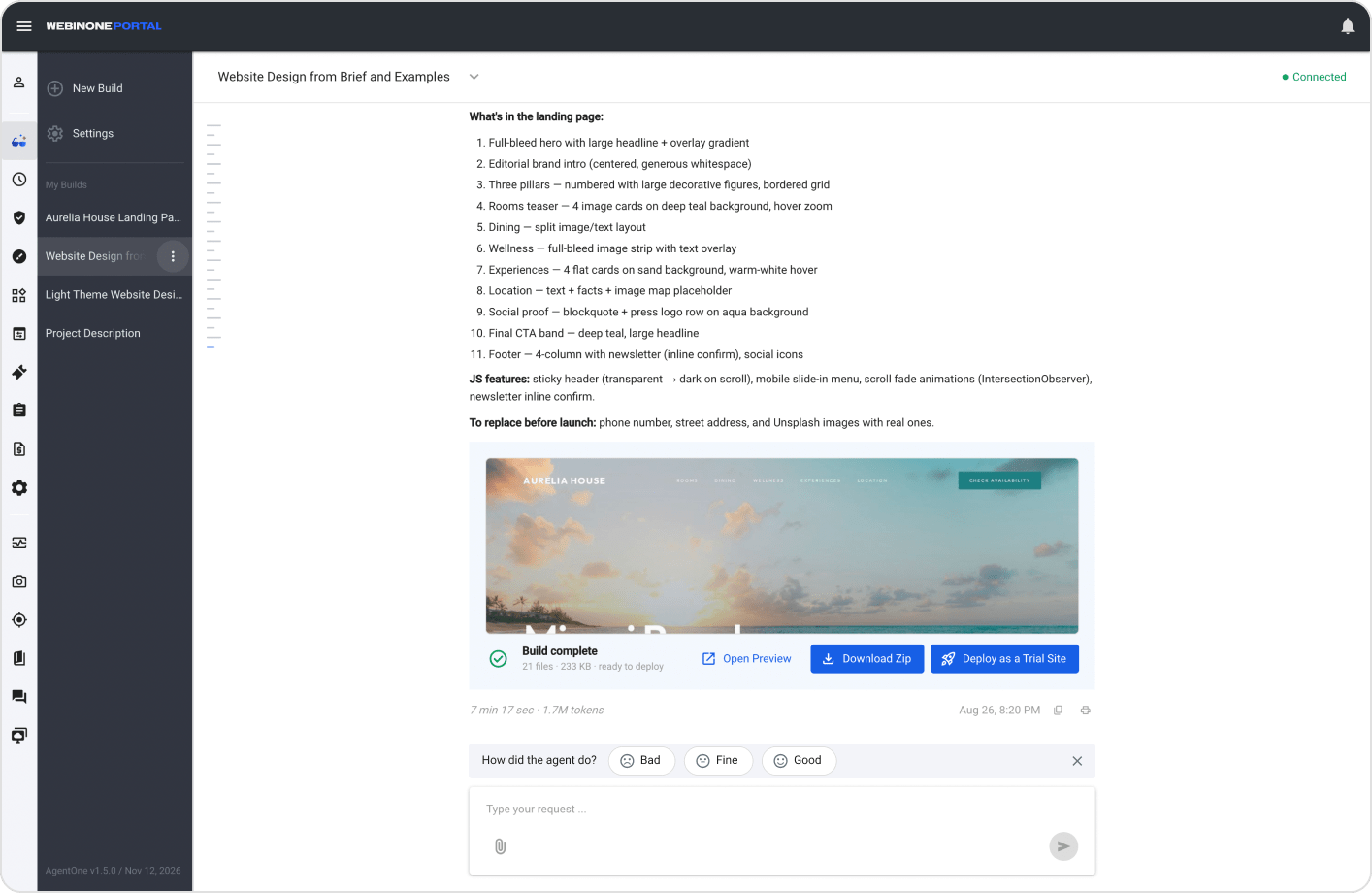
The Designer is the AgentOne agent that turns a website brief into a clickable prototype. You describe the site and attach the client’s logo, documents, screenshots or a Figma link. It asks what’s missing, shows you a plan, and builds a responsive multi-page design you can preview, change in chat and send on to be built.
It’s made for agencies and freelancers who need a first design a client can click, and for designers who already have the design in Figma and don’t want it rebuilt by hand.
How it works
- Start a new project in Builds in the WebinOne Portal and describe the site.
- Attach what the client gave you, or paste a Figma link.
- Answer a few short questions in the chat and approve the plan.
- The Designer builds the pages and reports each step as it goes.
- Click through the preview and ask for changes in the same chat.
- Click Deploy to turn it into a real WebinOne site.
What you can give it
- Your brief, in plain words. Describe the business, the pages and the style you want.
- Client files. Logos, images, screenshots, spreadsheets and PDFs, scanned ones included.
- A Figma link. It builds each section from the real design: colors, fonts, spacing and images.
- A design you already have. It reads a supplied design, builds from it, then takes your feedback.
How it designs
- A character of its own. Every site gets a creative direction that fits the business.
- Images that fit. Pictures are chosen for what each section is about.
- Polished details. Evenly centered card rows, alternating section backgrounds, a favicon and a working mobile menu.
- No empty gaps. It checks every page for large accidental empty areas.
- Responsive. Every page works on desktop, tablet and phone.
Review and share
- Live preview. Click through the design with your client.
- Change it in the chat. Ask for changes and the preview updates.
- Try another direction. Duplicate the chat to explore a different idea.
- Kept separate. The project lives in its own area, apart from your live sites.
- Download or deploy. Download the project as a ZIP, or click Deploy to build it as a WebinOne site.