
Unified Stack
CMS + CRM + Ecommerce + Email + Hosting - one integrated stack, not 5 APIs stitched together
AgentOne works inside WebinOne, just like a person would. It builds with the same modules, forms and menus you use, so what it makes is a normal site that you, your team or your client can keep editing by hand.
Already a Partner? Start a new Build in your Portal →
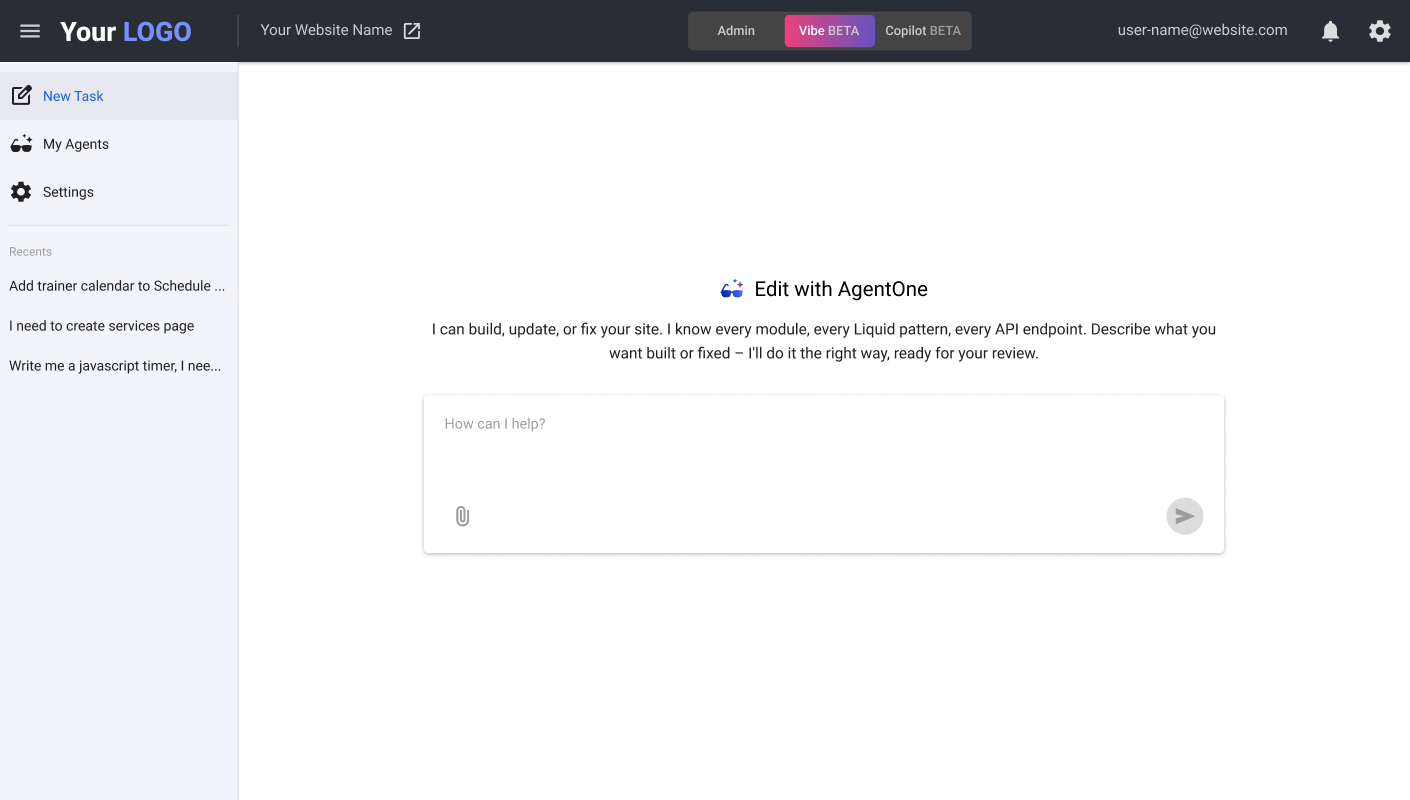
Vibe coding is great at getting you started. You describe something and AI builds it. But then someone has to own that code, host it and keep it running. Managed Vibe Coding starts somewhere else: your very first prompt in AgentOne already puts you inside the WebinOne ecosystem.
So when version one is ready to ship, you have five ways to manage and scale it:
Keep going with AgentOne: Vibe mode for the big jobs, Copilot beside you for the small ones.
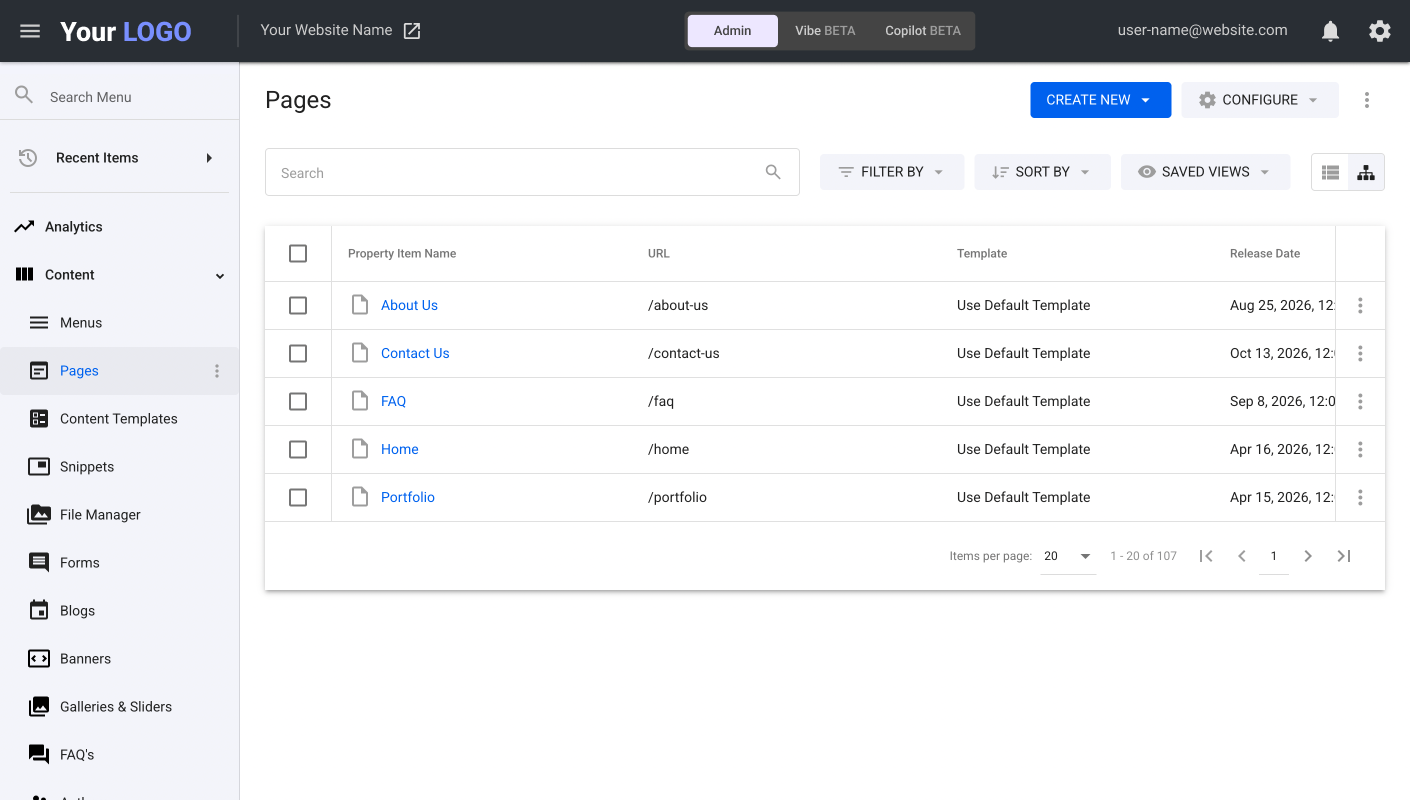
A complete admin UI for you, your team and your client, backed by full documentation.
Full access to the code and every asset, whenever you want to work hands-on.
The WebinOne team is there when a project needs custom work.
Already live in one of our data centers on AWS. No infrastructure to worry about.
AgentOne designs, builds and writes directly inside a managed platform, from the very first prompt - that's the Managed Vibe Coding approach. No throwaway code, just your site, live on WebinOne DXP.
| Typical vibe coding tools | Managed Vibe Coding (AgentOne) | |
|---|---|---|
| What AI does | Generates code |  Designs, builds and writes with the platform's own manageable pages, modules, forms, CRM, Ecommerce and more |
| After AI finishes | Someone has to own the code | A running, hosted website built to the platform's standards, with a complete Admin UI |
| Who controls it | The tool | Your agency sets the boundaries and rules |
| Security | Up to you | Managed by WebinOne on AWS with 99.95% uptime SLA |
| When something breaks | Type-and-pray and burn tokens, or debug the code yourself | One-click rollback from backups, plus draft mode, user guardrails and permissions to prevent incidents |
| After launch | Back to "type-and-pray" or the code editor | Ongoing work in Admin, with Copilot or your Custom Agents: your choice |
| Revenue model for agency | Mostly the build fee | Build fee + recurring hosting + AI management + custom automation flows |
| Learning curve | A new tool every project | The same platform you and your team already know |
Four ways to put AI to work, inside the platform
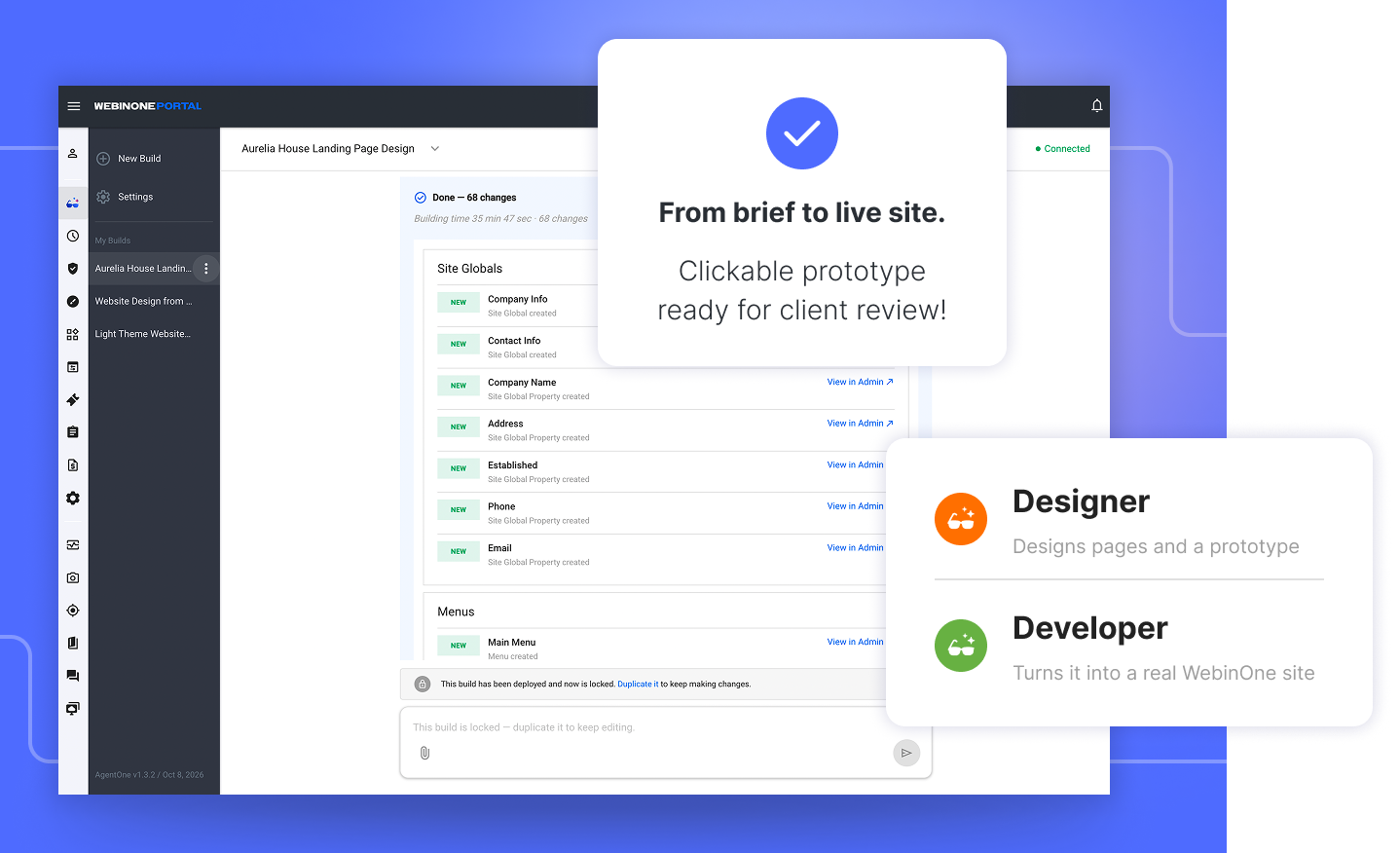
Give the Designer a client brief and files: logo, PDFs, spreadsheets, screenshots, images. It asks about anything missing, designs the pages and builds a clickable prototype you can refine with your client in chat. Once approved, the Developer turns it into a real WebinOne site.
Weeks of design and build, down to days, or even hours.
How it works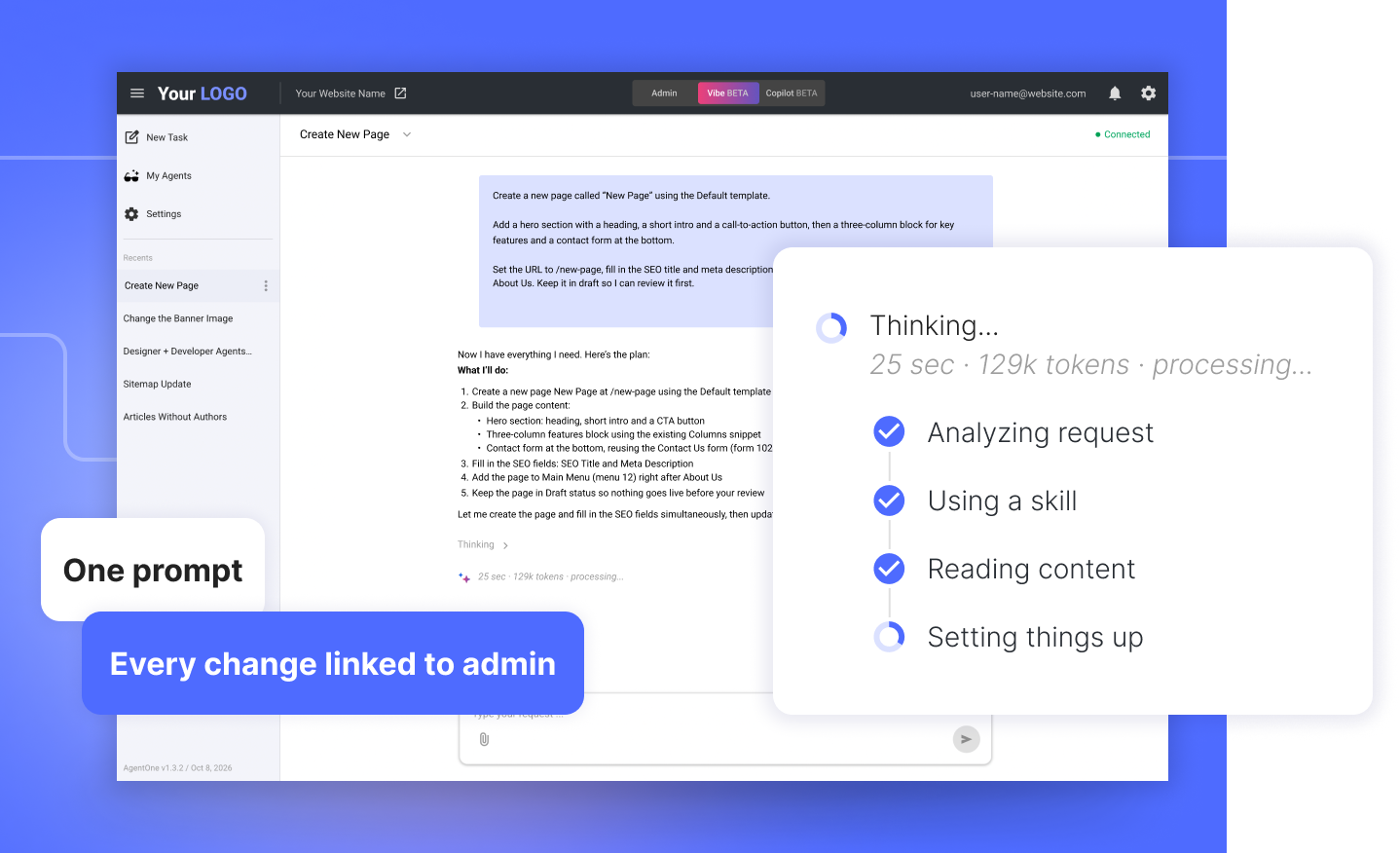
Flip to Vibe mode, describe what you need and attach files if they help. AgentOne picks the right agent, shows its thinking, fixes its own errors and finishes with a list of everything it changed, each item linked into the admin.
New pages, forms, menus and site-wide settings, from one prompt.
How it works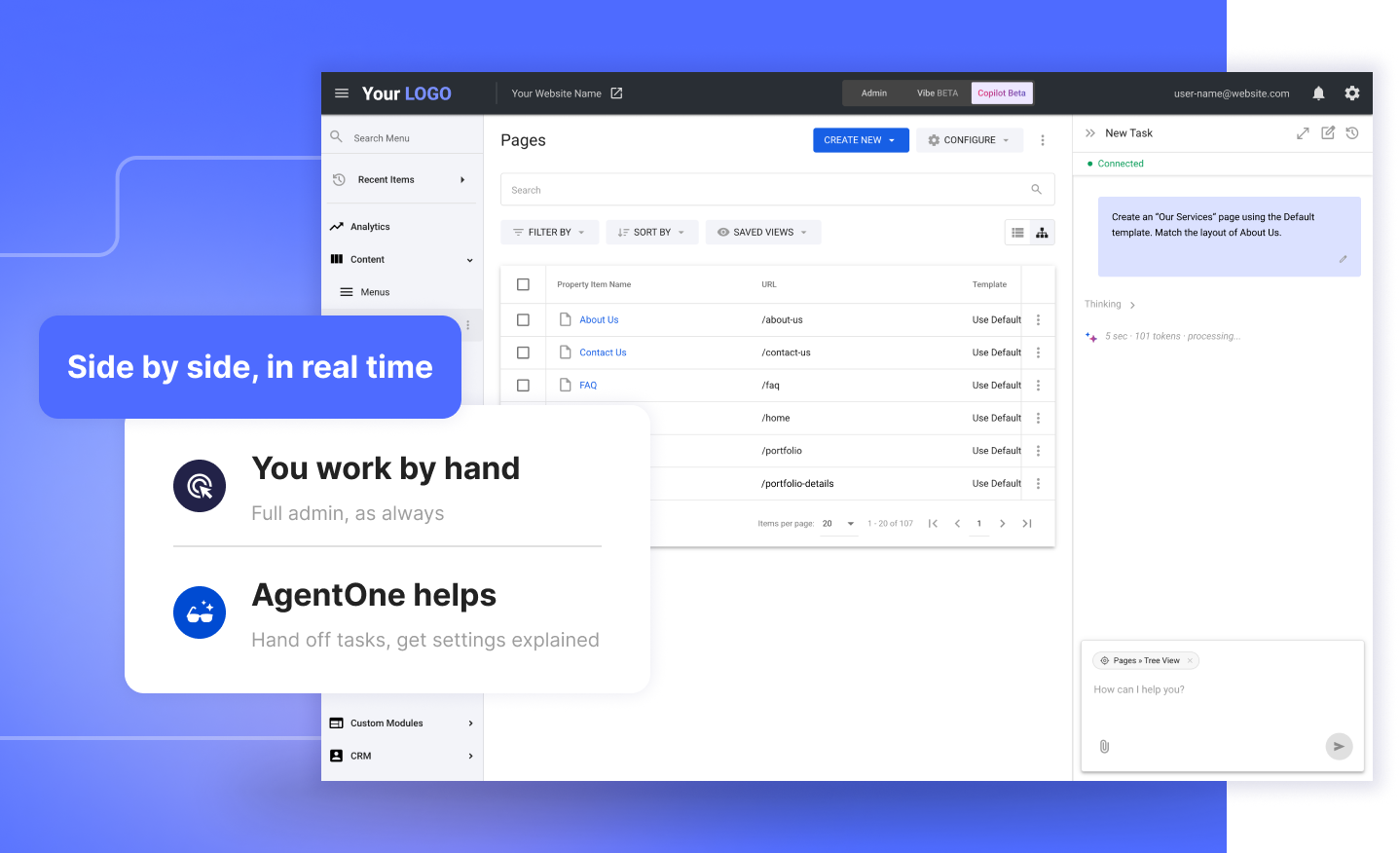
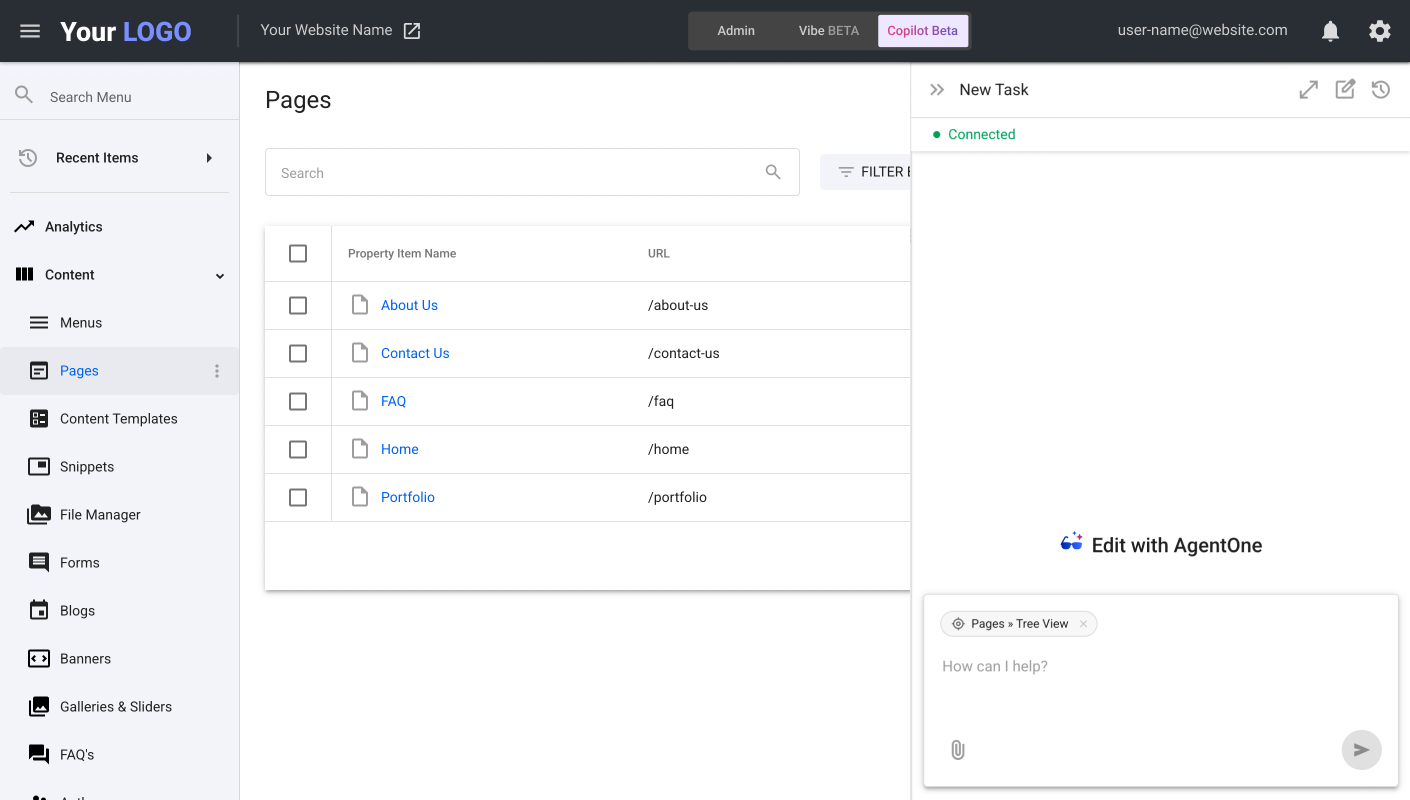
Work by hand on one side while AgentOne works beside you on the other. It already knows which page you're on, so you skip the module names and IDs and just ask. Hand off a task, or have a setting explained.
Admin is you. Vibe is AgentOne. Copilot is both.
How it works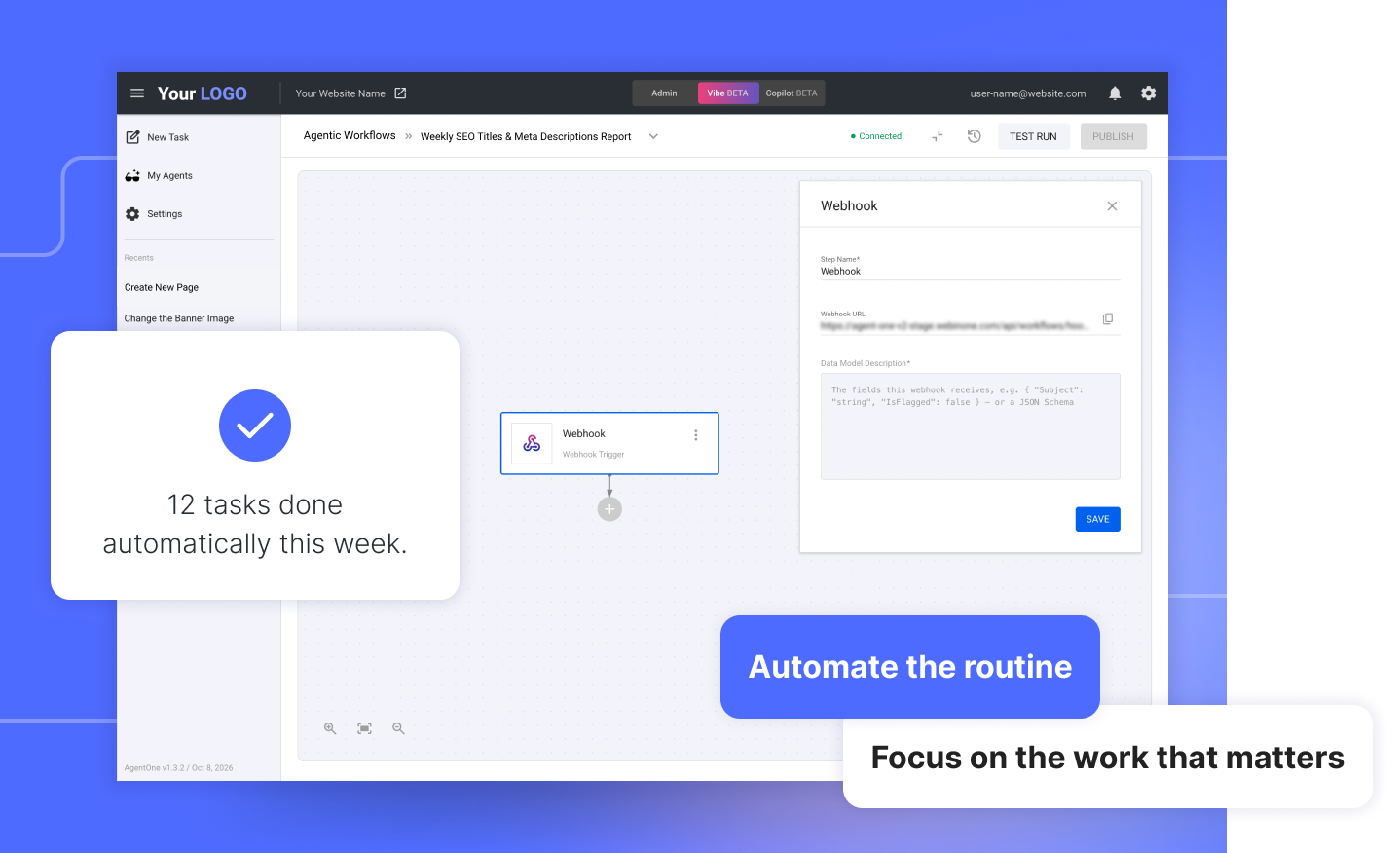
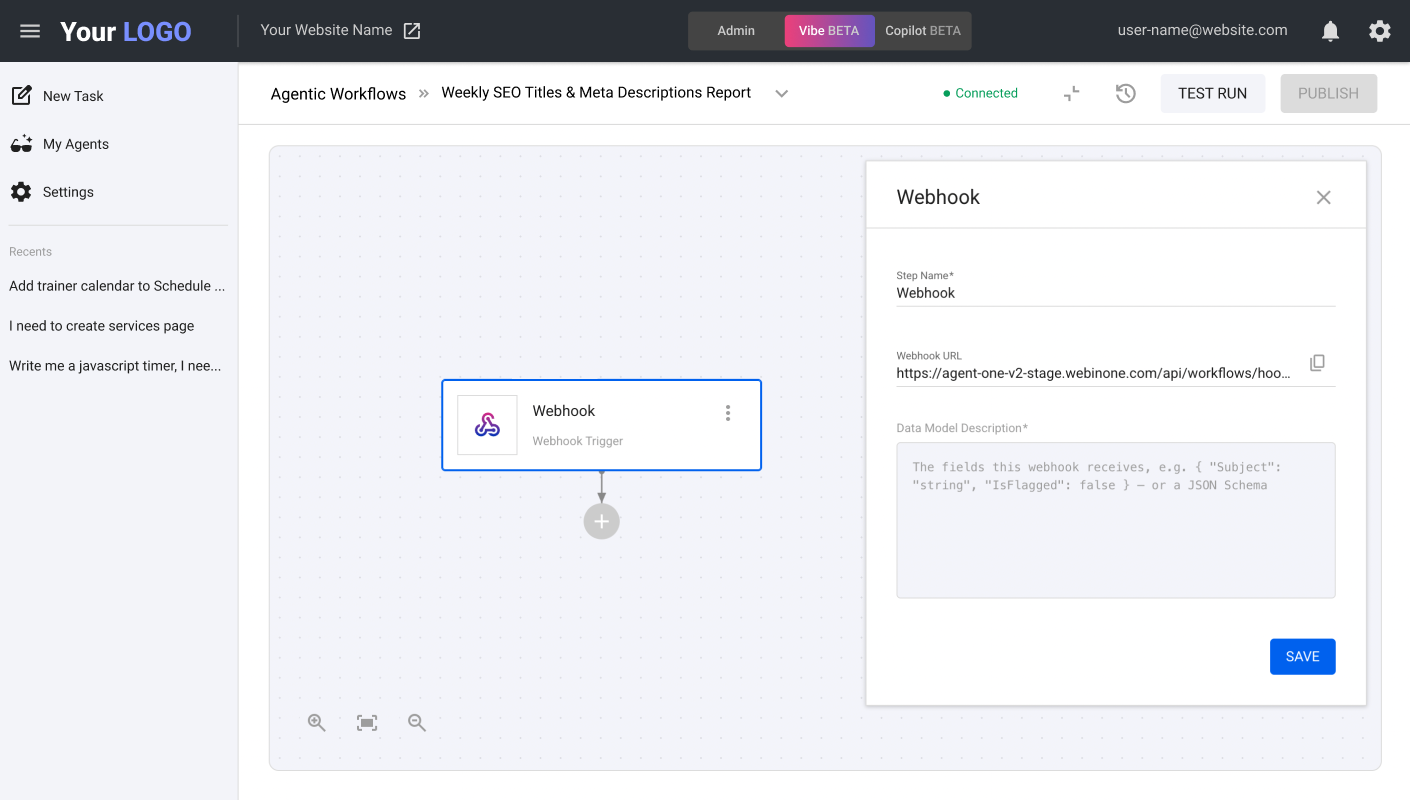
Build your own agents for your cases and scenarios: describe what you need in chat, and AgentOne sets each one up with its own prompt, documents and skills. Agentic Workflows then run them on their own: on a schedule, from a webhook or from a call in chat.
Your methods, turned into agents that do the work your way.
Coming soon (in final testing)
The biggest question about AI is "What if it changes something I don't understand?"
We built AgentOne around that question:

Review every change before it goes live. Nothing publishes without your approval.

You control exactly what AI can and can't do. Your standards, enforced - AI follows your design system, your code patterns, your rules.

Your site is backed up automatically, with one-click rollback if needed. AgentOne's history shows exactly what was changed and when.
AgentOne isn't a bolt-on AI chatbot. It operates natively on a unified platform:
CMS + CRM + Ecommerce + Email + Hosting - one integrated stack, not 5 APIs stitched together

AgentOne works with real business data, not generated code fragments. No plugin patchwork: every component is native.

6 global data centers on AWS, managed with backups, SSL, CDN and a 99.95% uptime SLA

Enterprise-grade since 2018
WebinOne is the only platform where AI operates the entire business stack - natively, securely, within agency control.
This area is exclusive for WebinOne Partners only. This is not your login to WebinOne Portal. To log in into WebinOne Portal go to: portal.WebinOne.co